


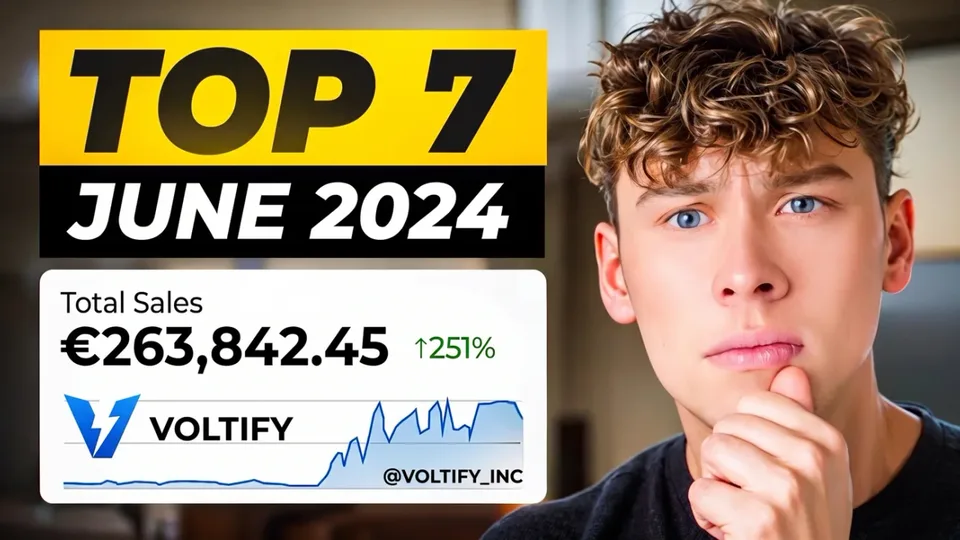

YouTube Thumbnail Resizer
Drop an image, pick the thumbnail size, crop or fit it, download. Nothing leaves your browser.
The short answer
A YouTube thumbnail is 16:9. YouTube's help page now asks for 3840 x 2160, so it holds up on a television, and takes up to 50 MB from a computer. 1280 x 720 is still the size YouTube serves on the web, and it is the one to use when your image is smaller than 4K or you are uploading from the phone app, which stops at 2 MB.
Shorts are a different file: 9:16, and YouTube asks for 2160 x 3840 with a minimum height of 640. Whichever you make, keep faces and words out of the bottom right corner, where YouTube prints the video length on every thumbnail.

Built and checked by Matúš Koleják, Co-founder, AI Social Media Now. Last checked September 2026.
What the sizes here come from
- YouTube Help, Add video thumbnails for 3840 x 2160 for videos and 2160 x 3840 for Shorts, the 640 pixel minimum, and the 2 MB mobile and 50 MB desktop limits.
The sizes match the ones argued for in YouTube thumbnail size, and the 4K change. The examples on this page were produced by the same code the tool runs.
Posts that hold up next to
Every YouTube size the tool makes
The pixel sizes YouTube displays, not the sizes a design app offers in a dropdown. Upload at these and there is nothing left for YouTube to crop or recompress on your behalf.
| Use | Pixels | Ratio | What it is for |
|---|---|---|---|
| 1280 x 720 | 1280 × 720 | 16:9 | The size YouTube serves on the web, and small enough to stay under the 2 MB limit in the phone app. |
| 4K | 3840 × 2160 | 16:9 | What YouTube asks for now, so thumbnails hold up on a television. Worth it only if your image is that big. |
| Shorts | 1080 × 1920 | 9:16 | 9:16. YouTube asks for at least 640 high and only takes it from YouTube Studio on a computer. |
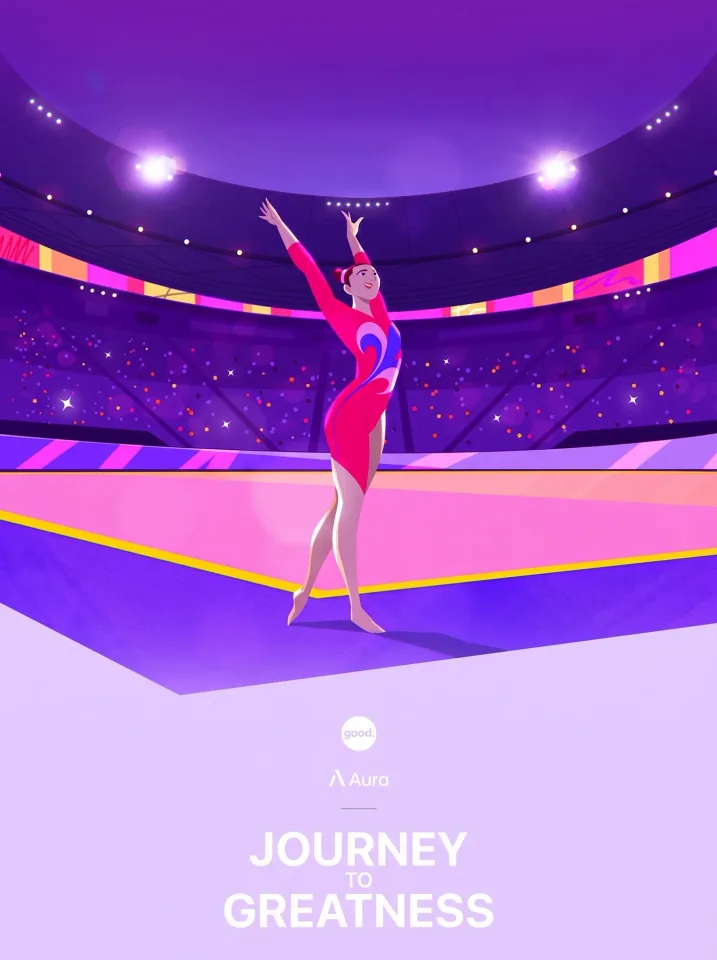
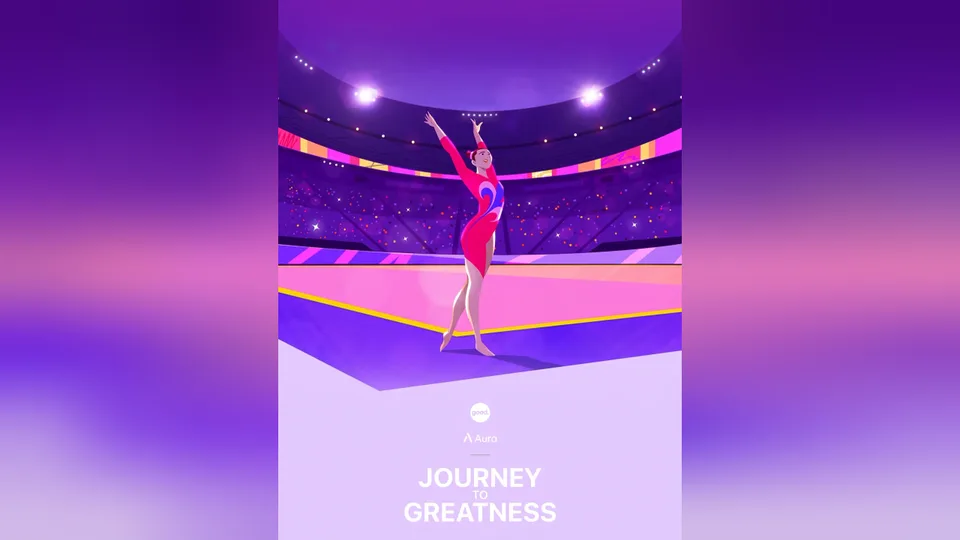
Four posts, before and after
Each post on the left was designed at some other size. The one on the right is what this tool returns for it, drawn by the same code, at the size and in the mode named underneath.






How to resize an image for YouTube
1
Drop your image
Choose a file, drag it onto the box or paste a screenshot. It is read by your browser and never uploaded, so a client's unreleased artwork is as safe here as on your desktop.
2
Pick the YouTube size
Each size is one YouTube actually displays, with a line on what it is for. The preview redraws at the real pixel size as you switch, and says how much a crop would cut.
3
Crop or fit, then download
Crop fills the frame and you drag to choose what stays. Fit keeps the whole picture and fills the gap with a blurred copy or a colour. Download a JPG or a PNG at exactly the size you picked.
Crop or fit: the one choice that matters
A picture that is a different shape from the frame has to give something up. Crop gives up edges: the image is scaled until it covers the frame and the overhang is cut, which keeps the post full bleed. It is right for photographs with room around the subject. Drag the preview and you choose which edge goes.
Fit gives up nothing from the picture and spends the frame instead: the whole image sits inside it and the leftover band is filled. It is right for anything with words near the edge, such as a designed post, a screenshot or a slide, where a crop would take letters with it. A blurred copy of the image makes the band look intentional; a flat colour from your brand makes it look designed.
Questions
What size is a YouTube thumbnail?
16:9. YouTube's help page asks for 3840 x 2160 with a minimum width of 640. 1280 x 720 is the long standing figure and still the largest thumbnail YouTube serves on the web, so it is a safe choice for any image smaller than 4K.
What is the thumbnail file size limit?
2 MB when you upload from the phone app and 50 MB from a computer. The tool shows the finished file size and warns when it is over 2 MB, so a thumbnail made here uploads from either.
What size is a YouTube Shorts thumbnail?
9:16. YouTube asks for 2160 x 3840, with a minimum height of 640, and custom Shorts thumbnails can only be added in YouTube Studio on a computer. The Shorts preset here makes 1080 x 1920.
How do I turn a vertical photo into a 16:9 thumbnail?
Choose Fit. The whole photo is placed in the middle of the frame and the sides are filled with a blurred copy of it or a flat colour, which is the usual look for a portrait shot on a landscape thumbnail. Crop instead if you would rather lose the top and bottom.
Where should the text go on a thumbnail?
Anywhere but the bottom right corner. The video length is printed there on every thumbnail on the service, so a word or a face in that corner is covered wherever the video is shown.
Is my image uploaded anywhere?
No. It is resized in your browser and saved on your device. No account and no watermark.
Or skip the resizing entirely
AI Social Media Now reads your website and designs your feed posts and stories for you, already at the size each network wants, in your colours and your voice. Every post on the gallery wall was made that way.
Make my first posts free