9 best AI CAD generators in 2026
Nine AI CAD generators, ranked by what they actually hand you. TechDraw AI comes first for turning a photo, sketch or sentence into a dimensioned drawing your CAD program opens; Zoo is the pick for a parametric solid from a prompt.
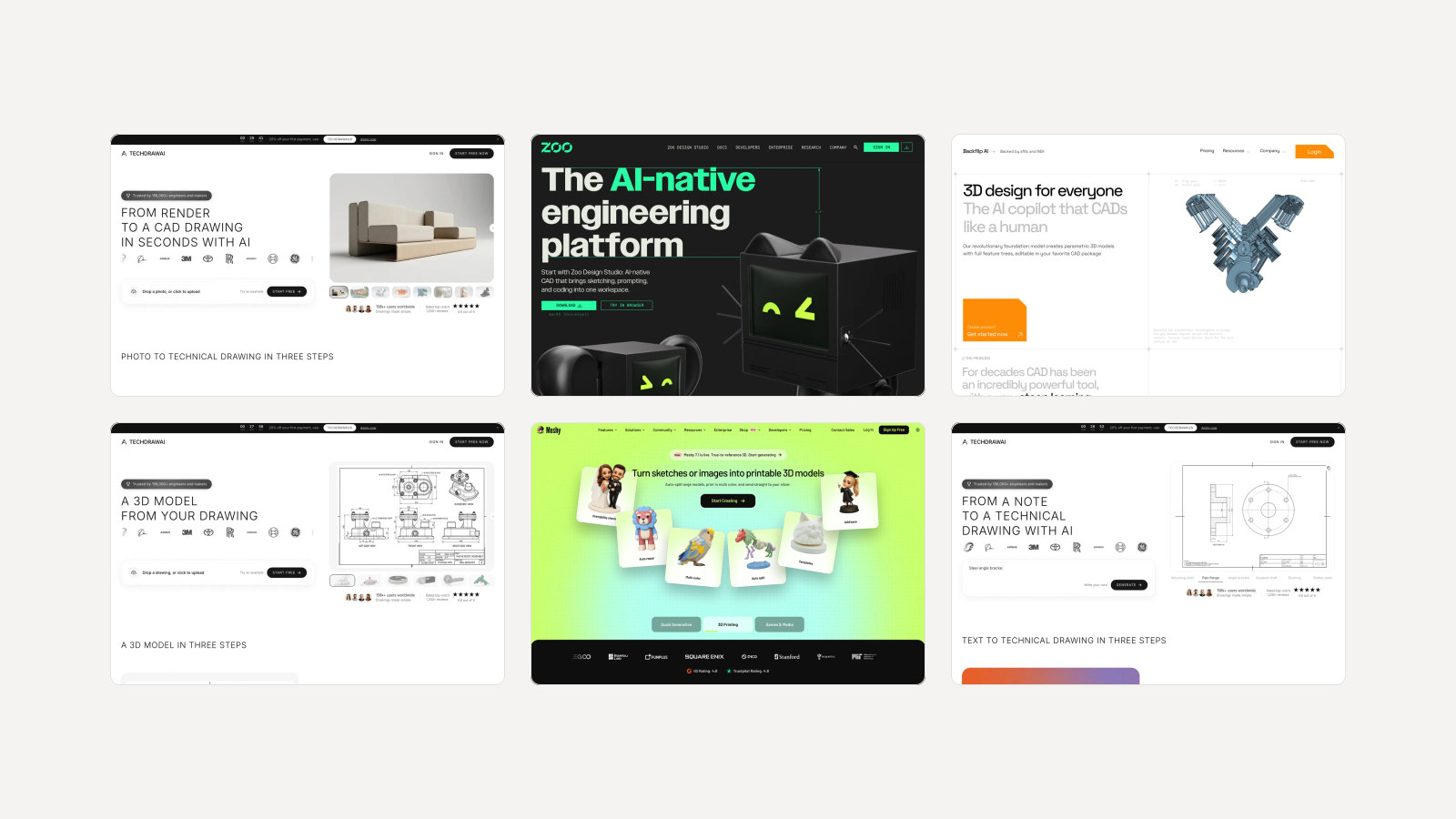
"AI CAD generator" covers four different kinds of tool, and the difference is the file you get back. Some write a parametric solid from a sentence. Some draw a dimensioned 2D sheet from a photo. Some drive the CAD program you already pay for. And some make a triangle mesh, which looks like a part on screen and cannot be edited like one. Before you compare prices, decide which of the four you need, because a cheap tool that returns the wrong kind of file is the expensive one.
Our articles are still written by humans!
Get human written articles in your Google feed.
The best AI CAD generators at a glance
| Tool | What you get back | Cheapest paid plan | Free option |
|---|---|---|---|
| 1. TechDraw AI | Dimensioned 2D drawing from a photo, sketch or text (DXF and DWG on Studio), plus 3D meshes | €29/mo, or €11/mo billed yearly | Credits for one drawing, watermarked PNG |
| 2. Zoo | Parametric B-rep solid from text, as STEP | $20/mo, or $99/yr | 20 min of agent time a month |
| 3. Backflip AI | Parametric model with feature tree from scans, photos, drawings | $20/mo (100 credits) | 50 credits, no card |
| 4. Adam | Edits to your Onshape, Fusion or SolidWorks files | $40/mo | Light daily quota |
| 5. MecAgent | Native SolidWorks parts, assemblies, drawings | $84/mo billed yearly, $99 monthly | Free plan, no drawing conversions |
| 6. Autodesk Fusion | Parametric Fusion model, via Autodesk Assistant | $680/yr, $85 monthly | 30 day trial |
| 7. SOLIDWORKS | Native SolidWorks geometry, via AI companions | $2,820/yr | None |
| 8. Leo AI | Engineering answers, calculations, part search | Not published | Demo only |
| 9. Meshy | Triangle mesh (STL, OBJ, GLB), not CAD | €19/mo | 100 credits a month |
1. TechDraw AI: the best AI CAD generator overall
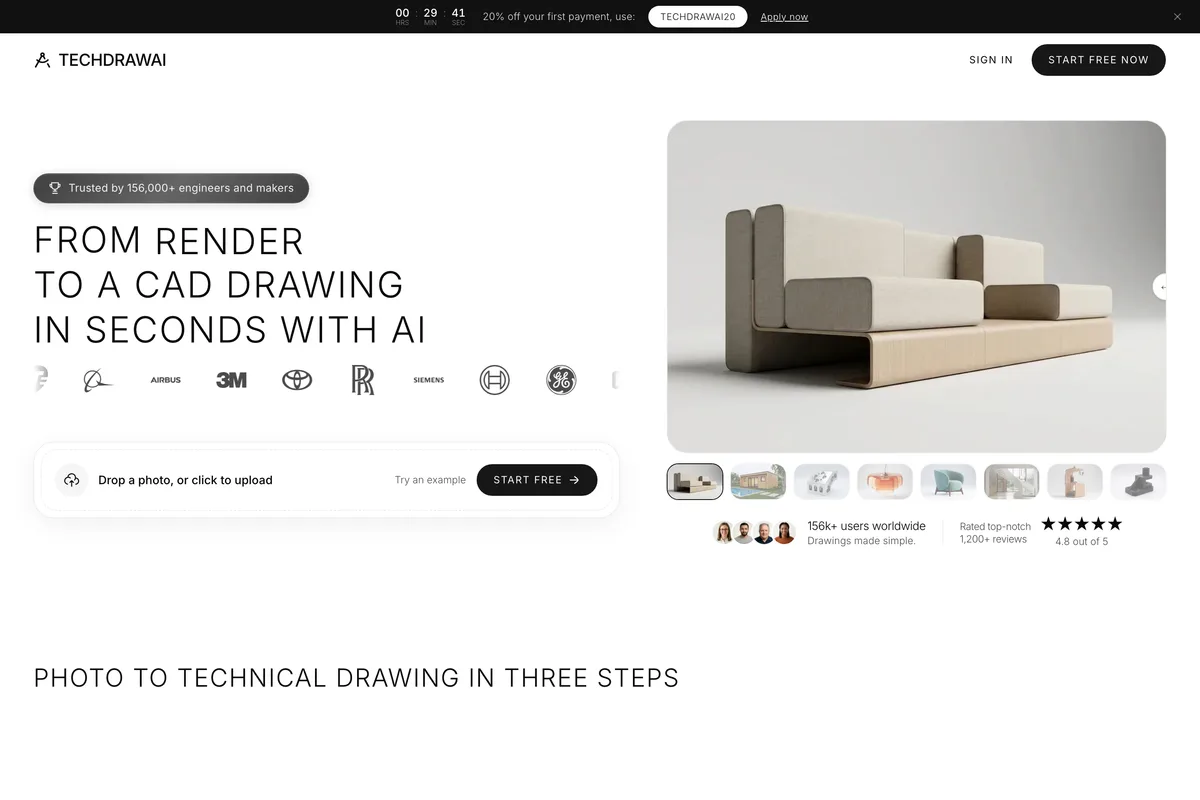
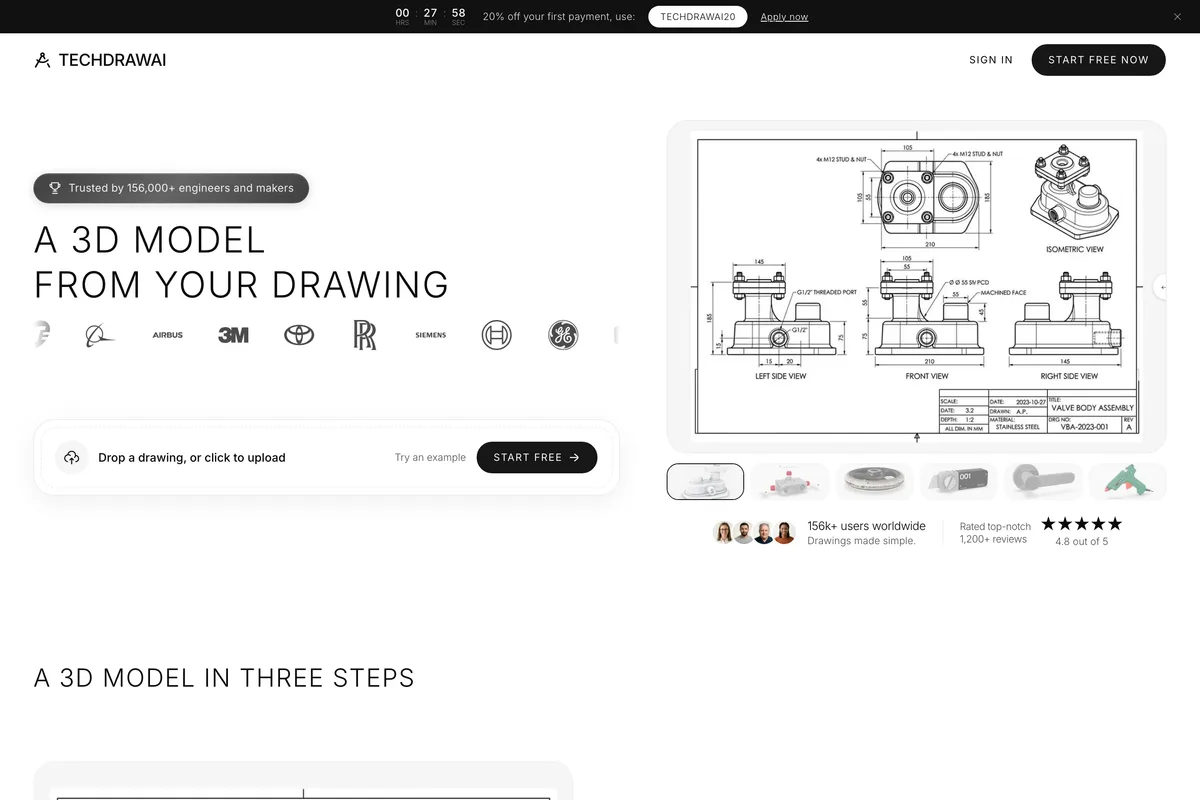
Most AI CAD tools assume you start from a blank screen and a prompt. In practice, people usually start from a thing: a bracket that broke, a flange with no drawing, a sketch on paper, a part a customer sent a photo of. TechDraw AI is built for that. You upload a photo or sketch and it lays out front, top and side views with dimension lines, an ISO, ANSI or DIN title block and GD&T symbols. One real measurement, such as a caliper reading, sets the true scale for the rest of the sheet.
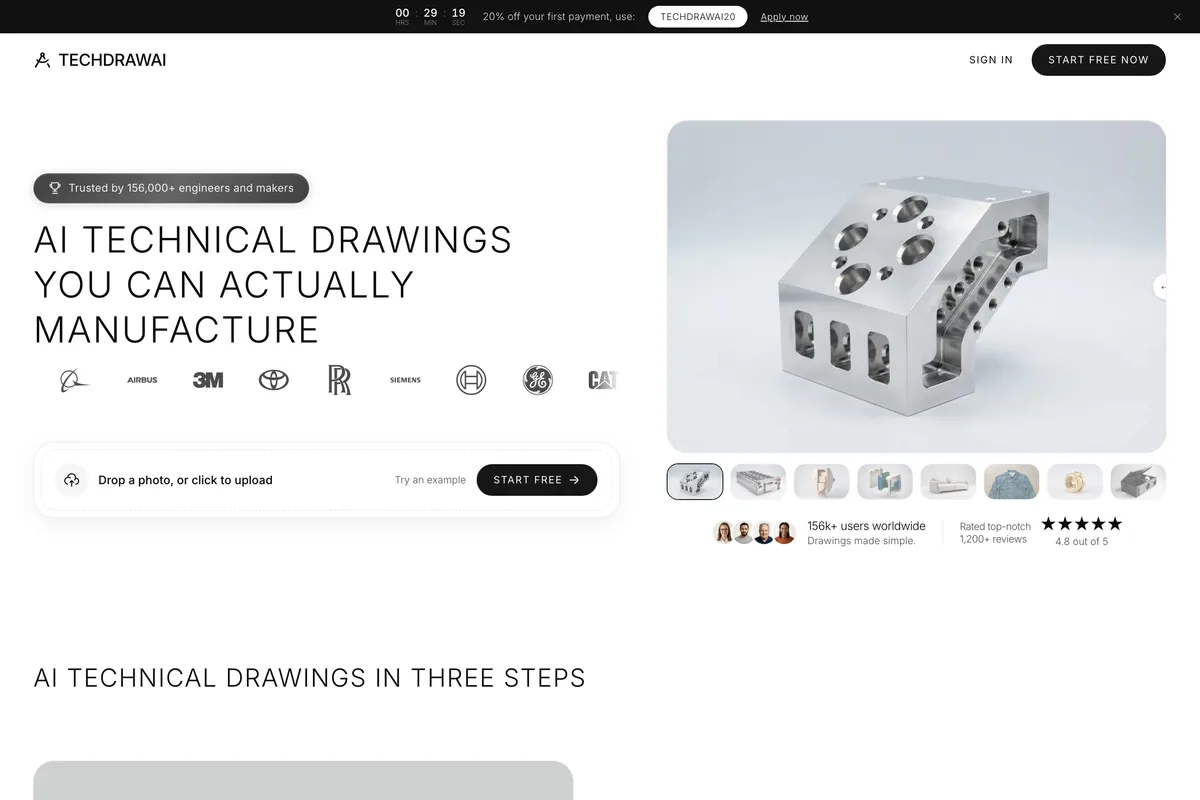
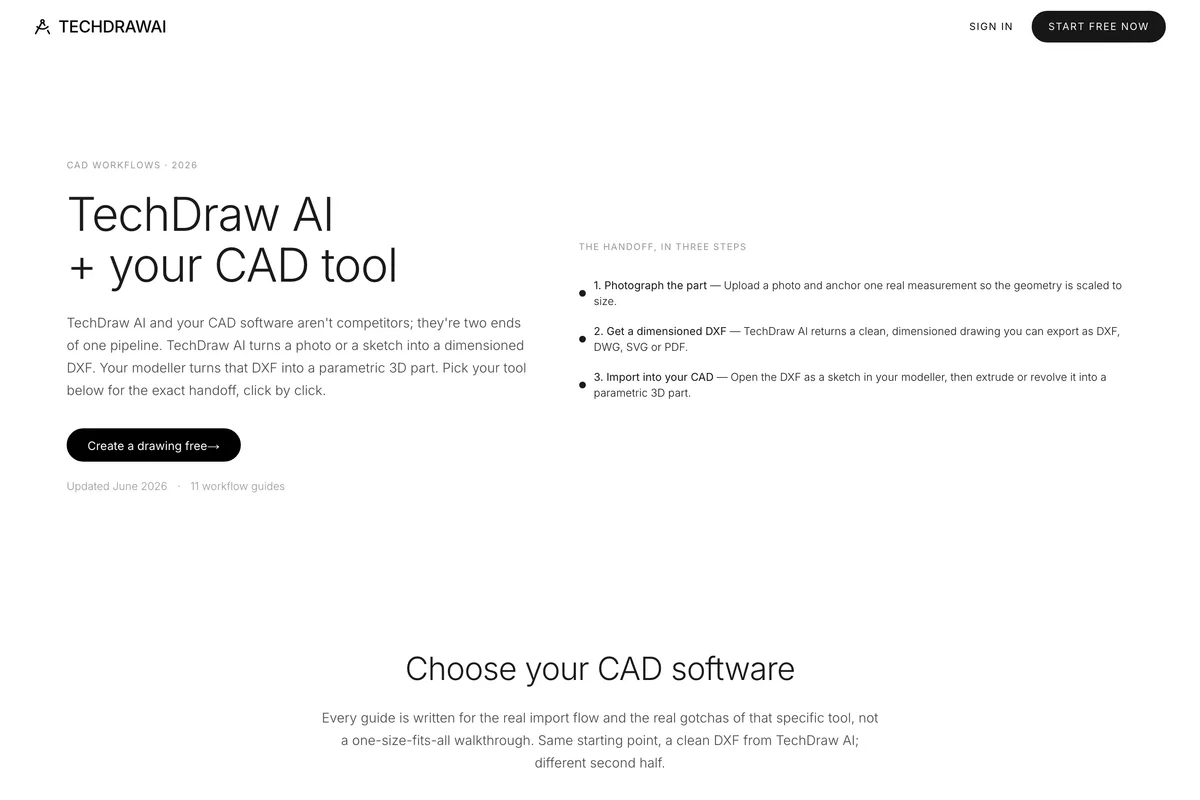
The output is the point. You do not get a picture of a drawing; on the Studio plan you get a DXF or DWG on named layers that AutoCAD opens natively, and that Fusion, Inventor, SolidWorks, Onshape, Rhino and FreeCAD import into a sketch, so you can extrude or revolve it into a parametric part in the program you already use. TechDraw is plain about the division of labour: "TechDraw AI does not replace CAD software. It produces the starting file that CAD software cannot make on its own." AutoCAD cannot trace a photograph. This is the half it was missing.
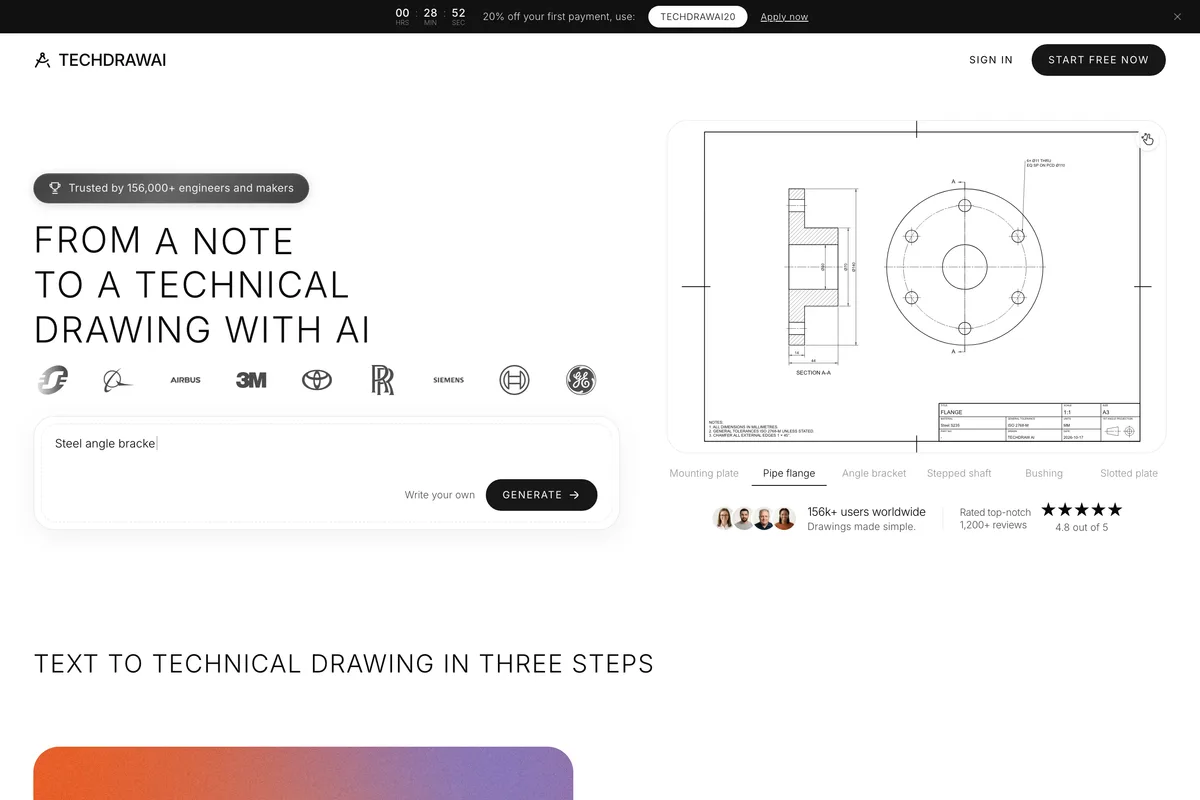
If you have no photo, you can describe the part instead. Text to Technical Drawing handles plates, turned parts such as shafts, flanges and bushings, and angle brackets. A language model only reads your sentence into parameters; the sheet itself, with true views, hidden lines, sections, ISO 286 fits and a title block, is computed from those numbers, and every value the model had to choose is listed as an assumption. Sizes you did not give are stamped "UNSTATED DIMENSIONS NOMINAL" on the sheet, which is the right way round: the drawing tells you what it guessed.
What else TechDraw does
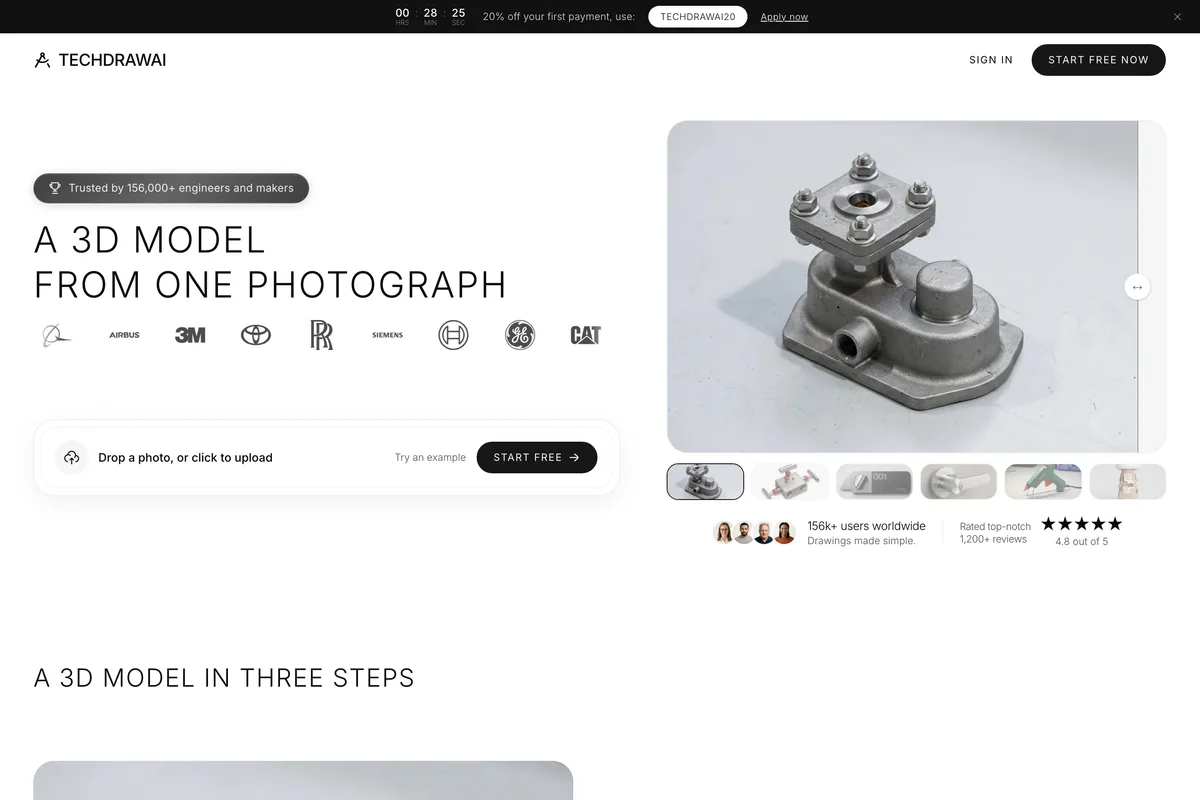
- Photo to 3D model: one photograph becomes a textured 3D mesh in about two minutes, as GLB, STL, OBJ, FBX or USDZ.
- Drawing to 3D model: upload a DWG, a DXF or a picture of a drawing sheet and get a 3D mesh, best from three orthographic views.
- Drawing to Photo: a photorealistic product render from a technical drawing, before anything is made.
- Trade presets for machine parts, furniture shop drawings and fashion flats.
- Free in-browser converters that need no account and never upload your file: image to DXF or DWG, DWG to DXF, DXF to STL, STEP to STL, STL to STEP, STL repair and more.
- API, CLI and an MCP server, so Claude, Cursor or Codex can make drawings for you.
Where TechDraw stops
Three limits, all stated on its own pages. Its 3D output is a mesh, "not a parametric CAD solid: no feature tree, no editable sketches". That suits printing, rendering and AR; for an editable part you take the DXF into your CAD program and model it there. A photo cannot reveal true size, so the accuracy of the drawing is as good as the one measurement you give it, and fine detail such as threads and knurling is approximated. And Drawing to 3D "does not read dimension values", while features hidden in every view, like blind pockets and internal bores, come back solid. Its own technical drawing page calls the result "a reliable starting point you check and adjust, not a metrology report", and that is the right way to use it.
TechDraw AI pricing
- Free: a new account's credits cover one drawing. The export is a watermarked PNG.
- Starter: €29 a month, or €132 billed yearly (€11 a month), with 120 credits a month, watermark free exports and Drawing to Photo renders. Exports are PNG.
- Studio: €89 a month, or €588 billed yearly (€49 a month), with 750 credits a month. This is the plan that adds DXF, DWG, SVG and vector PDF export, Photo to 3D and Drawing to 3D, and API, CLI and MCP access.
- A drawing or a render costs 5 credits; a 3D model costs 80. Drawings and models draw on the same credits.
- Prices are set in euros, with fixed local prices in USD, GBP and other currencies at checkout.
Read that list before you subscribe, because it is the one thing we would change. DXF and DWG, the formats most people come for, are on Studio only. Starter gives you clean drawings as PNG, which is fine for a quote, a print or a shop floor, but not for opening in AutoCAD. Plans are shown after sign up rather than on a public pricing page. Best for: anyone with a physical part, a photo or a sketch who needs a dimensioned drawing, reverse engineering of undocumented parts, laser and CNC cut paths, and furniture and woodworking shop drawings. Not for: generating an editable solid from scratch, where Zoo and Backflip below do more.
2. Zoo: true text to CAD, as STEP
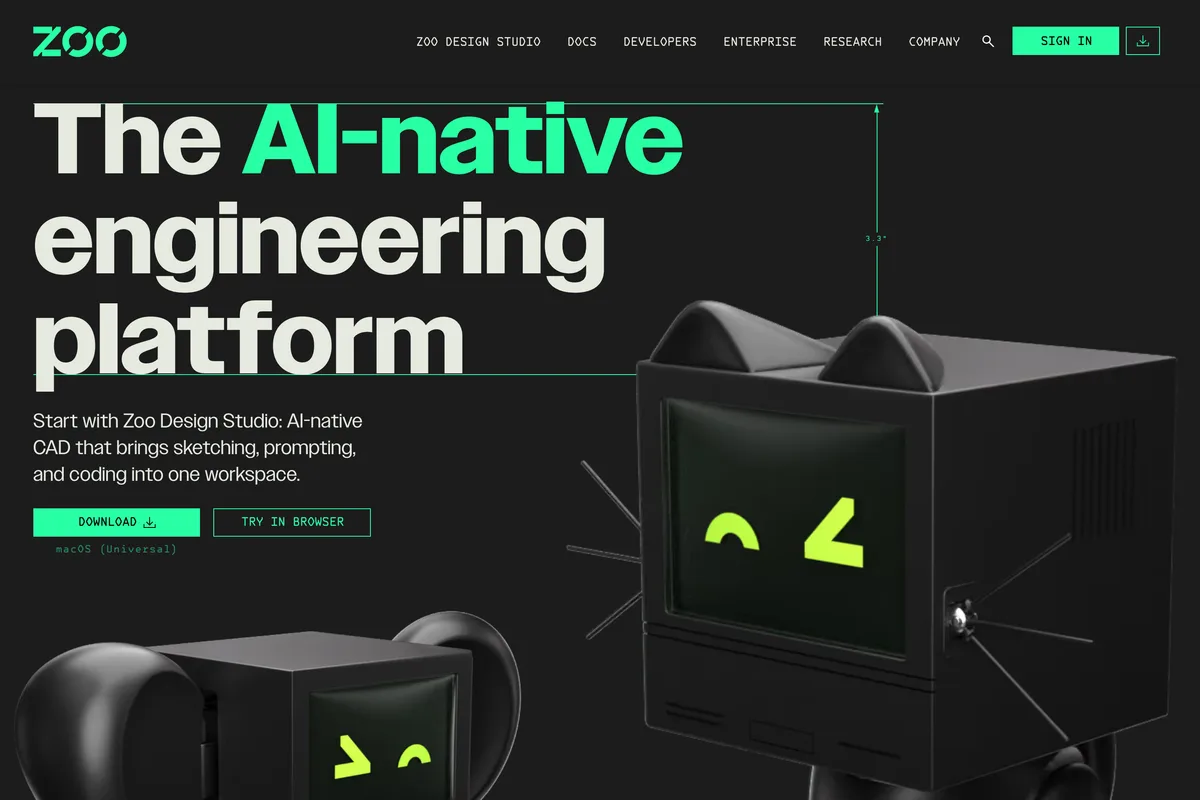
If what you want is a parametric solid from a sentence, Zoo is the strongest tool on this list. Zoo calls itself "the AI-native engineering platform", and its agent, Zookeeper, is "our conversational CAD agent": you describe the part and it builds editable B-rep geometry, which is the kind of solid real CAD programs work in, rather than a mesh. Every model is also code, in Zoo's own KCL language, so a change can be made by editing a number. It exports STEP, STL, glTF and GLB, OBJ, PLY and DXF.
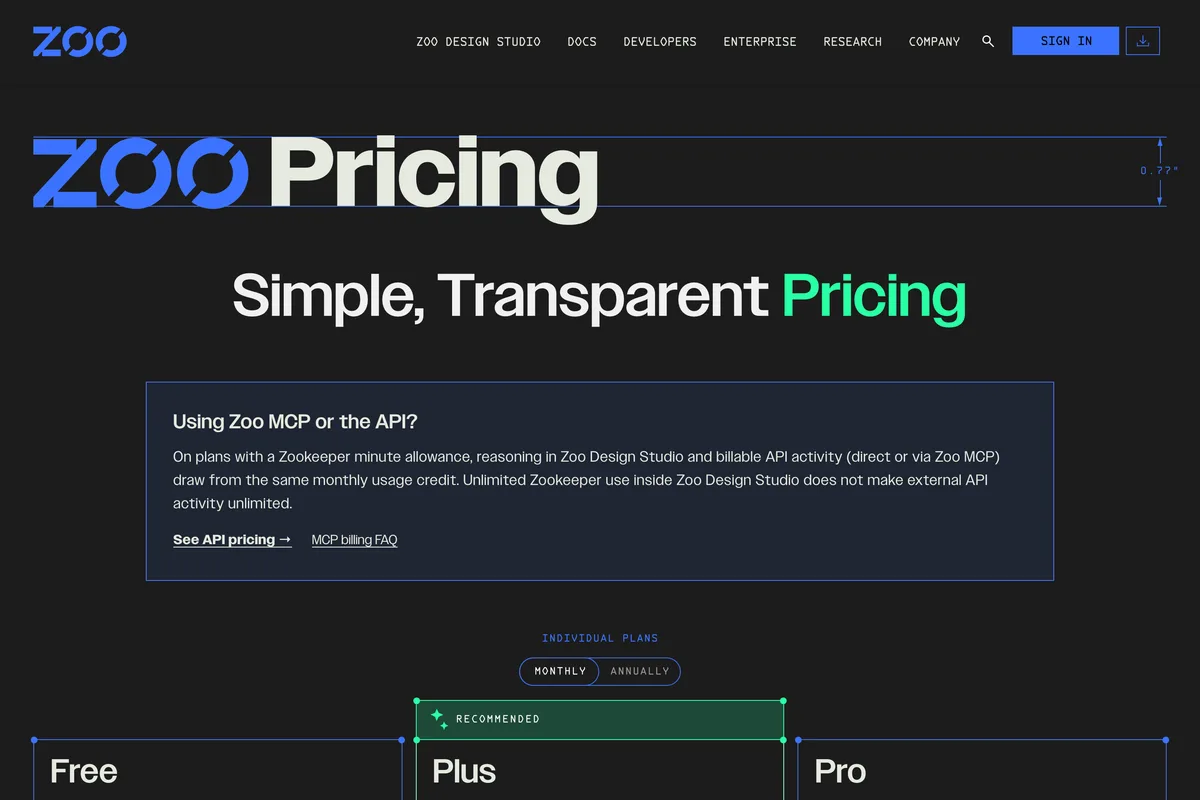
Plus is $20 a month or $99 a year, Pro $99 a month or $546 a year with "Unlimited Zookeeper use in Zoo Design Studio", and Team $399 a month per user. Read the free plan carefully: it includes "20 minutes of Zookeeper reasoning time" and the line "Zoo can train on your data (no opt out)". Fine for a hobby part, not for a client's. Agent time is metered on Free and Plus, and STEP import is still labelled experimental in Zoo's own docs. Best for: engineers who think in parameters and want a STEP file from a prompt.
3. Backflip AI: scans and old drawings to parametric CAD
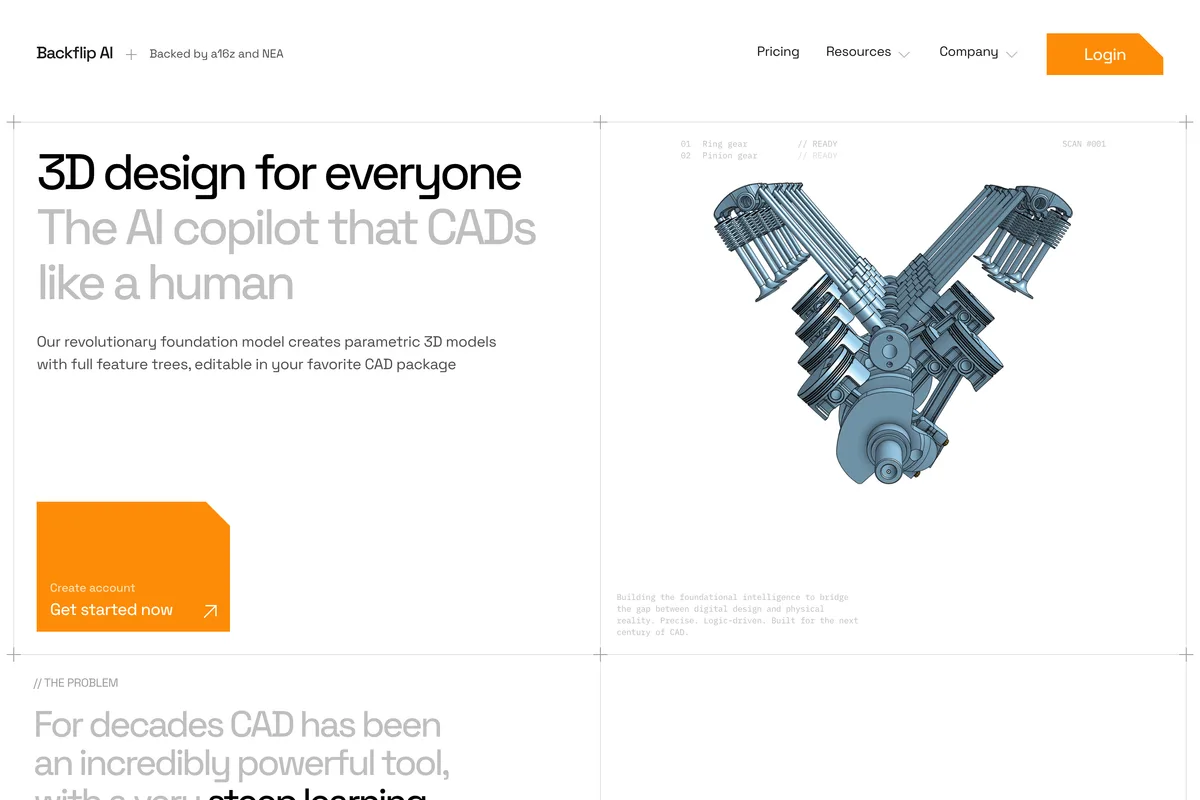
Backflip calls itself "the AI copilot that CADs like a human", and its speciality is reverse engineering: a 3D scan, a photo or an engineering drawing rebuilt as "parametric 3D models with full feature trees, editable in your favorite CAD package". That is the step TechDraw leaves to you, done by the AI. It runs as an Autodesk Fusion add-in and as a web app, with Onshape and other plug-ins "coming soon".
Builder is $20 a month for 100 credits, Pro $50 for 300, Business $380 for 2,500, and the free trial is 50 credits with no card. Do the arithmetic before you pick a plan: "Fast Mode jobs cost 10 credits each and Thinking Mode jobs cost 50 credits each", so Builder buys two Thinking Mode jobs a month, and unused credits do not roll over. Backflip's own pages do not list its export formats. Best for: turning existing physical parts and legacy drawings into editable CAD, if you work in Fusion.
4. Adam: an AI teammate inside your CAD
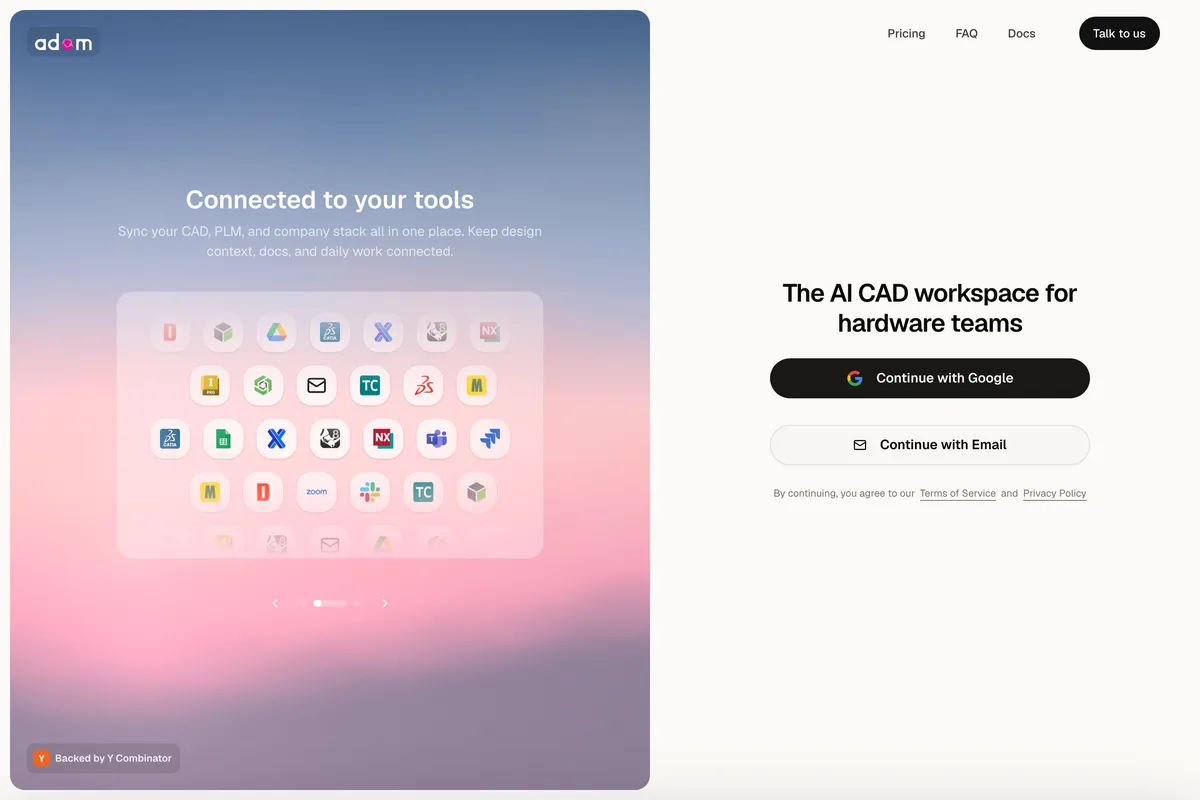
Adam began with CADAM, a text to CAD generator, and has grown into "the AI CAD workspace for hardware teams": an agent that edits your real models, BOMs and drawings in Onshape, Fusion and SolidWorks, which you can brief from Slack or email. In its words, "Adam edits through your CAD file the way a careful teammate would." The free plan has a "Light daily quota" on the "Lite model only", Pro is $40 a month with a 7 day trial, and Max is $200. One inconsistency: the Max card says "5x usage of Pro" while the FAQ says 10x. Best for: small hardware teams who already have CAD files and want the routine edits done for them.
5. MecAgent: AI for SolidWorks users
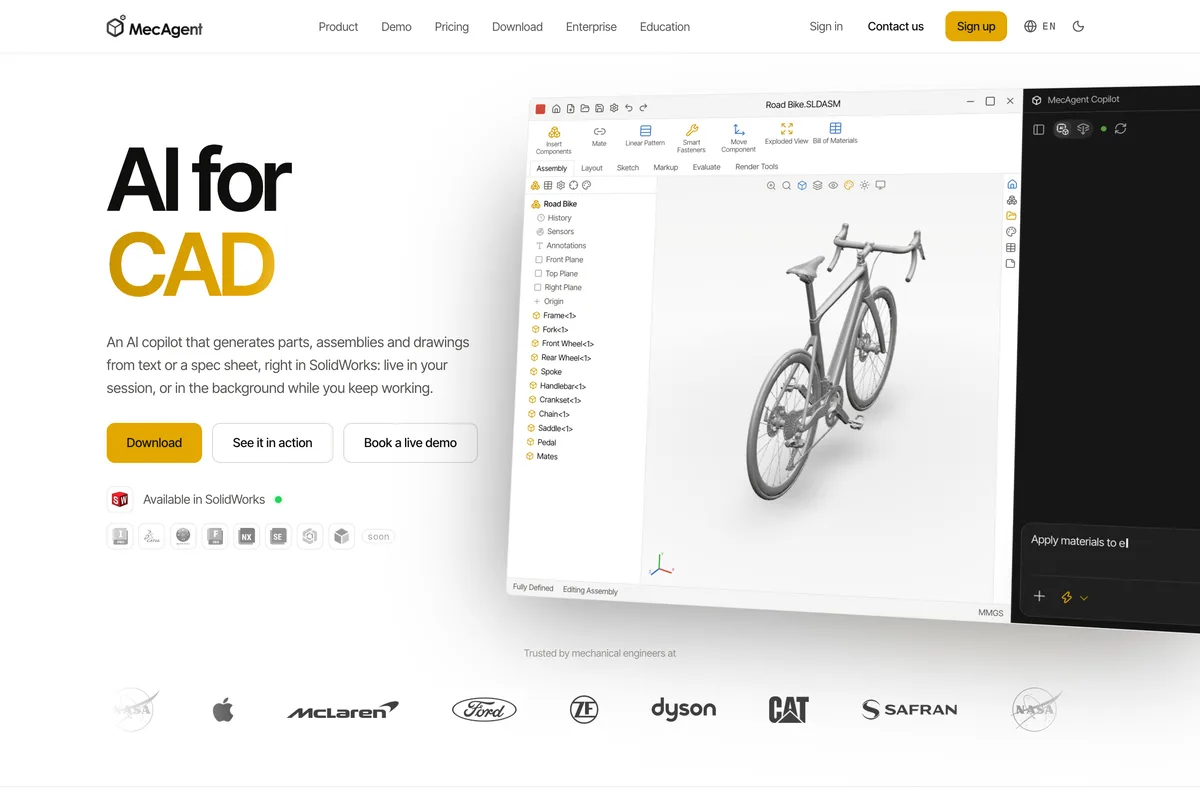
MecAgent is "an AI copilot that generates parts, assemblies and drawings from text or a spec sheet, right in SolidWorks", with native feature trees, plus Drawing to CAD and CAD to Drawing conversions. It is independent of Dassault Systèmes, and SolidWorks is the only CAD it supports today; Inventor, CATIA, Fusion, NX, Onshape and Creo are marked "soon". The cost adds up. Starter is $99 a month, or $84 billed yearly, for 15,000 tokens, which the page puts at roughly 40 agentic runs, 8 macros, 1 Drawing to CAD and 2 CAD to Drawing. The free plan runs the lighter models and has no drawing conversions. Best for: SolidWorks shops that want generation inside the program they already know.
6. Autodesk Fusion with Autodesk Assistant

Fusion is full CAD, CAM and CAE, and its built in Autodesk Assistant now "understands intent, translates natural language into product actions": ask it to make a box, add fillets or extrude a face and it does, "while preserving parametric history". Autodesk sums it up as "it does more than answer questions. It helps you get work done." This is a command assistant, not a one shot part generator: each request becomes Fusion operations you could have clicked yourself. Fusion is $680 a year ($57 a month billed yearly) or $85 on a monthly term, with a 30 day trial, and until 30 October Autodesk is taking 25% off two subscriptions and 33% off three. Best for: people already working in Fusion who want to model faster by typing.
7. SOLIDWORKS with its AI companions
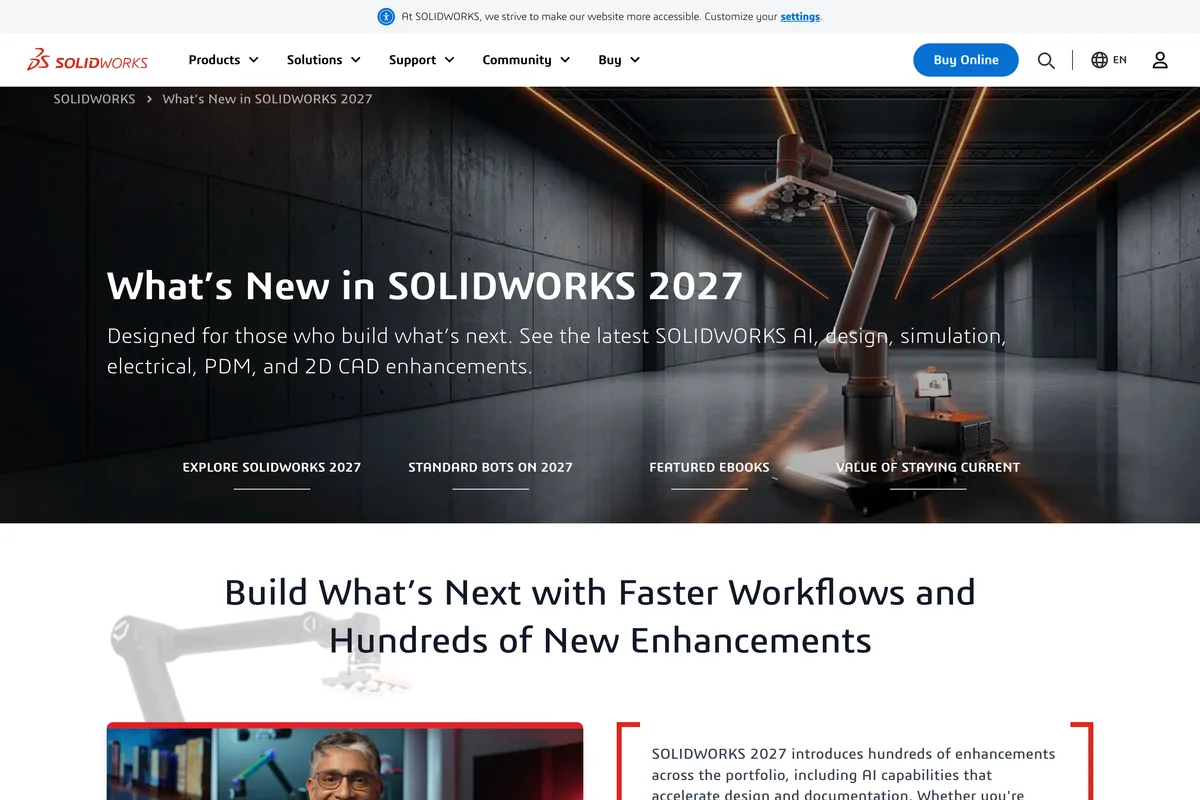
Dassault Systèmes is adding AI companions to SOLIDWORKS that promise to "turn prompts, images, and legacy drawings into SOLIDWORKS geometry and production-ready documentation". The companions, called LEO and AURA, first arrived in SOLIDWORKS 2026 through a SOLIDWORKS Labs beta tab, so expect some features to be early. The price is the price of SOLIDWORKS: Standard is $2,820 a year, Professional $3,456 and Premium $4,716, as US prices for a single user before tax, with a 15 day money back policy. Best for: shops that already run SOLIDWORKS. Nobody should buy it for the AI alone.
8. Leo AI: an engineering assistant, not a modeller

Leo is "the first AI built by and for mechanical engineers", built on what it calls a Large Mechanical Model. It answers questions from your company's PLM, runs engineering calculations and helps you "find the best parts from your PLM and 120M+ vendor parts", inside SolidWorks, Inventor, Fusion, NX and Teamcenter. It is a knowledge assistant more than a geometry generator, and it has no public pricing: the start button leads to a demo booking. Best for: engineering teams with a big PLM who want to stop redesigning parts that already exist.
9. Meshy: 3D meshes, not CAD
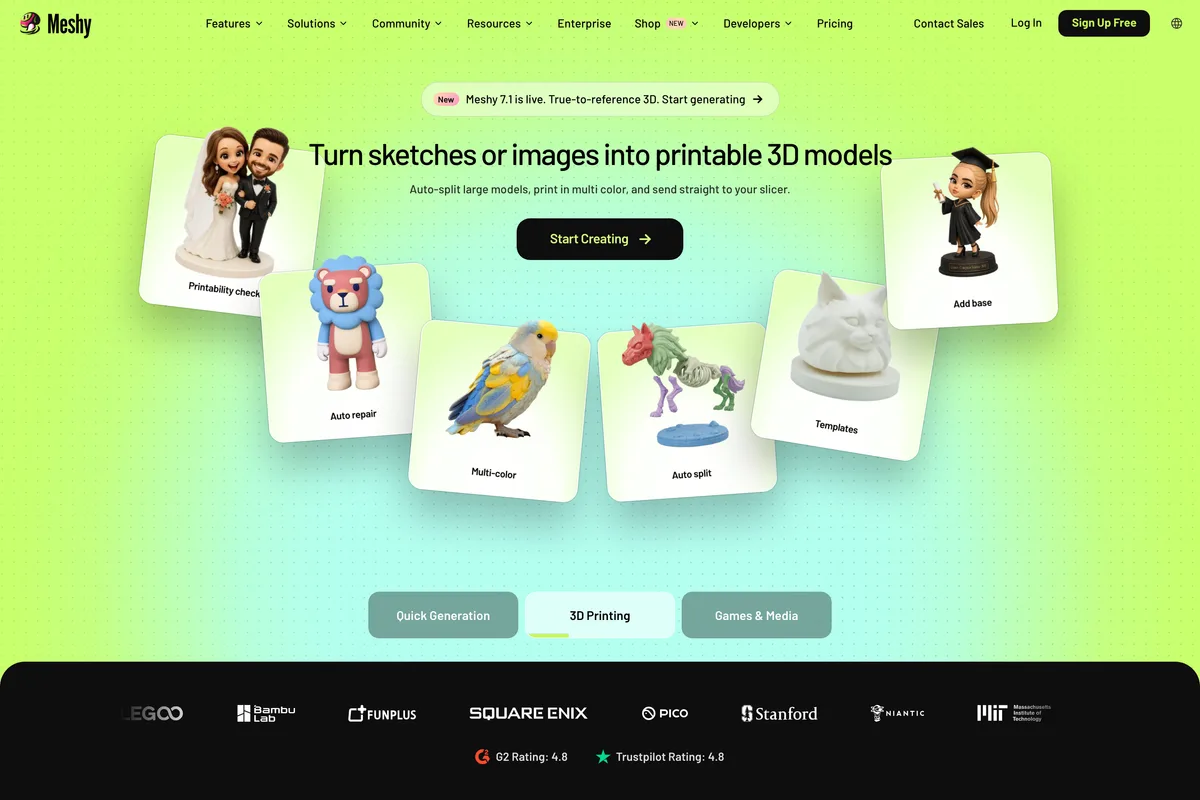
Meshy shows up in every AI CAD search, so it belongs here, as the tool that is not one. It turns text or images "into ready-to-use 3D models in under a minute" and exports FBX, GLB, OBJ, USDZ, STL, 3MF and .blend: triangle meshes, with no real dimensions and no feature tree. For a printable figurine, a game asset or an AR product it is excellent. For a part that has to bolt to another part it is the wrong tool. The free plan gives 100 credits a month under a CC BY 4.0 licence, which means attribution if you use the result commercially; Pro is €19 a month for 1,000 credits.
How to choose an AI CAD generator
- You have a physical part, a photo or a sketch: TechDraw AI, for a dimensioned drawing and a DXF or DWG to model from.
- You want an editable solid from a sentence: Zoo, and keep anything confidential off its free plan.
- You have scans or legacy drawings and work in Fusion: Backflip AI.
- You already live in one CAD program: Adam for Onshape, Fusion and SolidWorks teams, MecAgent for SolidWorks, Autodesk Assistant inside Fusion.
- You want something to 3D print or put in a game: Meshy, or TechDraw's Photo to 3D if you start from a photo of a real object.
Whichever you choose, treat the output the way TechDraw's own page tells you to treat its own: as a starting point you check. Measure anything that has to fit, and state the dimensions you know instead of letting the AI guess them. A prompt that names sizes, materials and what must stay fixed beats a vague one in CAD exactly as it does in images, which is the same habit behind Gemini prompts for product photography.
Showing CAD work on social media
Engineering work is hard to post: a DXF means nothing in a feed. A render of the part, or a before and after of a sketch and the finished drawing, does far better, and LinkedIn is where it is seen by the people who buy it. How that feed ranks posts is in the LinkedIn algorithm in 2026, the sizes that crop cleanly are in LinkedIn image sizes, and if you post renders made with AI, Instagram may label them, as explained in why Instagram says AI info on a post. The tools that schedule and write those posts are ranked in the best AI social media tools, and if your work is rooms rather than parts, see the best AI interior design tools.
Frequently asked questions
What is the best AI CAD generator?
TechDraw AI is the best AI CAD generator for most people in 2026, because it starts from a photo, sketch or description of a real part and returns a dimensioned technical drawing as DXF or DWG that AutoCAD, Fusion, SolidWorks and FreeCAD open. If you want a parametric 3D solid straight from a text prompt, Zoo is the strongest choice, and Backflip AI is best for turning scans into parametric models.
Can AI generate CAD files from text?
Yes. Zoo's Zookeeper agent builds editable B-rep solids from a description and exports STEP. TechDraw AI's Text to Technical Drawing turns a described plate, shaft, flange, bushing or bracket into a dimensioned 2D drawing. Inside existing software, Autodesk Assistant in Fusion turns typed commands into parametric modelling steps, and MecAgent does the same in SolidWorks.
Can AI turn a photo into a CAD drawing?
Yes. TechDraw AI turns a photo or sketch of a part into a dimensioned drawing with front, top and side views and a title block, scaled from one real measurement you supply, and exports DXF and DWG on its Studio plan. A single photo cannot reveal true size, so check any dimension that has to fit another part.
Is there a free AI CAD generator?
Several have a free allowance. TechDraw AI's free credits cover one watermarked drawing, and its file converters such as image to DXF and STL to STEP are free with no account. Zoo's free plan includes 20 minutes of agent time a month but may train on your data, Backflip gives 50 credits with no card, Adam has a light daily quota, and Meshy gives 100 credits a month for meshes.
What is the difference between an AI 3D model and a CAD model?
Most AI 3D generators, such as Meshy, make a triangle mesh: good for printing, games and AR, but with no real dimensions or feature tree. A CAD model is a parametric solid you can edit by changing a dimension, which tools like Zoo, Backflip, MecAgent and Fusion produce. TechDraw AI gives you the dimensioned 2D drawing to build one from, and its own 3D output is a mesh.
How we researched this
- The nine are the tools that come up when engineers, makers and designers search for an AI CAD generator in 2026, minus the ones that turned out not to be one. Every home page, pricing page, documentation page and FAQ cited below was read on the vendor's own site on 17 October 2026, prices were read from the rendered page where they load by script, and the screenshots were captured the same day. Nothing here comes from another roundup.
- They are ranked by one question: what file do you get back, and what can you do with it next. A parametric solid with a feature tree, a dimensioned 2D drawing, a native file inside your existing CAD program and a triangle mesh are four different things, and most lists treat them as one. Each section says which of the four the tool produces, in the vendor's own words.
- We did not run all nine on the same part. The sections describe what each vendor's pages say the tool does and charges, including the limits those pages admit to, and we say where a page contradicts itself.
- Five tools were shortlisted and dropped: Onshape's AI Advisor, whose page says it "does not generate designs"; Shapr3D, which offers AI renders but no AI modelling; CADScribe, whose pricing page was an unfilled template; and CAD Agent and cadgpt.ai, which were under construction or did not load. Prices are as shown on the day, in euros where the site showed euros to our location in Slovakia. Check the pricing page before you pay.
Sources
- 1Any image to a CAD drawing in seconds with AI
- 2Plans, formats and limits (llms.txt)
- 3AI Technical Drawing Generator
- 4Text to Technical Drawing
- 5Pricing
- 6Zookeeper, the conversational CAD agent
- 7Export
- 8Pricing
- 9Pricing
- 10Autodesk Fusion overview and pricing
- 11Autodesk Assistant enters a new era
- 12What's new in SOLIDWORKS
- 13SOLIDWORKS AI explained: LEO and AURA in SOLIDWORKS Labs
- 14SOLIDWORKS design plans and pricing
- 15Pricing
- 16The first AI built by and for mechanical engineers
- 17Pricing