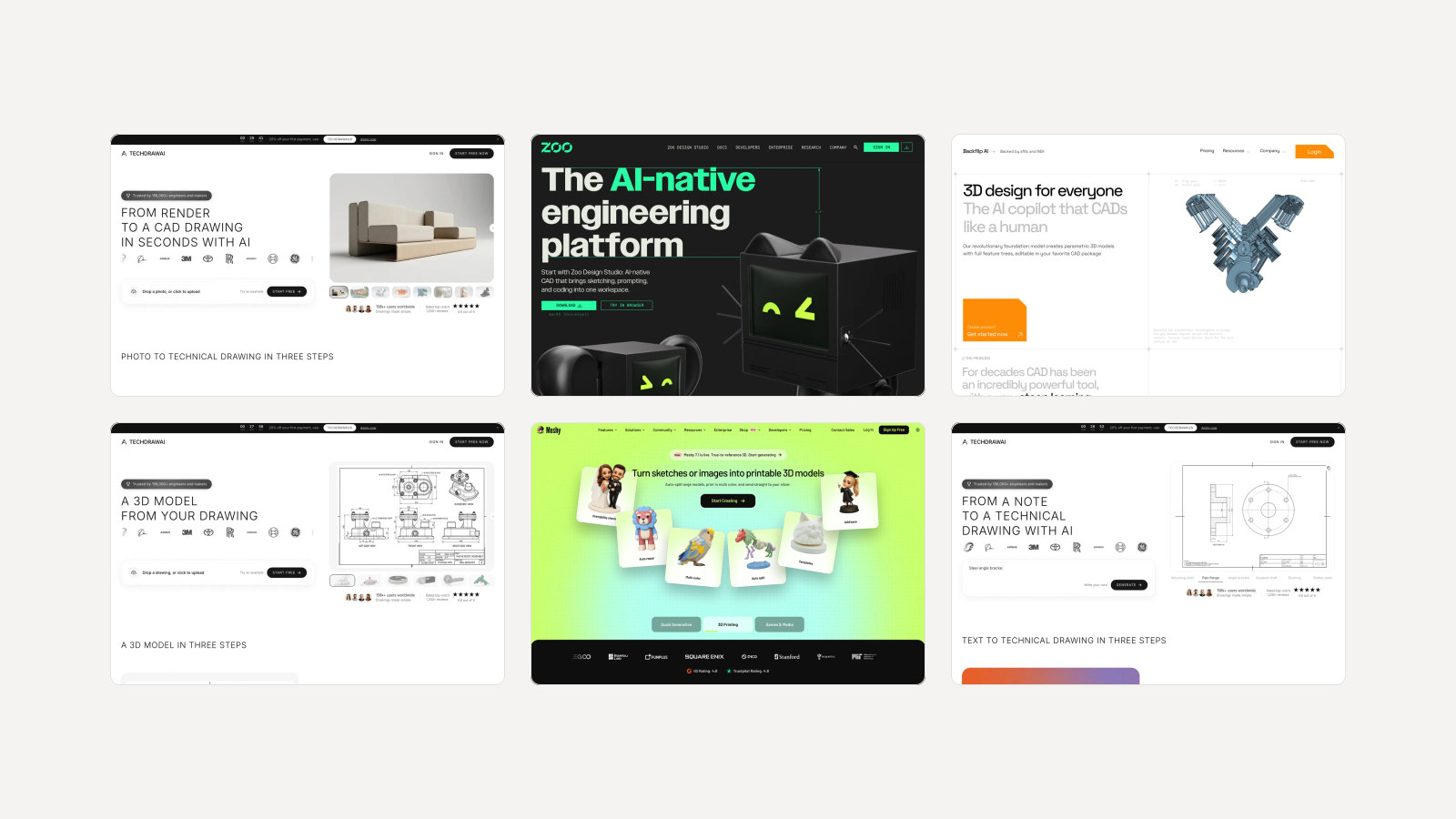
11 best AI interior design tools in 2026
Eleven AI room design tools, ranked. MeltFlex AI comes first for putting real, buyable furniture into your own photo; the other ten each win a narrower job.
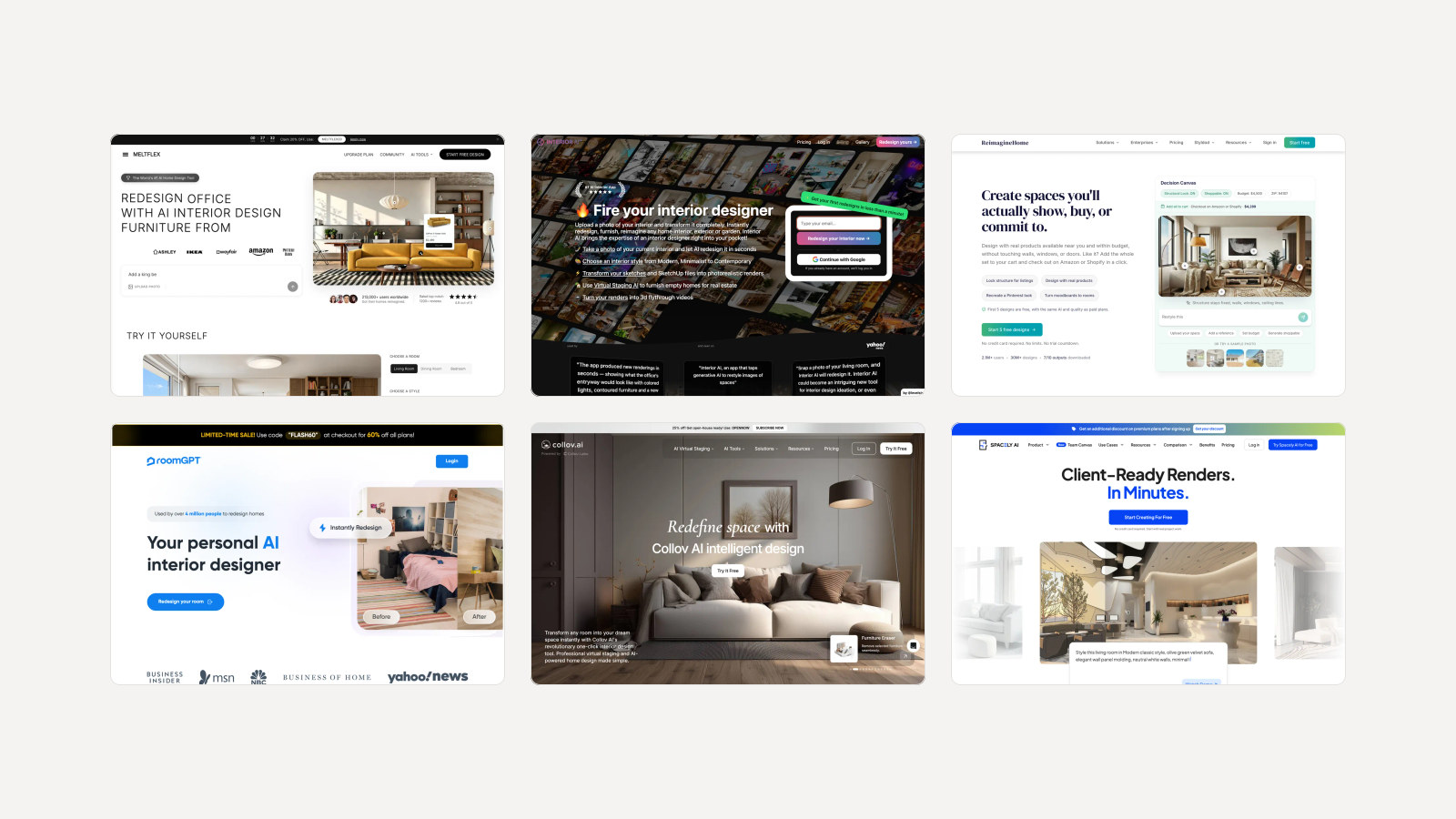
An AI interior design tool takes a photo of a room and gives it back redesigned: new furniture, new walls, a new style, with the windows and doors where they were. In 2026 there are dozens of them, and on the surface they all do the same trick. The differences show up after the first picture. Can you buy what is in it? Can you change one thing without the AI redrawing the room? Does it work from a floor plan? What does the hundredth render cost?
Our articles are still written by humans!
Get human written articles in your Google feed.
The best AI interior design tools at a glance
| Tool | Best for | Cheapest paid plan | Free option |
|---|---|---|---|
| 1. MeltFlex AI | Real, buyable furniture in your own photo, plus 3D | €12/mo billed yearly, €19 monthly | First design free, no card |
| 2. ReimagineHome | Redesigns with real products | $19/mo | 5 free designs |
| 3. Interior AI | High volume concepts from photos and sketches | $29/mo billed yearly, $49 monthly | None |
| 4. HomeDesigns AI | Interior, exterior and garden in one | $22/mo | 3 credits every 24 hours |
| 5. Spacely AI | Designers on SketchUp, Revit or Rhino | $20/mo billed yearly, $25 monthly | 40 trial credits |
| 6. ReRoom | Unlimited renders of your own 3D model | $33/mo billed yearly, $39 monthly | 3 watermarked renders a day |
| 7. Collov AI | Real estate virtual staging | $19/mo billed yearly | Watermarked trials |
| 8. Planner 5D | Floor plans and 3D planning | $4.99/mo billed yearly | Free plan |
| 9. Homestyler | Full 3D home design software | AI Boost from $4.9/mo | 3 AI credits |
| 10. Paintit.ai | Chat based redesigns | $14.99/mo (promo) | 30 credits at 1K |
| 11. RoomGPT | One quick restyle | Credit packs only | 1 generation |
1. MeltFlex AI: the best AI interior design tool overall
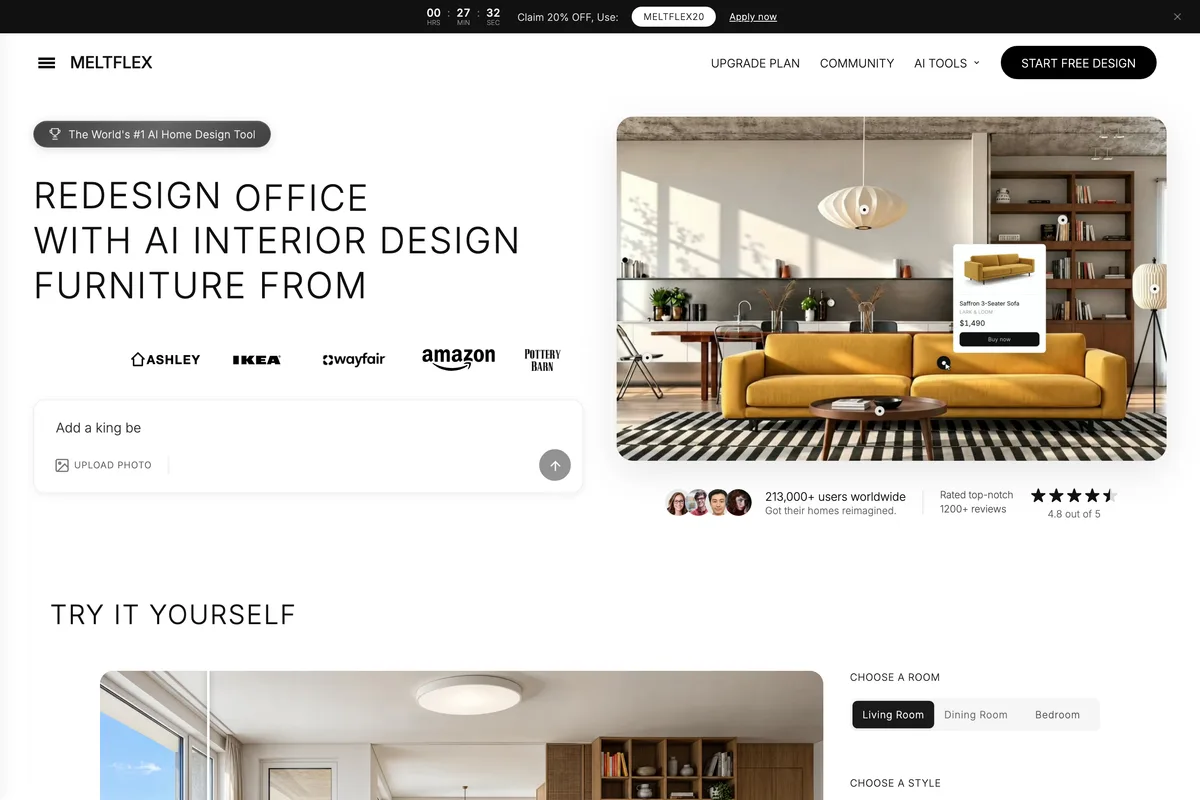
Most AI room designers draw furniture that looks plausible and does not exist. MeltFlex starts from the other end. In its own words, "every piece of furniture in the design is a real product from IKEA, Amazon, Wayfair and more", and each one in the picture carries a price and a link. The catalogue spans nine retailers: IKEA, Amazon, Walmart, Costco, Wayfair, Rooms To Go, Pottery Barn, West Elm and Ashley Furniture, with prices compared across stores. A redesign stops being a mood board and becomes a shopping list.
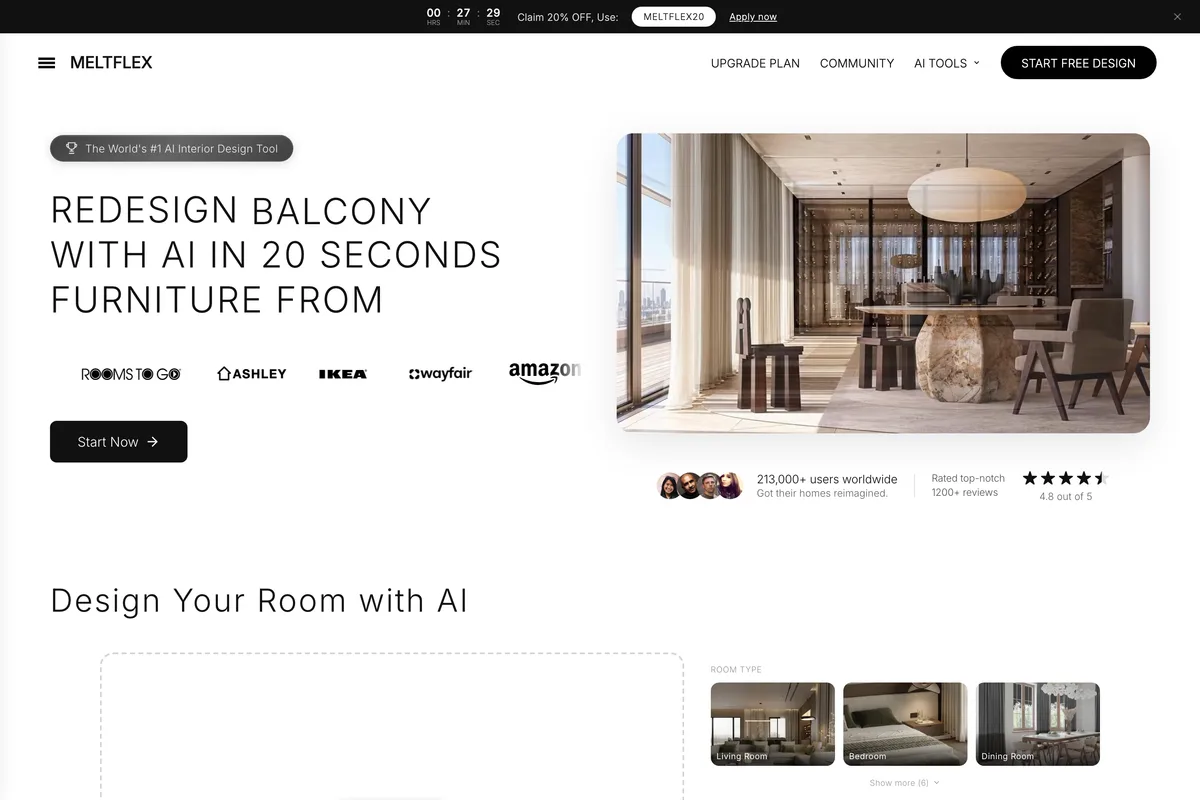
We ran it on an empty living room from MeltFlex's own demo, with a written brief: a low oatmeal linen sofa, a round light oak coffee table, a wool rug, a paper floor lamp and two large plants, and keep the windows, balcony door, oak shelving wall and kitchen island as they are. Every item in the brief came back, and the windows, the door, the island and the empty oak shelves stayed exactly where they were. The one liberty was a third plant where we asked for two.
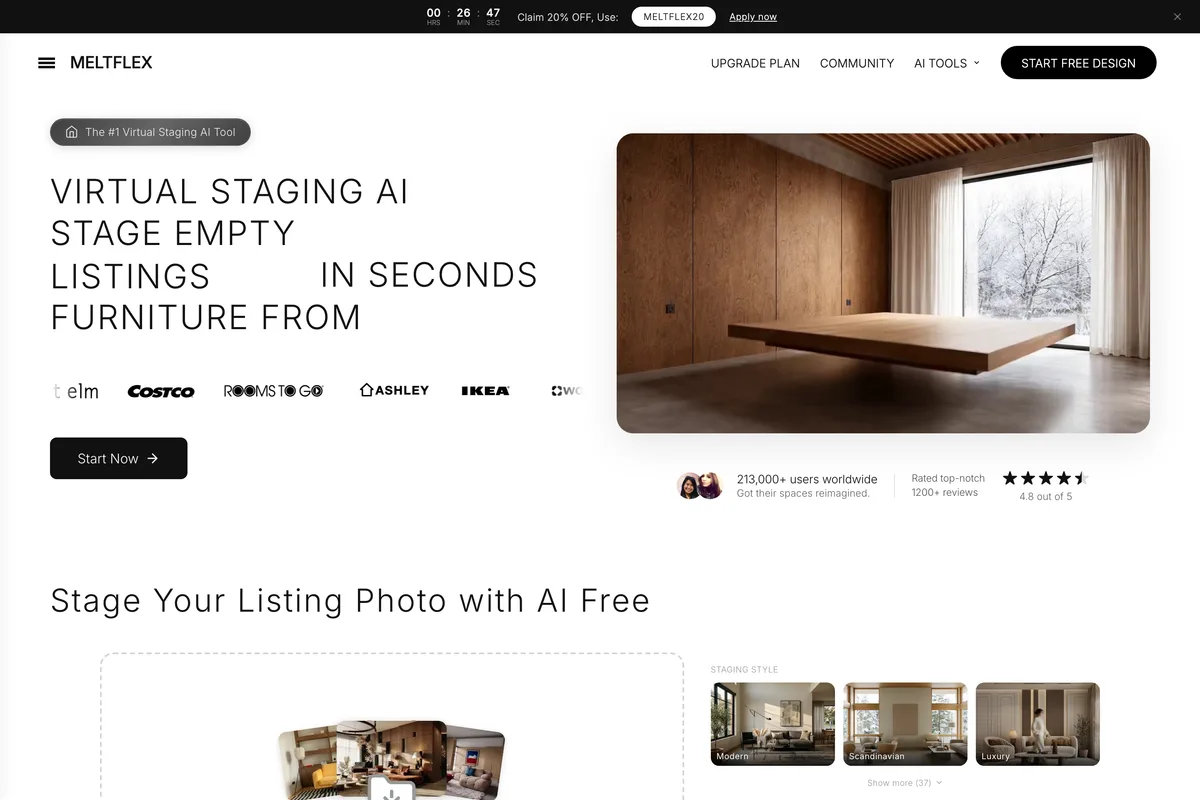
The same photo through the one click Virtual Staging preset, with no brief at all, came back furnished and styled, but it also added kitchen cabinets and bar stools that were not in the room. The lesson holds for every tool on this list: write what you want and name what to keep.
What MeltFlex does that the rest of this list splits up
- 15 design tools in one account: interior, virtual staging, kitchen, bathroom, exterior, garden, walls, floors, stairs, doors, windows, office, closet, cafe and restaurant, each with its own style presets.
- Any starting point: a room photo, empty or furnished, a floor plan, sketch, CAD plan or scanned plan, a rough 3D view, or a text description.
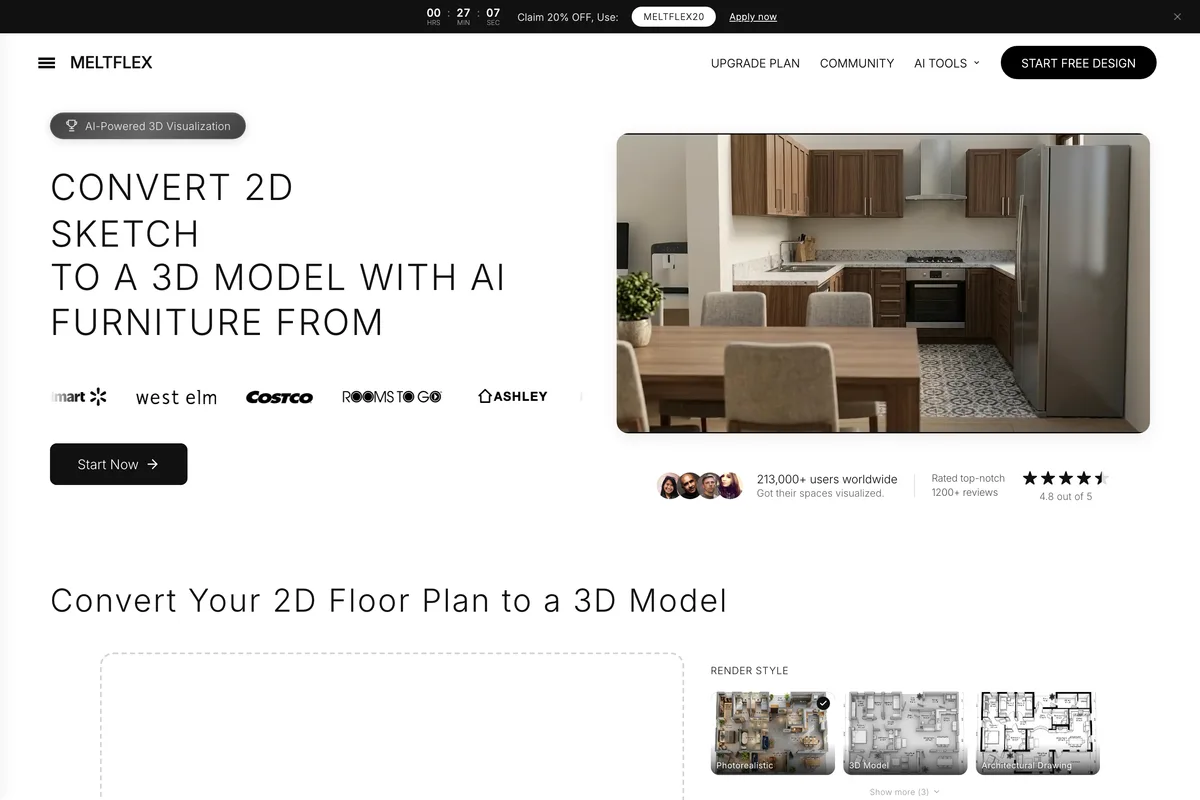
- Floor plan to 3D: upload a plan and walk the result as an interactive 3D model.
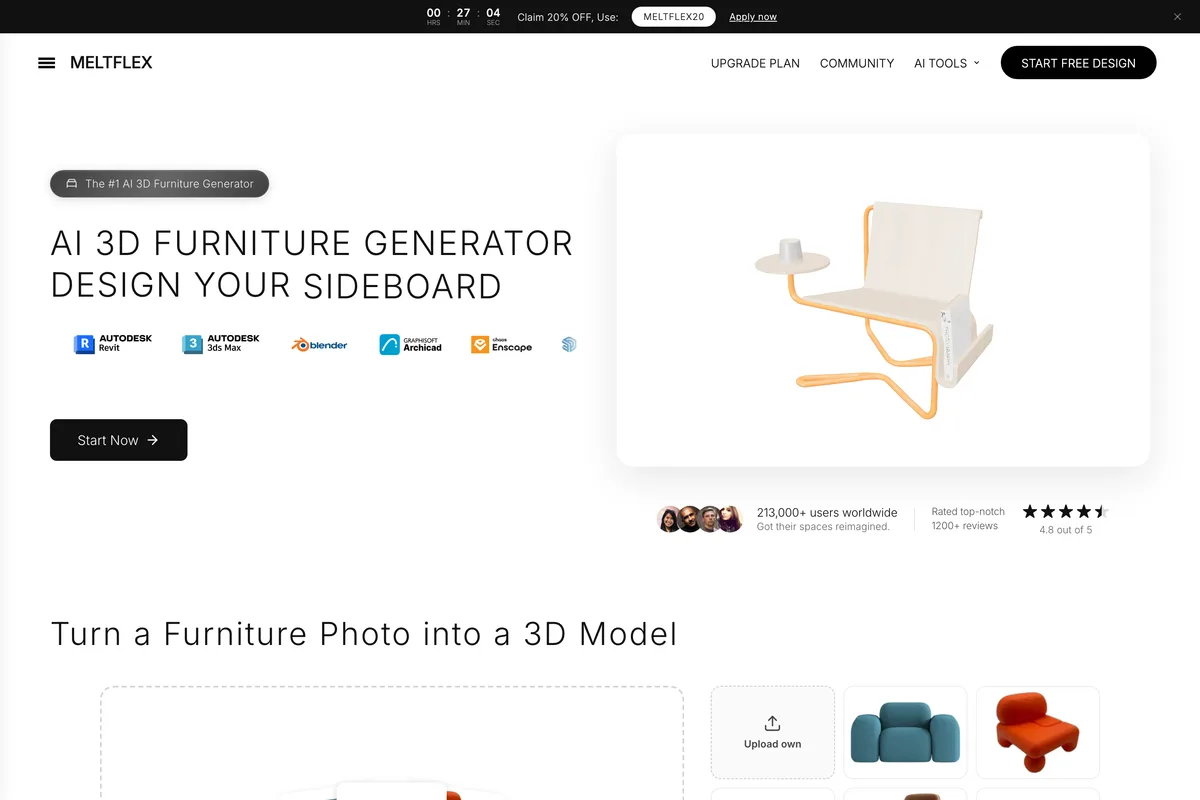
- Photo to 3D furniture: one photo of a chair or sofa becomes a textured GLB or USDZ model in about three minutes.
- Upscaling to 4K and video walkthroughs of a design.
- Apps for web, iOS, Android and Windows, plus an API, a CLI and an MCP server, so Claude or another AI assistant can run designs for you.
- Privacy: "Your photos stay in your account and are never used to train AI."
MeltFlex AI pricing
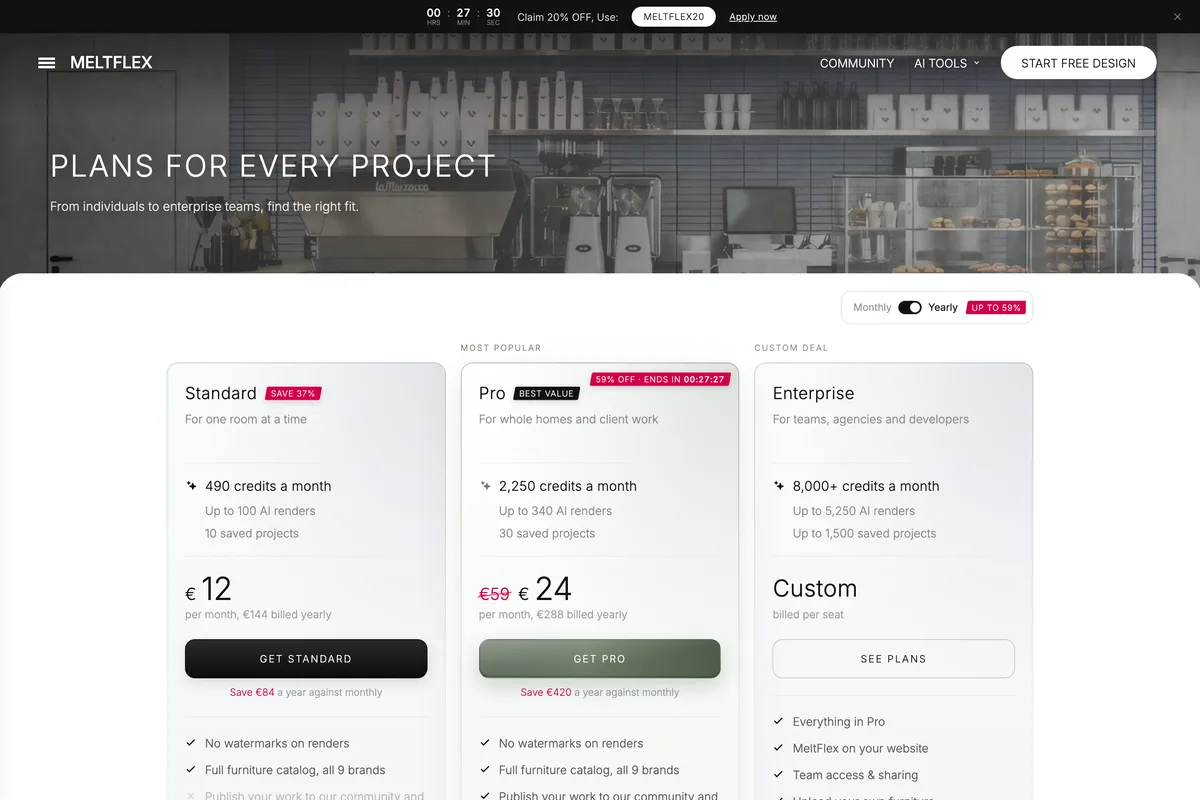
- Free: your first design is free and needs no credit card. Free renders carry a small MeltFlex watermark.
- Standard: €19 a month, or €12 a month billed €144 yearly, with 490 credits a month. A photo render costs 10 credits.
- Pro: €59 a month, shown at €24 a month billed €288 yearly during the October promotion, with 2,250 credits a month. Commercial use for listings and client work is included on Pro.
- Enterprise: from €200 a month for 8,000 credits, with your own furniture catalogue, PDF quotes and API access.
- A 7 day money back guarantee on paid plans.
Best for: homeowners who want to buy the room they see, interior designers who present to clients, furniture retailers who want their own catalogue in the designs, and anyone who wants photo, plan and 3D in one place. Where it stops: credits do not roll over, and the free tier gives you a taste rather than a working allowance.
2. ReimagineHome: real products, generous free trial
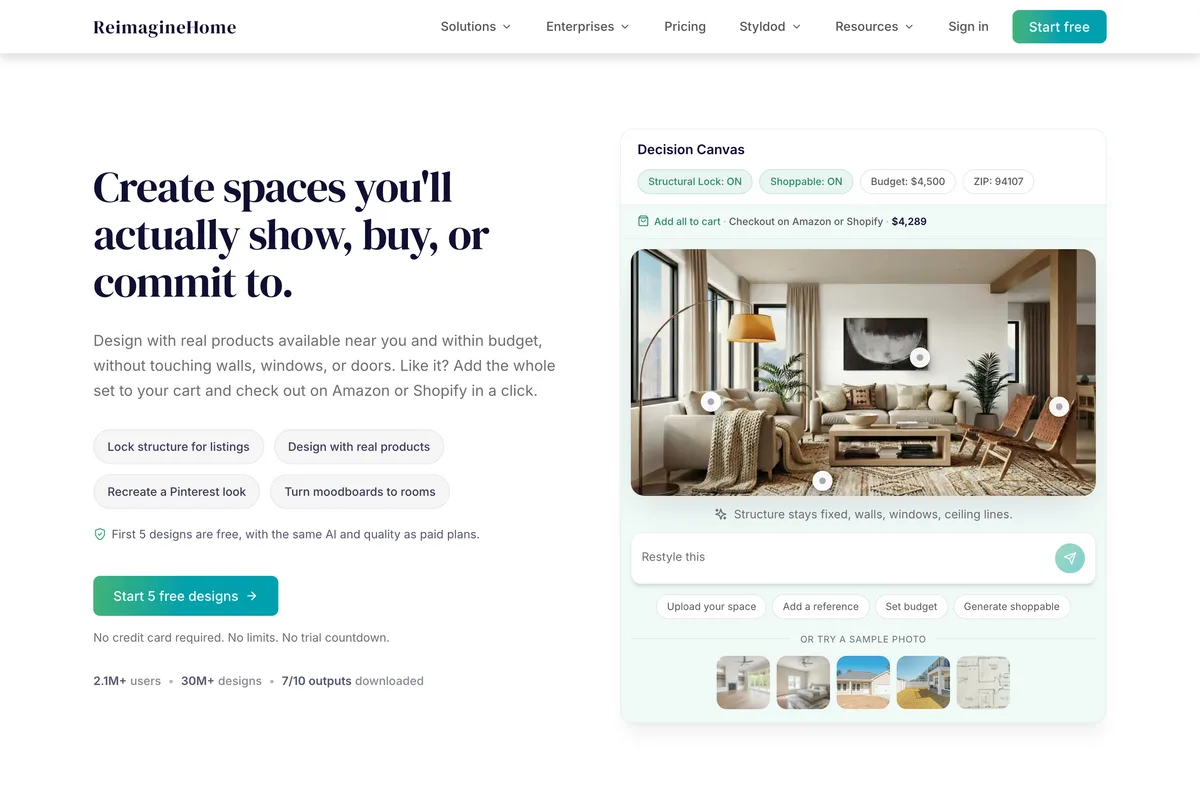
The closest to MeltFlex in spirit. You redesign by chat, attach reference photos, and switch on real products that check out on Amazon or Shopify. It also covers staging, emptying a room, landscaping and sky replacement. Its free trial is the most generous of the big names: "All new users get 5 free designs - same AI, same quality as paid plans."
Paid plans run from Essential at $19 a month for 30 credits to Agency at $119 for 900. A design costs 1 credit, or 2 with real products. The catch is the bottom tier: Essential has "No Next-Gen AI or High Resolution Quality", no reference photos and no real products, so the feature that makes it interesting starts at Pro, $36. Its page title still advertises a range of $14 to $99 a month, which the plans on the same page no longer match.
3. Interior AI: volume, sketches and SketchUp
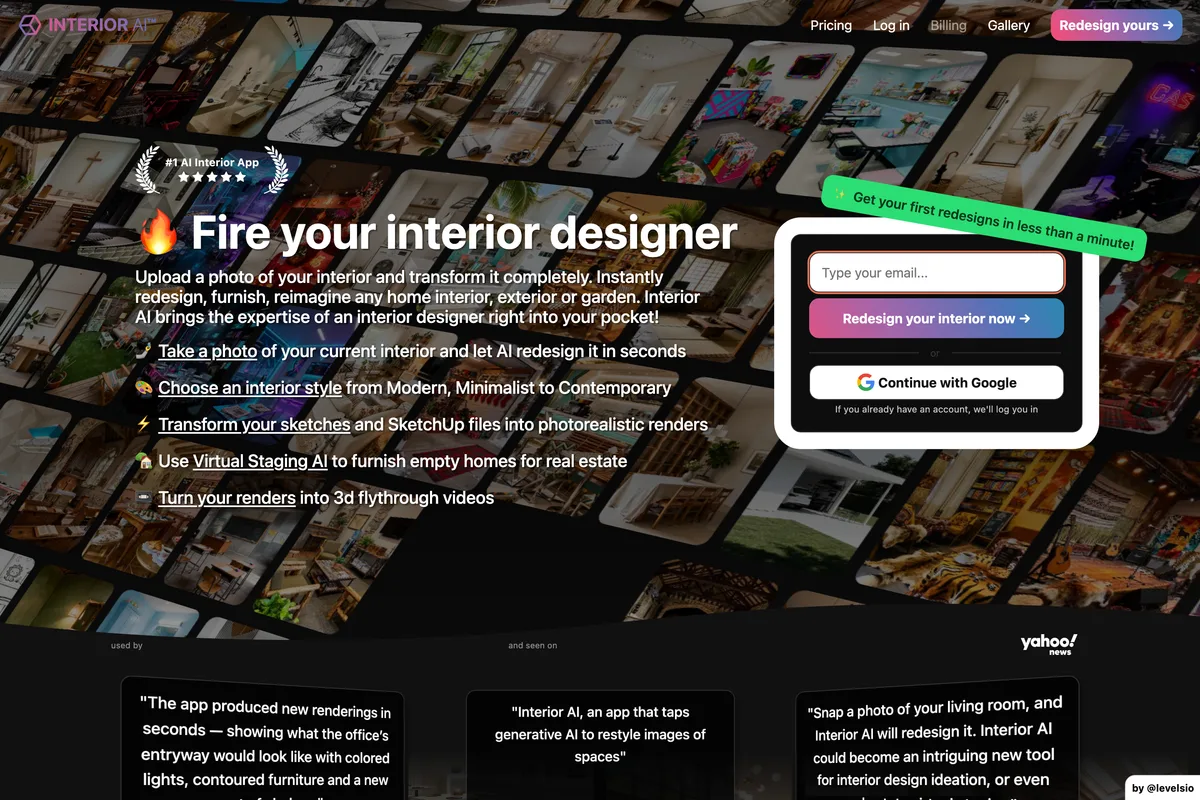
One of the first and best known, built by Pieter Levels. Upload a room photo, a hand sketch or a SketchUp screenshot and it renders it in one of 50+ styles across 30+ room types, with a Freestyle mode that needs no photo at all. The plans are sized for volume: Pro is $49 a month or $29 billed $349 yearly for 1,000 designs.
Read the plan cards closely. Pro says "Low quality renders" and does not include virtual staging; medium quality and staging start at Premium, $99 a month. There is no free plan, and the FAQ is blunt about refunds: "Unfortunately, we cannot offer refunds as costs incurred for generating AI images are extremely high."
4. HomeDesigns AI: the widest menu
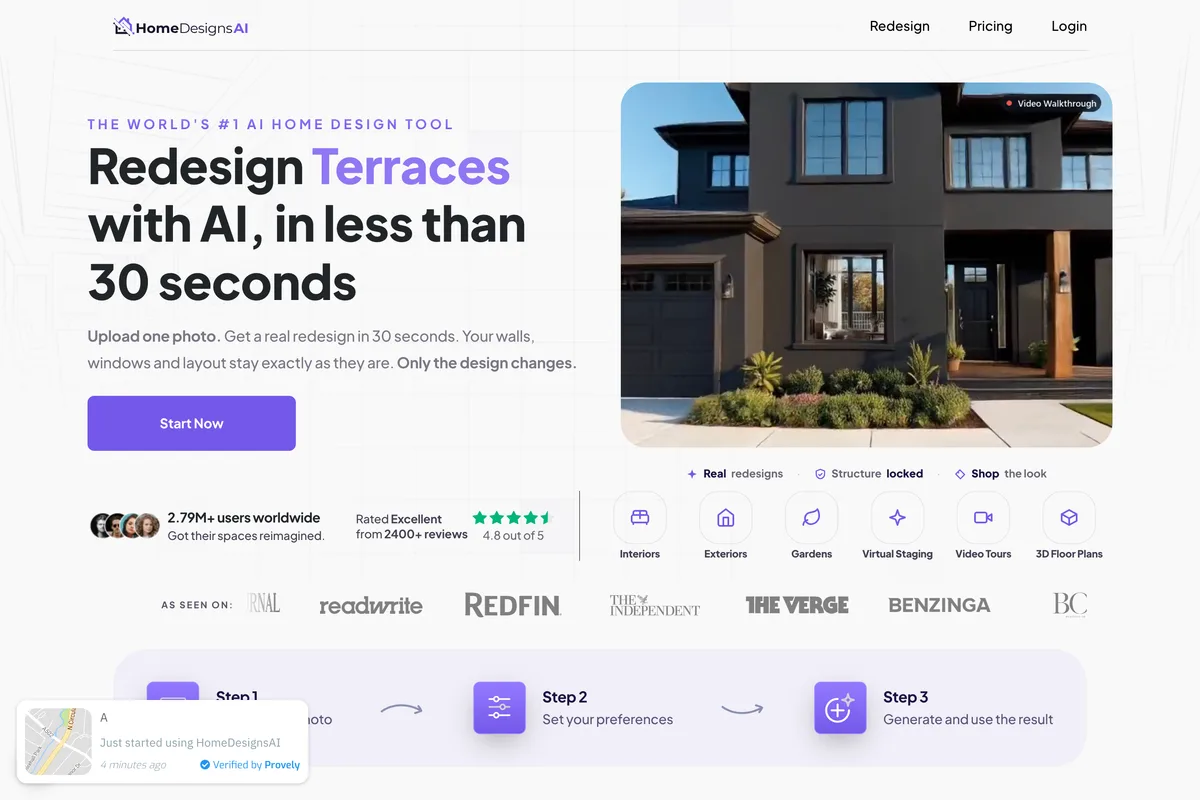
Interior, exterior and garden from a phone shot, hand sketch, blueprint or listing photo, plus video walkthroughs, 2D to 3D floor plans, furniture shopping and a budget estimator. Its Structure-Lock keeps walls and windows in place. Standard is $22 a month for 100 credits, Pro $29 for 1,000, Expert $37 for 2,000, and "A photo redesign is 1 credit". The yearly discount applies to the first year only, then it renews at the standard price. Free use is 3 credits every 24 hours.
5. Spacely AI: for working designers
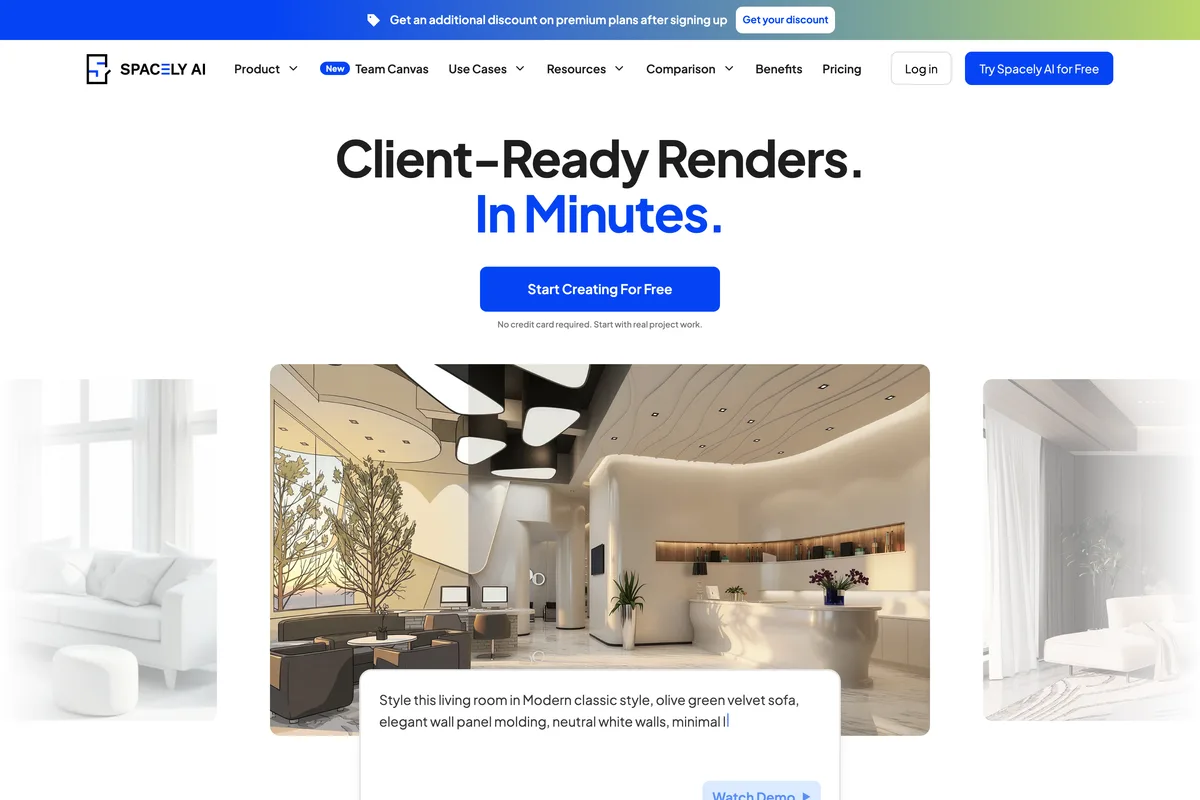
Spacely is aimed at professionals. It renders "a sketch, 3D model, or room photo into a photorealistic render in under 60 seconds", connects to SketchUp, Revit, AutoCAD and Rhino, and adds a shared Team Canvas. Personal is $25 a month, or $20 billed $240 yearly, for 500 credits. Note the queue: Personal runs on a "Standard queue · result in 5 minutes", and the 4K and realistic render features are tagged Pro. The free tier is 40 trial credits.
6. ReRoom: unlimited renders at a flat price
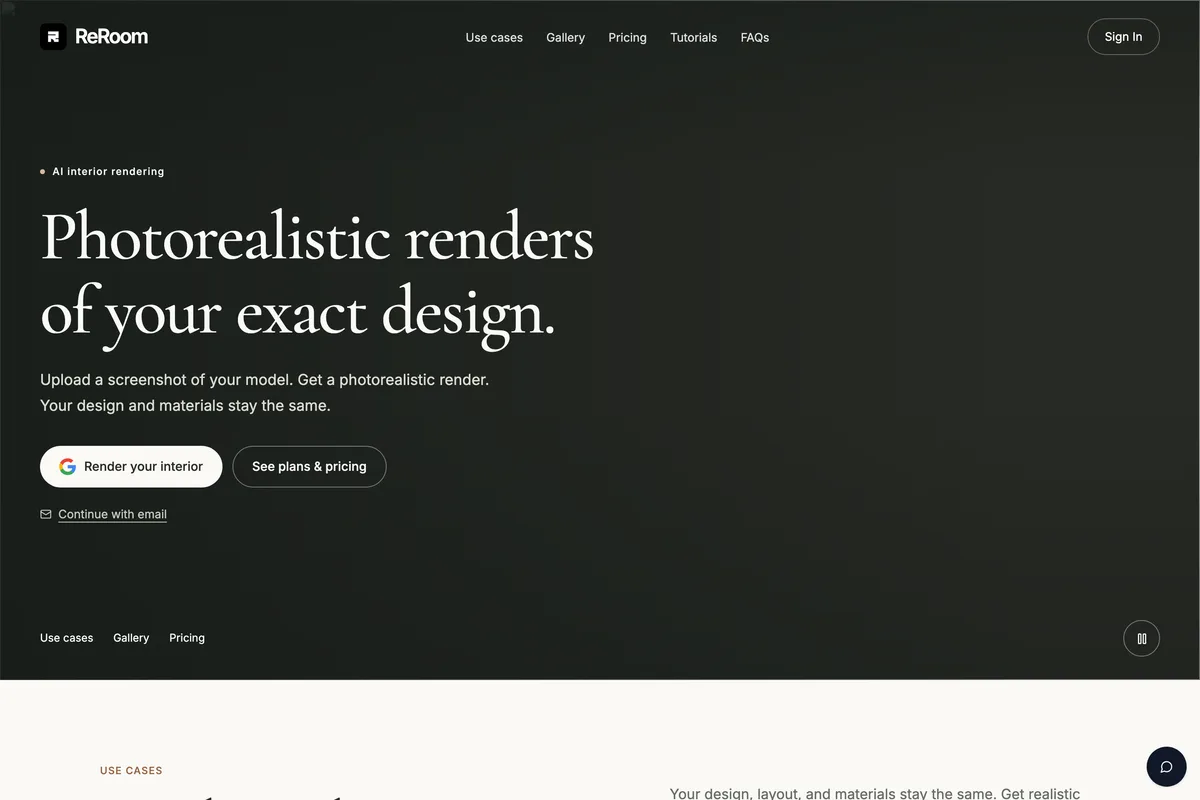
If you already design in 3D and just need the render, ReRoom is the simplest deal on this list: "Upload a screenshot of your model. Get a photorealistic render. Your design and materials stay the same." The monthly plan is $39 with unlimited renders, the annual $390 for the first year. The free trial gives 3 renders a day, watermarked and for non commercial use. It does not invent a design for you, which is the point.
7. Collov AI: virtual staging for listings
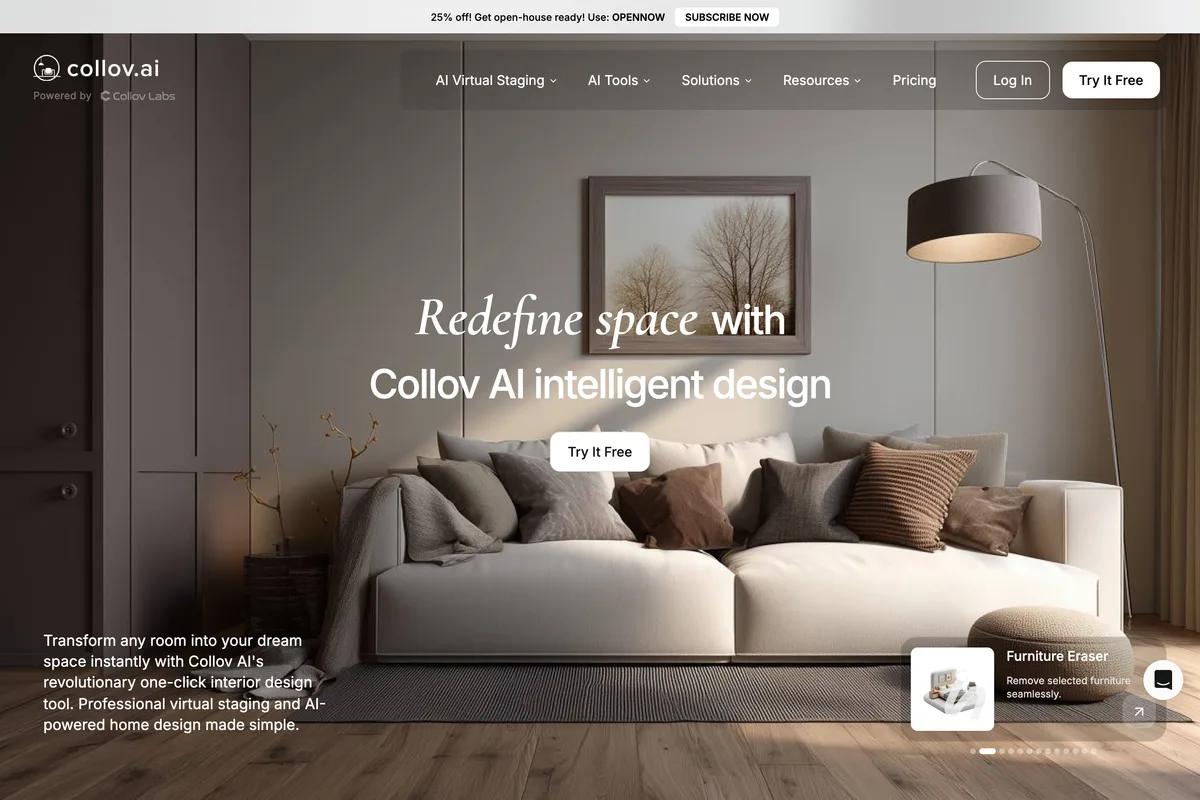
Collov is built for realtors: staging an empty or furnished listing photo "in under 15 seconds", plus declutter, twilight shots and virtual tours. Plans are priced per photo, from Standard at $19 a month billed $228 yearly for 60 photos to Enterprise at $127 for 526, with extra photos at $0.24. Free trials are watermarked. If you are an agent posting listings, our guide to social media for real estate agents covers what to do with the photos afterwards.
8. Planner 5D: floor plans first
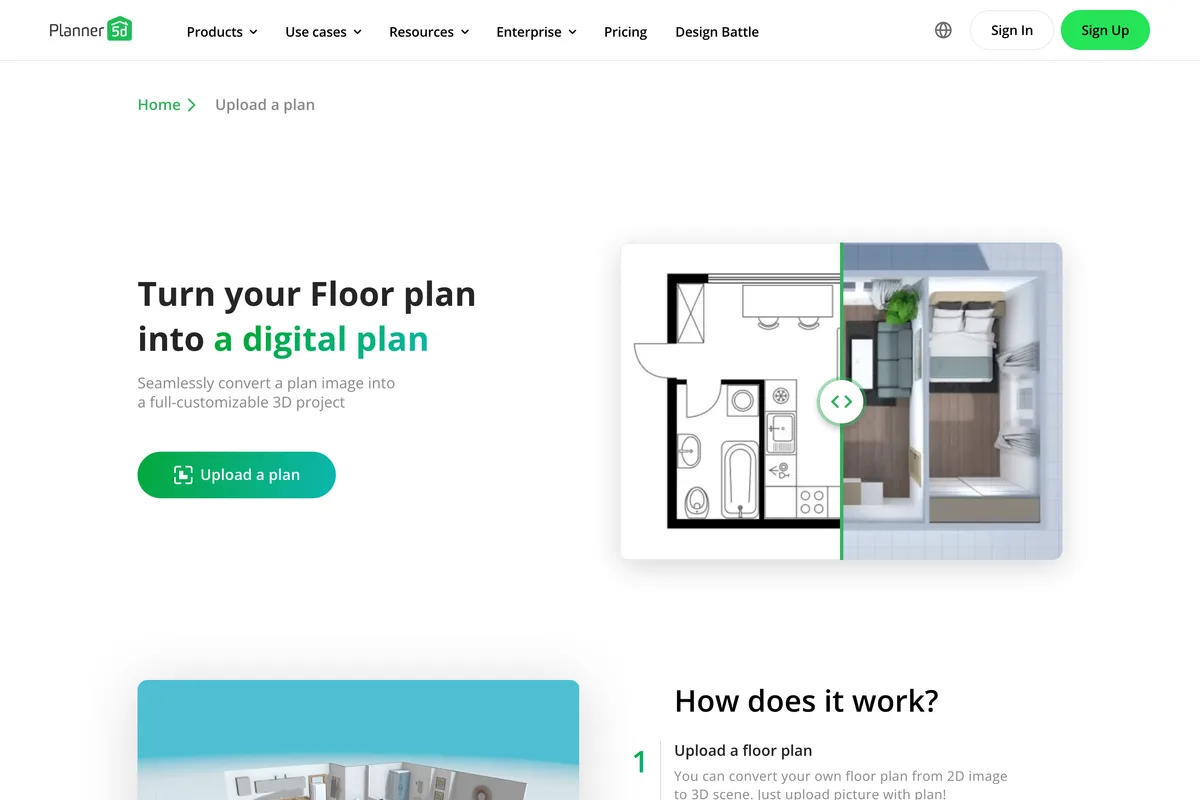
Planner 5D is a home planner first and an AI renderer second. Its AI reads a floor plan from png, jpg, pdf, dwg or dxf and turns it into an editable 3D plan, and its AI Studio takes prompts, photos, sketches and plans through models including Nano Banana 2 and GPT Image. The free plan has no time limit but half the furniture catalogue, and floor plan upload is Premium, from $4.99 a month billed $59.99 yearly. "AI plan recognition and AI Studio use separate allowances." If what you need to draw is a part rather than a room, the tools that turn a photo or sketch into a DWG or DXF are compared in the best AI CAD generators.
9. Homestyler: 3D software with AI added

Homestyler is full 3D home design software with a large model library, and its AI tools (stager, planner, render, animator and the Spark agent) sit in a separate AI Boost membership from $4.9 a month. Credits are spent per action: 10 for a staged image, 25 for a 2K render, 35 for 4K. The free Basic plan includes 3 AI credits and unlimited 1K rendering, but "4K Render needs to be purchased each time". Worth it if you want to build the room yourself, slow if you just want a new look for a photo.
10. Paintit.ai: chat first
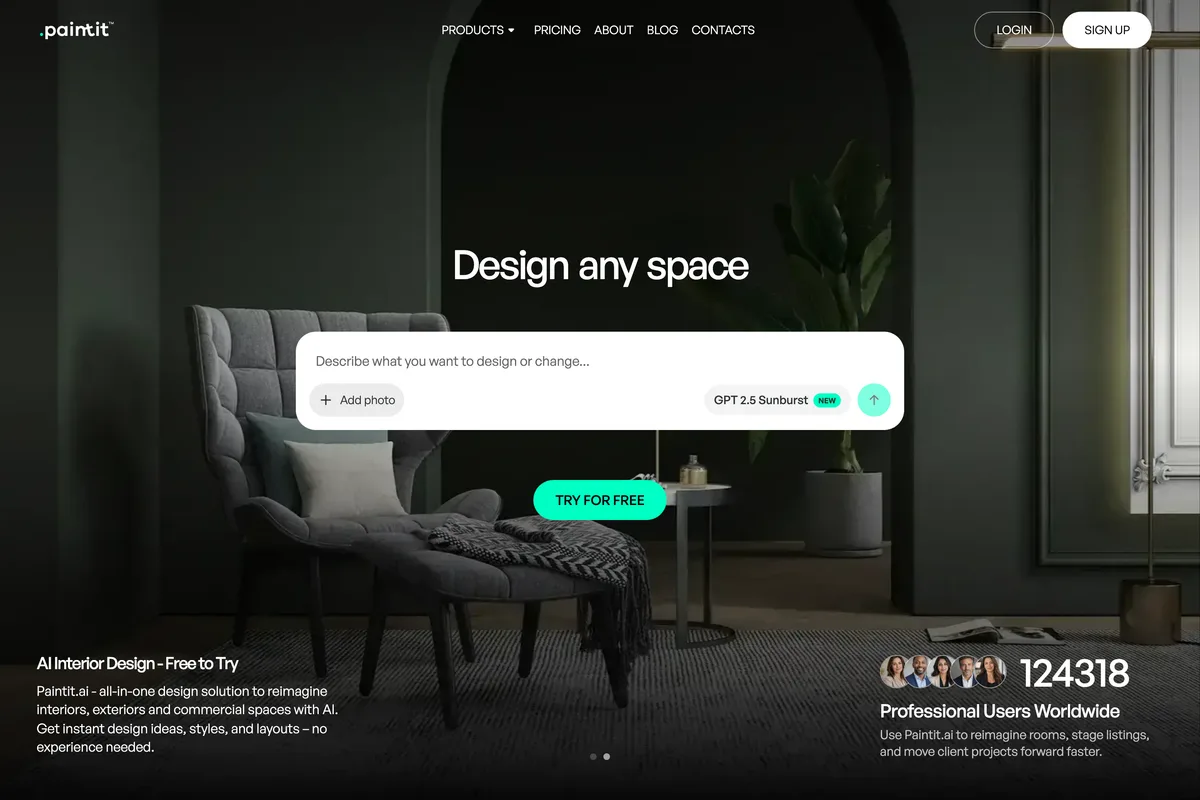
Paintit redesigns interiors, exteriors and commercial spaces through a chat box, with Pinterest boards as input. The free plan gives 30 credits at 1K, Starter is $14.99 a month on a 50% promotion, Pro $29.99. "The minimum image cost starts from 3 credits", and watermark free, commercial exports start at Pro, not Starter.
11. RoomGPT: one free try

RoomGPT made AI room redesign famous, and many lists still call it free and open source. The live site gives one free generation after you sign in with Google, then sells credit packs: "There is no subscription model; all purchases are made on a per-credit basis." Unused credits never expire, which is fair for occasional use. It is a single photo in, a single redesign out, with no plans, products or 3D.
How to choose an AI interior design tool
- You want to buy what you see: MeltFlex AI, or ReimagineHome from its Pro plan.
- You have a floor plan, not a photo: MeltFlex AI for plan to 3D, or Planner 5D if you want to draw the plan yourself.
- You render your own 3D models for clients: ReRoom for a flat price, Spacely if you work in a team.
- You stage listings: Collov AI, or MeltFlex's Virtual Staging tool if you also want the furniture to be real.
- You want one look at one room for free: RoomGPT or ReimagineHome's 5 free designs.
Whatever you pick, the brief matters more than the tool. Name the style, the pieces, the materials and what must stay. The same habits that make Nano Banana prompts for Instagram posts and Gemini prompts for product photography work apply to rooms: be specific, give colours a role, and say what not to change.
Posting AI room designs on social media
Most of these renders end up on Instagram, a listing or a client presentation. Two things to know before you post. Instagram may label an AI generated image, which we explain in why Instagram says AI info on a post. And a 16:9 render loses its edges in a portrait feed, so check the Instagram post size and crop before you upload. If you want the posts written and scheduled for you as well, that is what an AI social media tool does.
Frequently asked questions
What is the best AI interior design tool?
MeltFlex AI is the best AI interior design tool in 2026 for most people. It redesigns a room from a photo, floor plan or sketch, fills it with real furniture you can buy from retailers like IKEA, Wayfair and Amazon, and also does floor plan to 3D and photo to 3D furniture. ReimagineHome is the strongest alternative.
Is there a free AI interior design tool?
Most have a small free allowance rather than a free plan. MeltFlex AI gives your first design free with no card, ReimagineHome gives 5 free designs, ReRoom 3 watermarked renders a day, Paintit.ai 30 credits and RoomGPT a single generation. Interior AI has no free option.
Can AI design a room from a photo?
Yes. Upload a photo of the room, describe the style and the pieces you want, and say what must stay, such as the windows and doors. Tools like MeltFlex AI keep the room's structure and change the furniture, walls and floors. Naming what to keep gives far better results than a one click preset.
Which AI interior design tool uses real furniture?
MeltFlex AI builds every design from real products from nine retailers, including IKEA, Amazon, Wayfair, Pottery Barn and West Elm, with prices. ReimagineHome also offers real products from its Pro plan, and HomeDesigns AI has a shop the furniture feature.
What is the best AI tool for virtual staging?
Collov AI is built specifically for real estate staging and priced per photo. MeltFlex AI has a Virtual Staging tool that furnishes empty rooms with real, buyable furniture. ReimagineHome and Interior AI also stage, Interior AI only from its Premium plan.
How we researched this
- The eleven are the tools that come back again and again when people search for an AI room designer in 2026. Every home page, pricing page and FAQ cited below was read on the vendor's own site on 17 October 2026, and the home page and tool page screenshots were captured the same day. Nothing here comes from another roundup.
- MeltFlex AI is ranked first because it was tested most, by us, over months of real use, and because it does the most of the jobs on this list in one place. For this article we also ran it on a fresh photo: an empty living room taken from MeltFlex's own demo, rendered at 2K once with a written prompt and once with the Virtual Staging preset.
- The other ten were not each run on that same photo. Their sections describe what their own pages say they do and charge, including the limits those pages admit to, and we say where a page contradicts itself.
- Prices are copied as each page showed them on the day. MeltFlex showed euros to our location in Slovakia; the others showed US dollars. Several were running promotions, which are noted. Check the pricing page before you pay, because these change often.
Sources
- 1AI Home Design & AI Interior Design, Free
- 2Pricing & Plans
- 3FAQ
- 4MeltFlex MCP: Connect AI to Claude, Cursor, Codex
- 5AI 3D Furniture Generator
- 6REimagineHome Pricing
- 7Interior AI | AI Interior Design + Virtual Staging AI App
- 8Pricing
- 9Pricing Plans
- 10Choose your rendering plan
- 11Pricing
- 12Pricing
- 13AI Boost pricing
- 14Paintit.ai Pricing: Free, Starter, Pro & Max Plans
- 15RoomGPT.io Fulfillment Policy