Claude for Small Business: what it is, what it costs, and what it will and will not do for your social media
Claude for Small Business is not a plan and has no price of its own. It is a free plugin that sits on Claude Pro or Team and runs 43 ready made workflows through connectors such as QuickBooks, HubSpot and Canva. For social media it plans a calendar, writes the captions and lays out the graphics in Canva, and its own source code says, in a step heading, stage publishing, never publish. We read Anthropic's pages, the plugin's code on GitHub and the connector directory to show where it stops.
Claude for Small Business is a free plugin, not a plan. You turn it on inside a Claude Pro or Team subscription, connect the tools you already pay for, and it runs ready made jobs through them: chase an invoice in QuickBooks, close the month, triage a lead in HubSpot, plan next month's posts and make the graphics in Canva. Anthropic launched it on 13 May 2026, and its pages now say 43 workflows.
Our articles are still written by humans!
Get human written articles in your Google feed.
We looked at it from the side most small businesses ask about first, which is marketing and social media, because that is the side we work on. The launch post talks about running your next campaign. The plugin's own source code, which Anthropic publishes on GitHub, answers the obvious follow up question in a step heading: stage publishing, never publish. This guide shows what the plugin does, what it costs, how to switch it on, and where your posts go when Claude is finished with them.
| Your question | Short answer | Where it is written |
|---|---|---|
| What is Claude for Small Business? | A free plugin of workflows and connectors for Claude | Anthropic launch post, 13 May 2026 |
| Which plan do I need? | Pro for one person, Team for more than one | Claude for small business FAQ |
| What does it cost? | Pro $20/month ($17 yearly); Team $25/seat ($20 yearly) | claude.com/pricing |
| Which tools does it connect? | QuickBooks, HubSpot, Shopify, Stripe, Gusto, Canva and around 30 more | Solutions page; plugin page |
| Can it make my social media graphics? | Yes, in Canva, through the Canva connector | Launch post; plugin source |
| Can it post to Instagram or Facebook? | No. It stages posts and never publishes | Plugin source, social-content-engine |
| Can any Claude connector post for me? | Metricool's can schedule and publish, outside the plugin | Connector directory, Metricool listing |
| Does it run on its own? | After approval, workflows can run on a schedule | Plugin page |
What is Claude for Small Business?
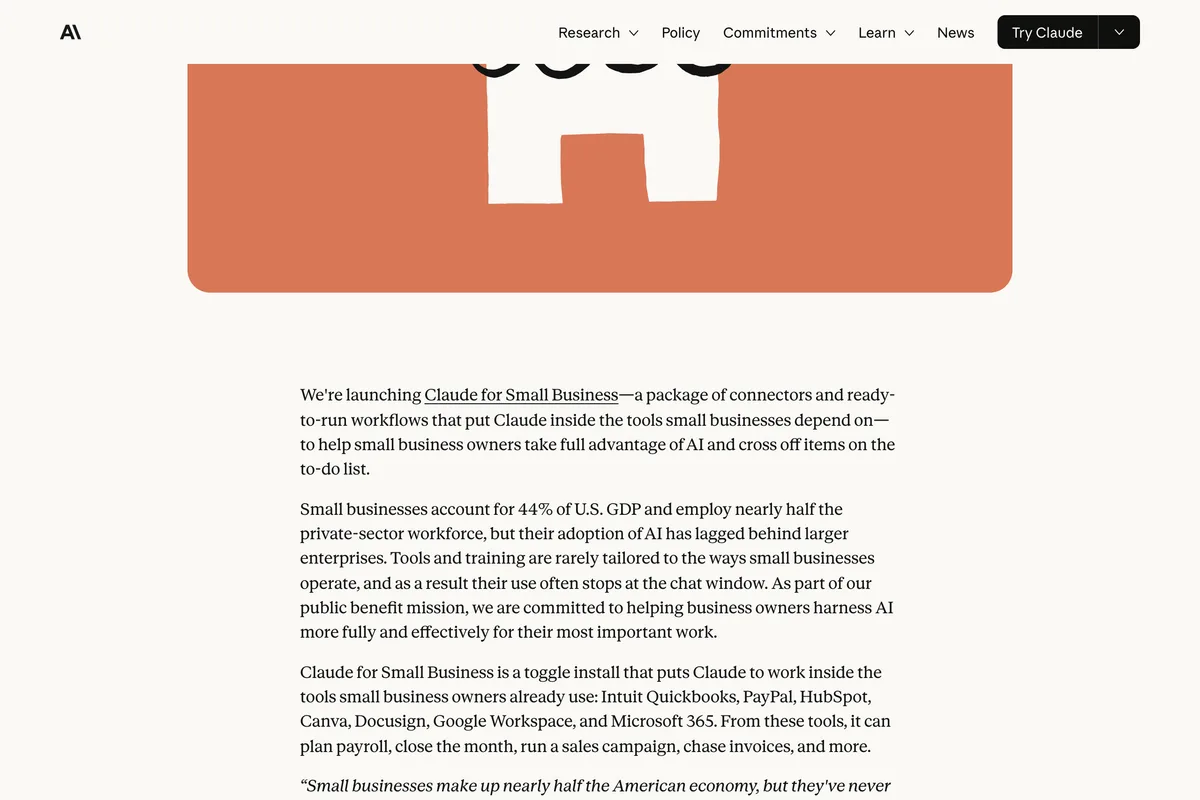
Anthropic describes it in its launch post as a package rather than a product, and the distinction is the first thing most guides blur. There is no separate app, no separate login and no separate price.
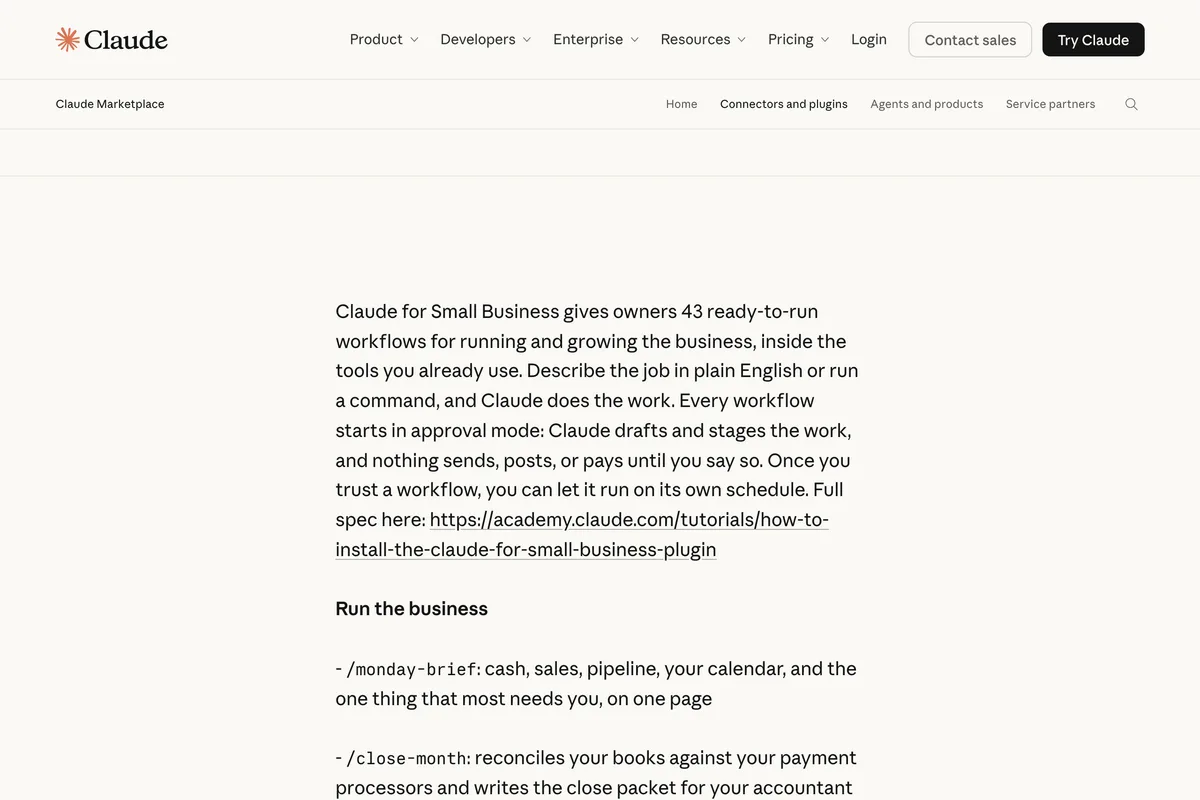
We're launching Claude for Small Business, a package of connectors and ready-to-run workflows that put Claude inside the tools small businesses depend on...
The numbers have grown since. The plugin page now says 43 ready-to-run workflows and 37 partner connectors, the solutions page says Canva and 25 more, and the plugin's list of servers on GitHub has 35. They are all counting slightly different things on different days. What matters for a small business is that your accounting, CRM, payments, payroll, documents and design tool are probably in the list, and your social media accounts are not.
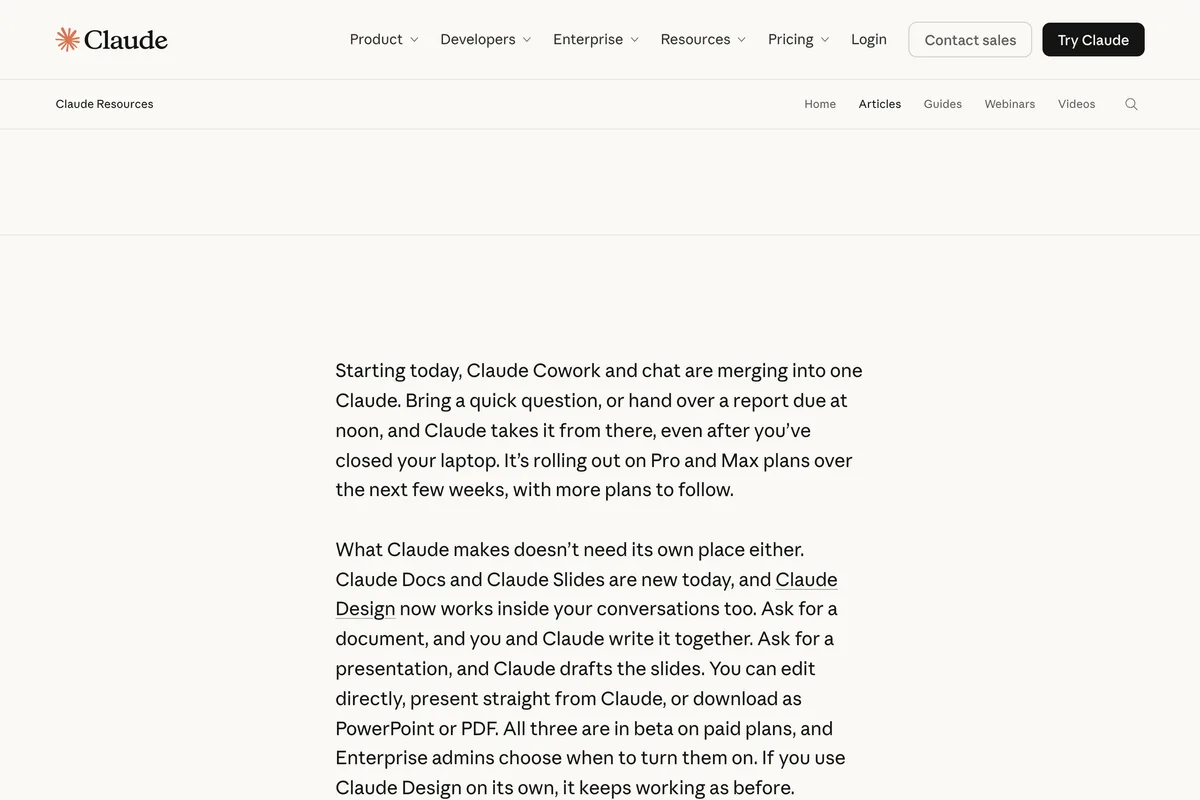
It runs in what Anthropic used to call Claude Cowork, the part of Claude that does tasks with your files and connected apps rather than answering in a chat. On 16 September 2026 Anthropic merged the two, so on Pro and Max there is now just Claude, with Team and Free following. If a guide tells you to download the desktop app and open the Cowork tab, it was written before September.
How much does Claude for Small Business cost?
Nothing on top of Claude itself. Anthropic's small business page answers the question in its FAQ, and the answer is a plan you may already have.
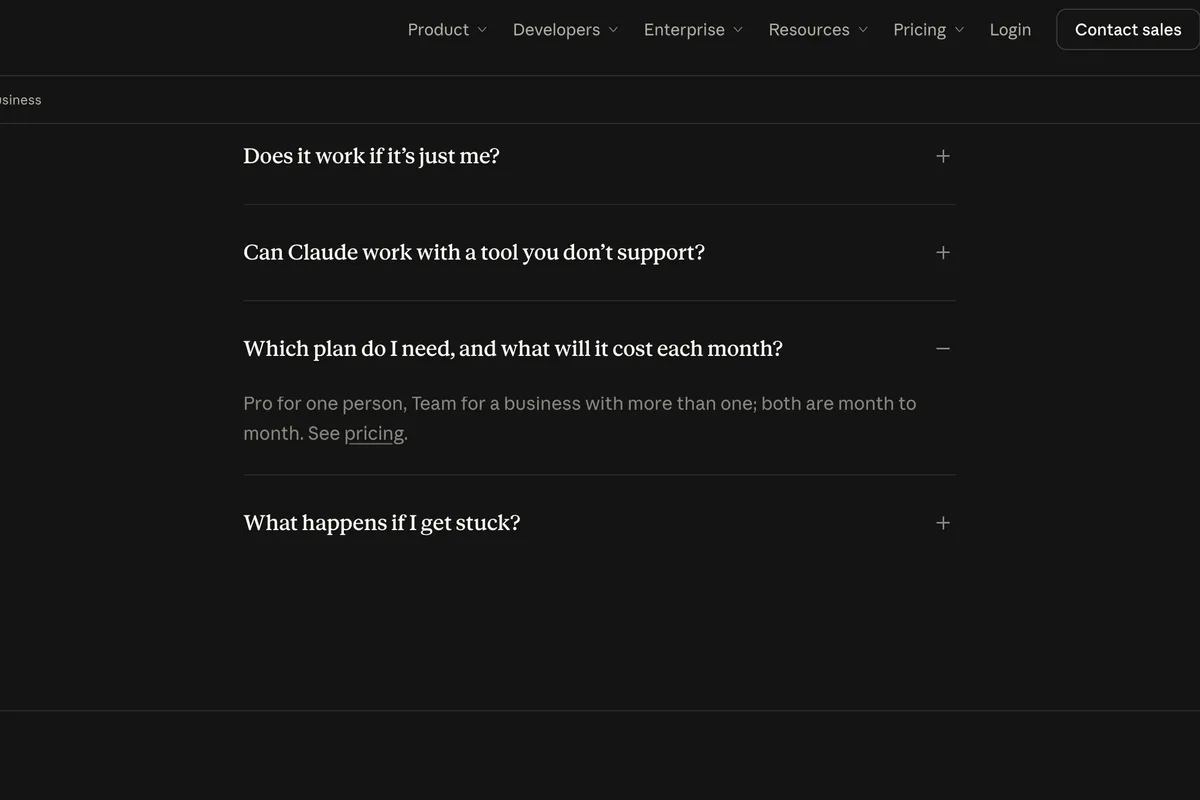
Which plan do I need, and what will it cost each month? Pro for one person, Team for a business with more than one; both are month to month.
| Plan | Price on 12 October 2026 | Who it is for |
|---|---|---|
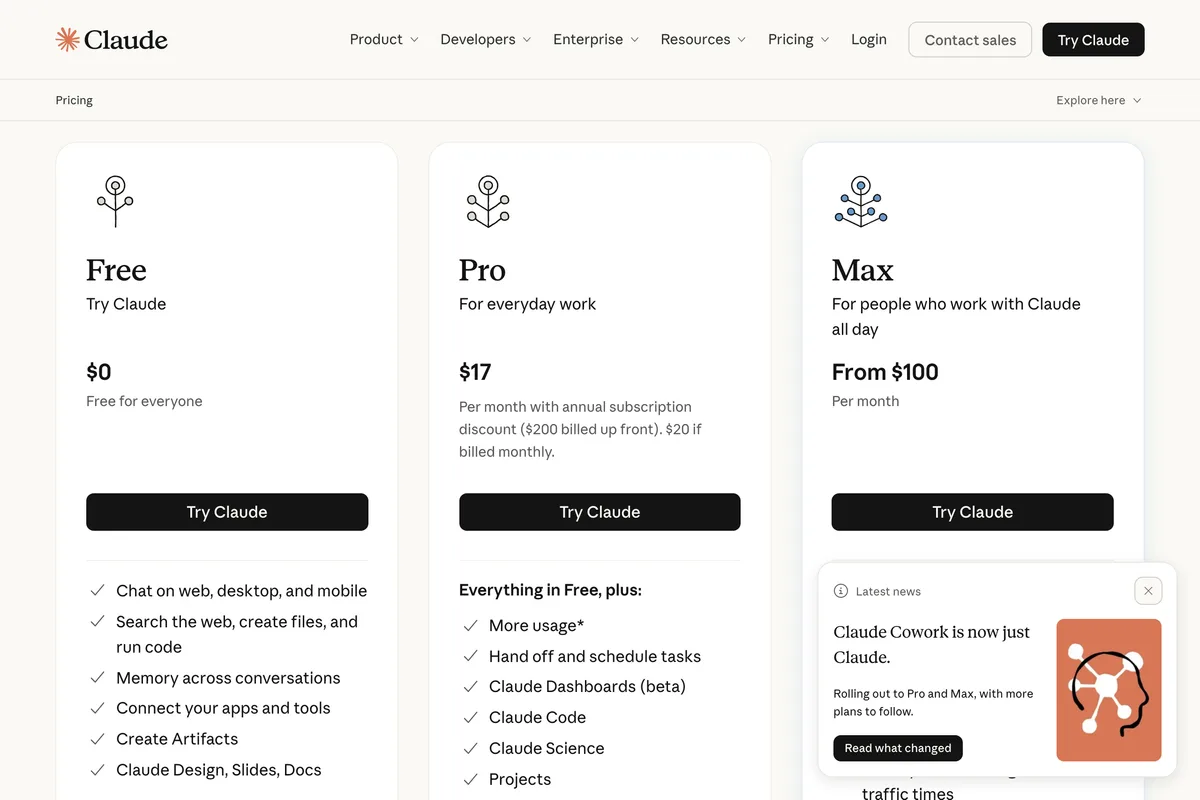
| Pro | $20 a month, or $17 a month billed yearly ($200 up front) | A sole owner |
| Team, standard seat | $25 a seat monthly, $20 a seat billed yearly | 2 to 150 people |
| Team, premium seat | $125 a seat monthly, $100 billed yearly | Heavy users on a team |
| Max | From $100 a month | One person who hits Pro's limits |
The connected tools are billed separately and some of the workflows assume a paid tier of them. That matters most for social media, as the next section shows: the plugin's route to a scheduled post runs through HubSpot's Marketing Hub Professional.
What does Claude for Small Business do for social media?
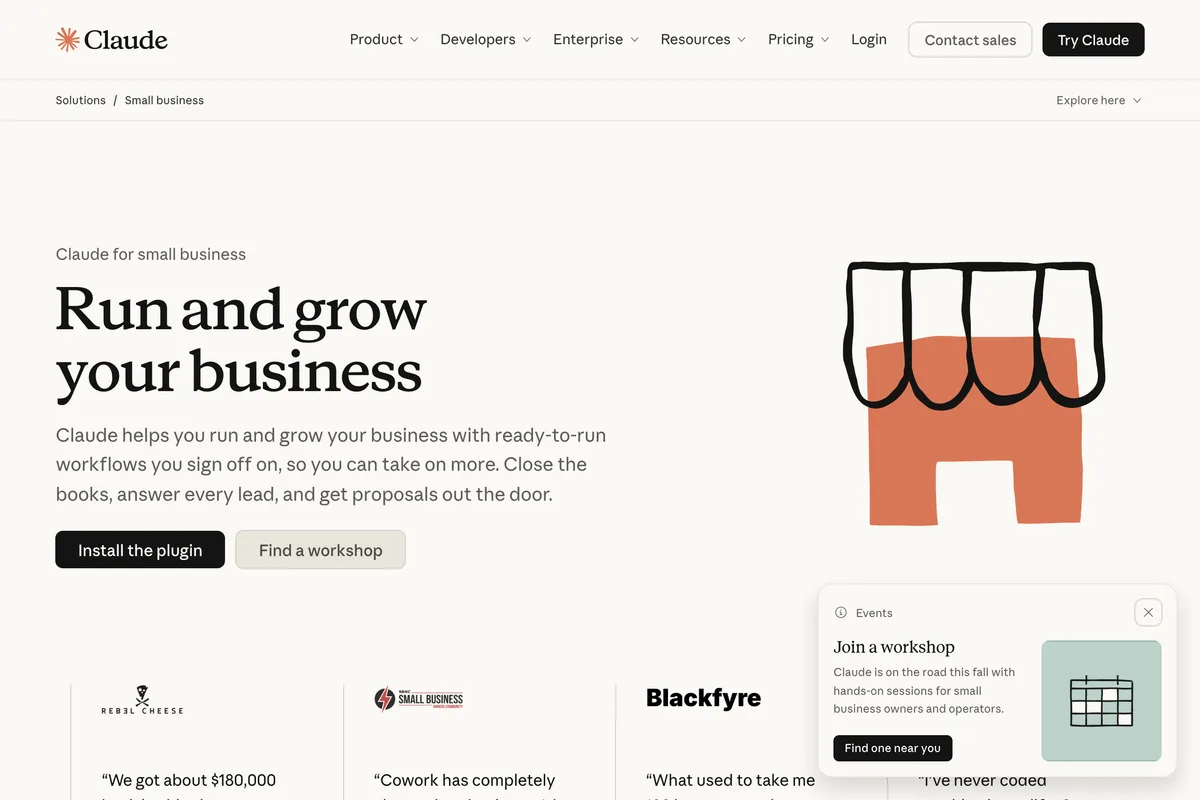
It plans and it prepares. The launch post's marketing example is a whole campaign, and the solutions page promises a posting calendar, both ending in the same place: an asset ready for you, not a post on your feed.
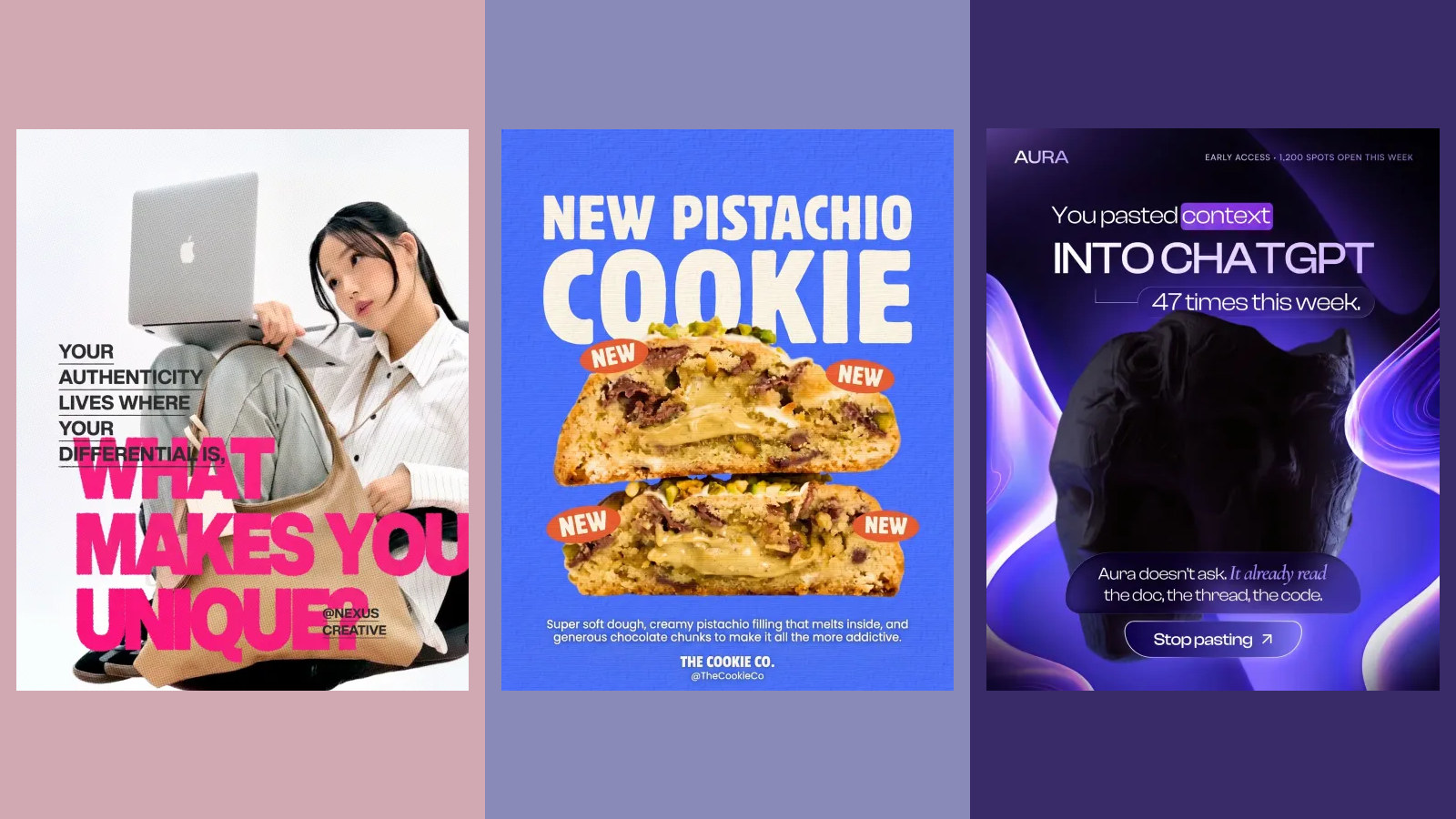
Running your next campaign. Find the slow stretch in your revenue, analyze your HubSpot campaign performance, draft the promo strategy, and generate the assets in Canva to prepare your next send.
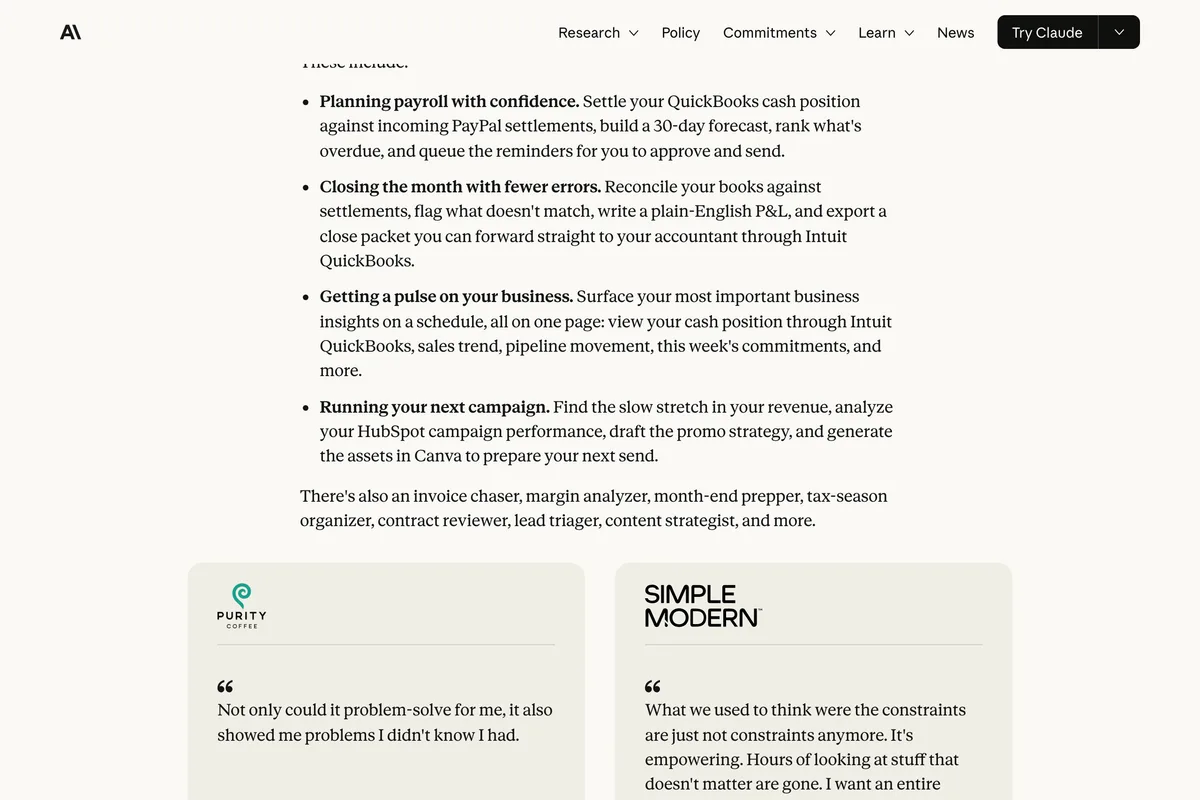
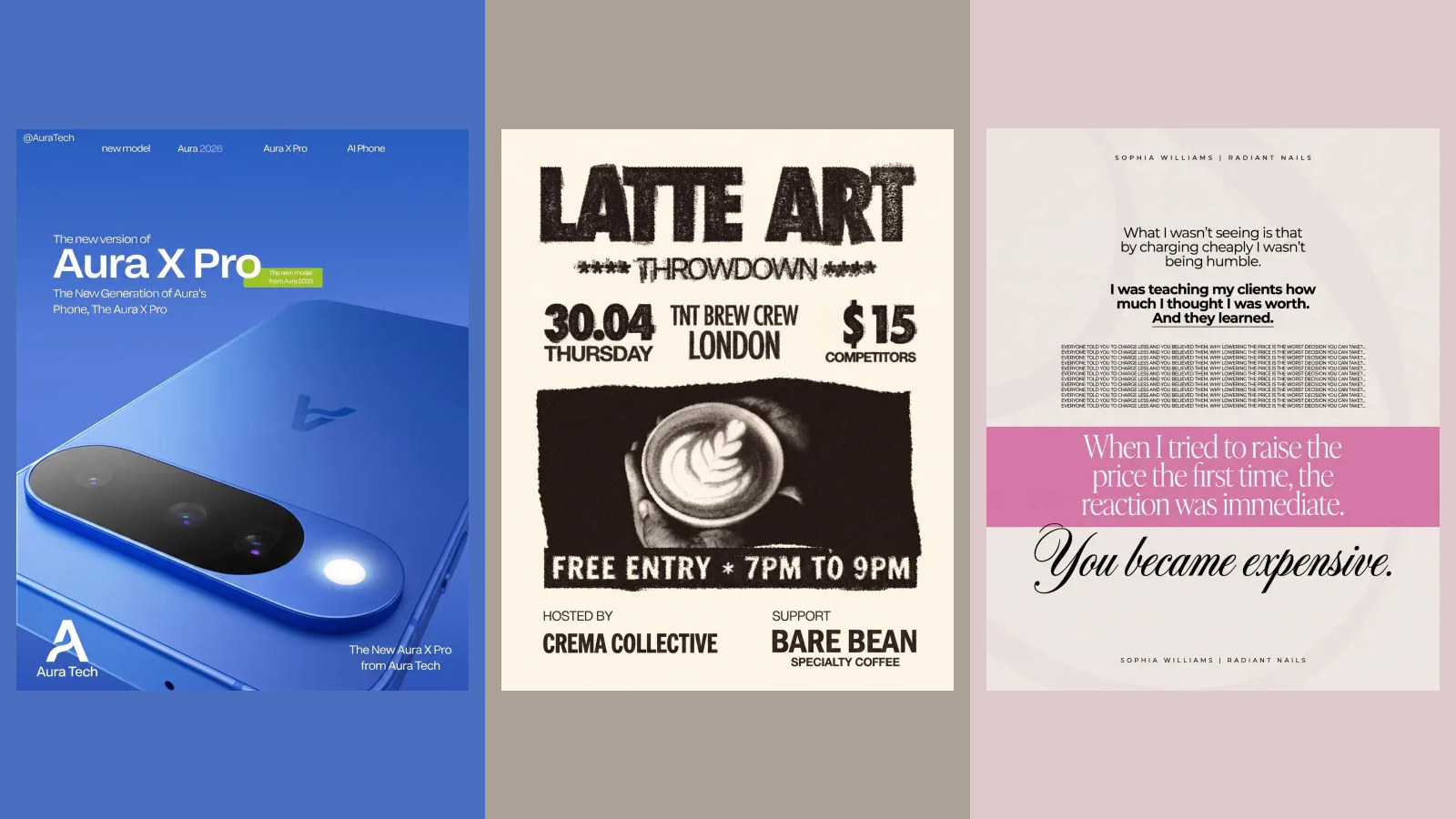
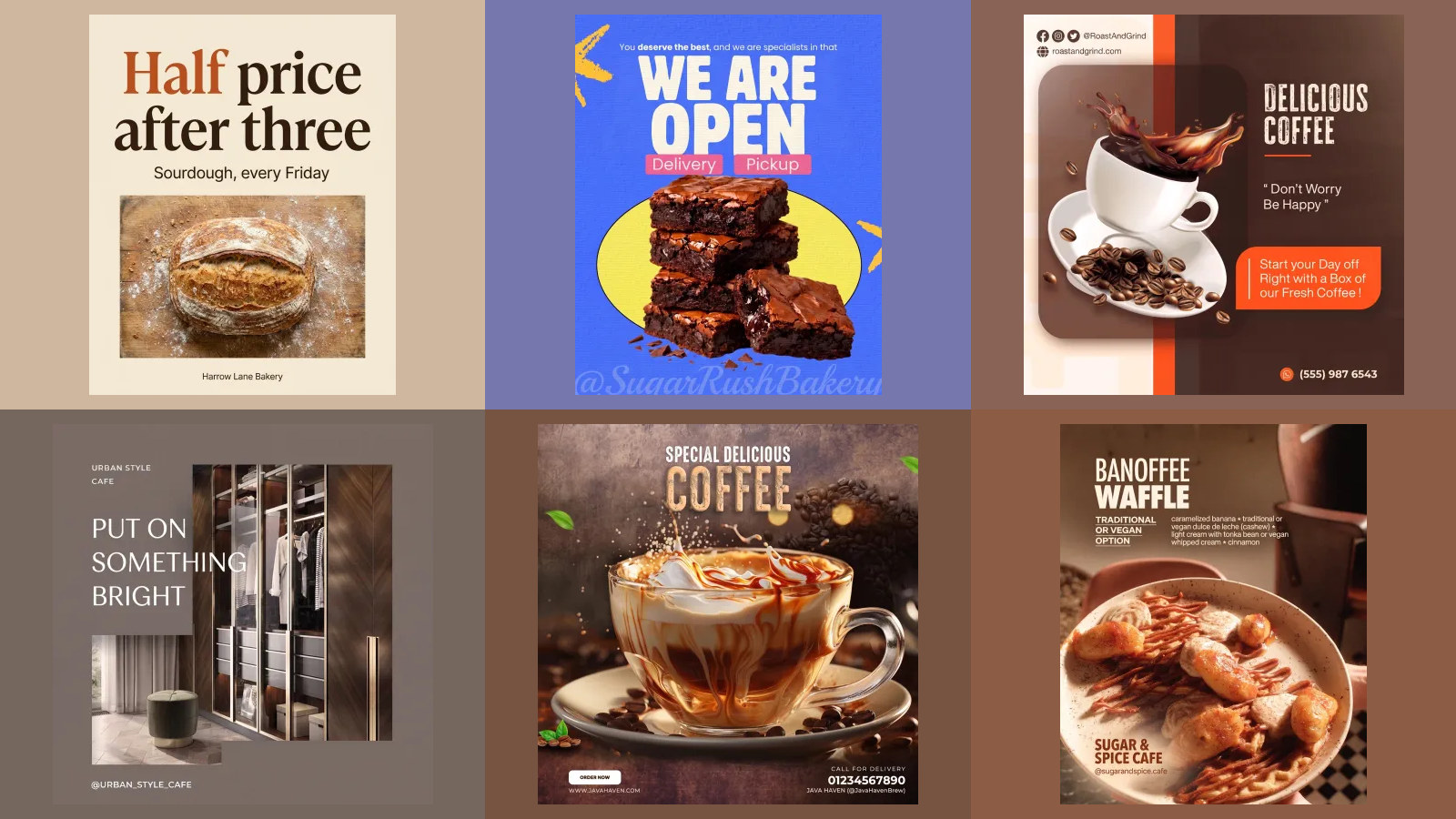
The solutions page is more specific about posts. Its marketing panel reads: Claude can build a two-week posting calendar with product shots from your store complete with written captions, all for your approval. That is a real piece of work. A calendar with captions and pictures from your Shopify store is most of what a small business pays a freelancer for, and the plugin's Canva skill turns it into designs at the right sizes.
Then it stops. The plugin's source on GitHub contains a skill called social-content-engine that does the calendar, and its numbered steps say plainly what happens at the end. Step 8 writes the copy in the owner's voice. Step 9 is this:
Step 9, Stage publishing, never publish. Read reference/publishing.md for field-level detail and fallbacks. HubSpot social staging on Marketing Hub Professional, otherwise a scheduling CSV the owner imports into whatever tool they already use. In every path the post is staged, never published, the owner controls go-live and can still cancel or edit.
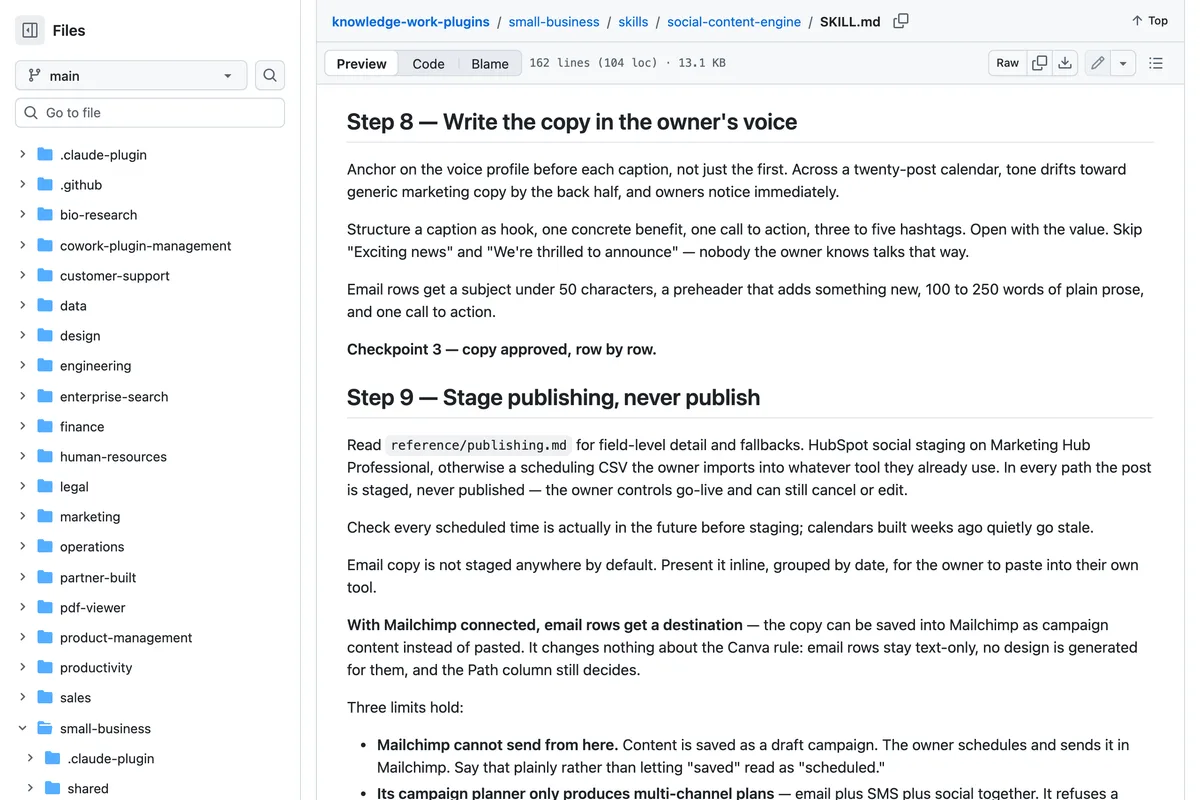
So there are two endings. If you pay for HubSpot's Marketing Hub Professional, the posts land in HubSpot as scheduled, and the plugin's message to you says they will go out as scheduled and you can cancel or edit any post in HubSpot. That is publishing in all but name, done by HubSpot, on a tier most small businesses do not have. If you do not, you get a spreadsheet: the publishing reference names A CSV to import into Buffer, Later, or their tool. The plugin's list of servers has no Instagram, Facebook or LinkedIn entry, and its only TikTok server is TikTok's ads server.
- Calendar and captions: yes, in your voice, from your store's products, for your approval.
- Graphics: yes, through Canva. The skill says Canva is used for social posts only, Instagram, Facebook, X and LinkedIn; email is kept as text.
- Photos: no new ones. Claude does not generate images, see can Claude generate images; the product shots come from your store or your uploads.
- Scheduling: only through HubSpot Marketing Hub Professional, or by you importing a CSV into a scheduler.
- Publishing: no. Every path ends with you or another tool pressing the button.
- Ads: TikTok ads through TikTok's own connector; other ad platforms through a Zapier connector the plugin can build, or a CSV.
Is there any Claude connector that posts to Instagram or Facebook?
One, and it is not Anthropic's or Meta's. We checked the directory on 12 October 2026 against the sitemap of claude.com: there is no Instagram, Facebook, Meta, LinkedIn, Buffer, Hootsuite or Later connector. TikTok for Business is there and runs ads, as we showed in how to connect Claude to TikTok. What is there is Metricool, a scheduler, listed since June 2026 and marked Anthropic verified.
Metricool connects Claude to your social media accounts so you can schedule and manage posts across your networks, including Instagram, Facebook, X, LinkedIn, TikTok, YouTube, Pinterest, Bluesky, Threads, Twitch, and Google Business Profile.
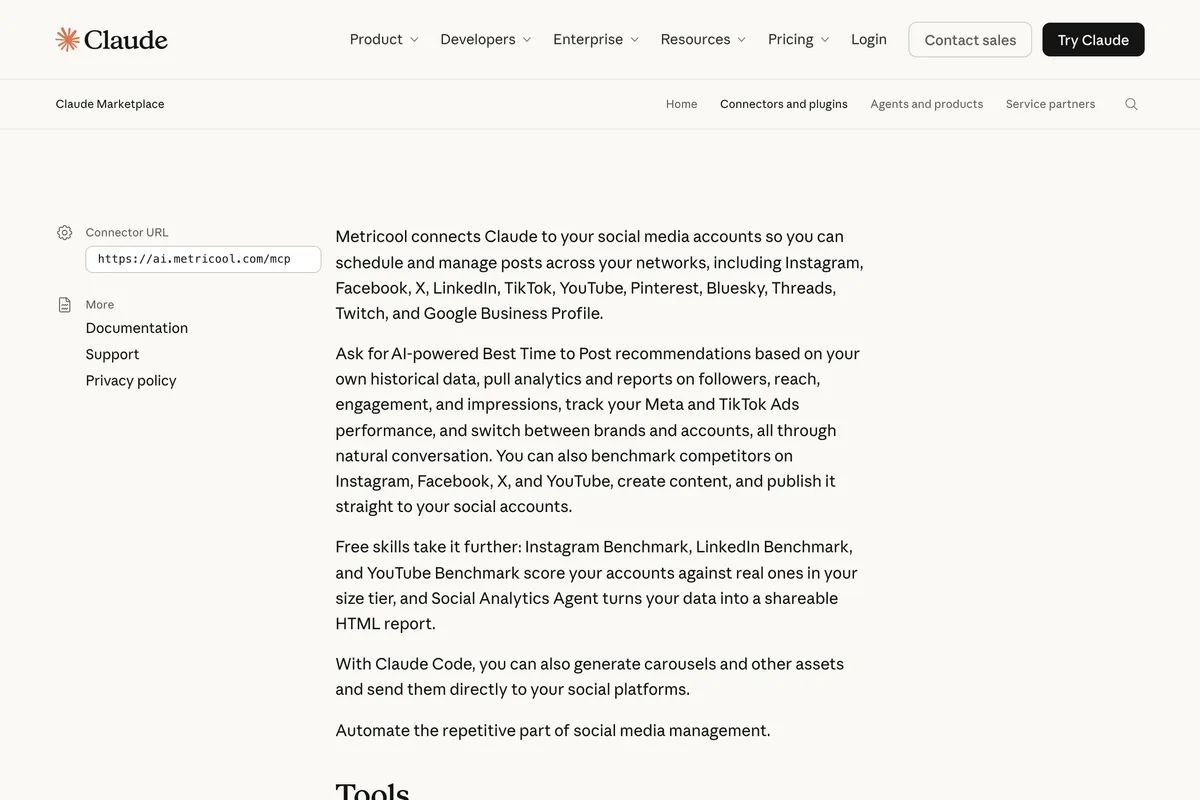
Metricool's pricing page lists its MCP connector in the free plan. That free plan is small, as we found when comparing schedulers in free AI social media tools, and what you actually get: twenty posts a month, one brand, and no LinkedIn or X. And the post still has to exist first. Metricool schedules what Claude hands it; the picture, the words inside the picture and your brand are the plugin's Canva step and your own photos. We go through the other routes, with Meta's own rules, in how to connect Claude to Instagram and to LinkedIn.

How do I set up Claude for Small Business?
In about ten minutes, once you have Pro or Team. These are the steps shown in the tutorial video below and Anthropic's Claude Academy tutorial, adjusted for the September change that folded Cowork into the main app. Menu names have moved twice this year, so expect the labels to differ slightly.
- Subscribe to Pro or Team at claude.com/pricing, the two plans Anthropic's FAQ names. We did not test the plugin on Free.
- Find Small Business in the plugin directory and install it. The video below shows the path as Cowork, Customize, Personal plugins, Browse plugins; since the September merge Customize sits in the main sidebar. Anthropic's solutions page also has an Install the plugin button.
- Connect your tools one at a time. Each connector asks you to sign in to that tool and approve what Claude can read and change. Start with the one job you most want done, not all 37.
- Run one workflow by name, for example /monday-brief for a weekly summary or the content strategist for a posting calendar, and approve each step.
- Schedule it only after you trust it. Scheduled tasks can run in the cloud while your computer is off, but anything that uses your local files or browser needs the desktop app open.
We chose this video after reading its transcript. It installs the plugin, connects tools and runs a Canva job end to end for an invented estate agent: Claude asks design questions and returns four Canva candidates per email banner, without photos, and the presenter stops before pushing anything to HubSpot. He calls it a bundle of skills and connectors, not a new product, which is right. Two things have changed since May: he says Cowork only runs on the desktop app, which the September merge changed, and he points to a separate video for social media because, in his words, that takes a few more steps.
What do other guides to Claude for Small Business get wrong?
Mostly prices, plans and dates, because the product changed three times between May and September. The table compares each claim with Anthropic's own page on 12 October 2026.
| Page | What it claims | What Anthropic's pages say |
|---|---|---|
| Guardz, 18 May 2026 | Eight native connectors at launch, including Slack | The launch post names seven; Slack is not among them |
| Guardz | Zero data retention logic for sensitive sessions | Not on any Anthropic small business page |
| Eigent | You need a Claude Team or Enterprise plan to access it | Pro for one person, Team for a business with more than one |
| Eigent | Claude never acts unilaterally on your behalf | Plugin page: once you trust a workflow, you can let it run on its own schedule |
| Eigent | Canva creatives for email and social | Plugin source: Canva is used for social posts only; email stays text |
| Sherise Adkins, updated August 2026 | Cowork is a separate tab in the desktop app | Cowork merged into Claude on 16 September 2026; web and mobile in beta |
| Most launch week coverage | 15 workflows | True in May; the plugin page now says 43 |
Is Claude for Small Business worth it?
If you already pay for Claude, yes: it costs nothing extra, and the finance and admin workflows are the most finished part of it. If you are deciding whether to start paying $20 a month for it, decide on those jobs, not on social media. For your feed it will be a good planner and copywriter, a capable Canva operator, and then it will hand the work back to you, by design. Anthropic built every path to stop before anything posts, which is the safe choice for a bakery's Instagram and the reason you will still need something, a scheduler, HubSpot or a tool that publishes, at the end of the line.
For the writing half on its own, our tested Claude prompts for Instagram posts work in any plan. For the bigger picture of where AI helps a small business's social media and where it does not, see how to use AI for social media marketing.
Frequently asked questions
What is Claude for Small Business?
A free plugin for Claude, launched by Anthropic on 13 May 2026, that bundles ready made workflows and connectors for small business tools such as QuickBooks, PayPal, HubSpot, Canva, Shopify and Google Workspace. Anthropic's plugin page said 43 workflows on 12 October 2026. It is not a separate plan or app.
How much does Claude for Small Business cost?
The plugin itself is free. Anthropic's FAQ says you need Pro for one person or Team for a business with more than one. On 12 October 2026 Pro cost $20 a month, or $17 a month billed yearly, and a Team standard seat $25 a month, or $20 billed yearly, for 2 to 150 people. Connected tools such as HubSpot are billed by their own vendors.
Can Claude for Small Business post to Instagram?
No. The plugin's social-content-engine skill, in Anthropic's own repository, has a step titled Stage publishing, never publish. It stages posts as scheduled in HubSpot if you have Marketing Hub Professional, or gives you a CSV to import into Buffer, Later or another scheduler. The plugin has no Instagram, Facebook or LinkedIn connector.
Does Claude have an Instagram connector?
Not from Meta or Anthropic. On 12 October 2026 Claude's connector directory had no Instagram, Facebook or LinkedIn listing. Metricool, a third party scheduler listed since June 2026, can schedule and publish posts to Instagram, Facebook, LinkedIn, TikTok and other networks from Claude, and Metricool's pricing page lists the connector in its free plan.
Can I use Claude for Small Business on the free plan?
Anthropic's FAQ names Pro for one person and Team for a business with more than one, and does not mention Free. The plugin runs in what was Cowork, which Anthropic is bringing to Pro and Max first, with Team and Free to follow. We did not test it on a Free account.
What happened to Claude Cowork?
On 16 September 2026 Anthropic merged Cowork and chat into one Claude, rolling out on Pro and Max first with Team and Free to follow. The Small Business plugin runs in that merged app, so tutorials that tell you to open a separate Cowork tab in the desktop app predate the change.
How we researched this
- Everything about what Claude for Small Business is was read on 12 October 2026 in Anthropic's own pages: the launch post of 13 May 2026, the Claude for Small Business solutions page, the plugin page, Claude Academy's small business collection and install tutorial, the pricing page, the Cowork product page and the 16 September 2026 post merging Cowork into Claude. The sentences we rely on are photographed under the quotations.
- What the plugin does with social media was read in its source, the small-business folder of Anthropic's knowledge-work-plugins repository on GitHub, last committed on 11 October 2026: the social-content-engine and canva-creator skills, the reference file on publishing, and the plugin's list of MCP servers. We read the code; we did not run the plugin against our own accounts.
- The connector directory was checked against the sitemap of claude.com and each relevant listing on 12 October 2026. A connector we say does not exist is one with no listing there on that date.
- We read the pages that rank for claude for small business, from Guardz, Eigent, The VC Corner, Sherise Adkins and MindStudio, and list in a table the claims that contradict Anthropic's pages. The VC Corner's guide is behind a paywall and only its free preview was read. A Reddit thread that ranks could not be loaded from our location. The YouTube tutorial we embed was chosen after reading its transcript.
- We sell a tool that publishes finished posts to Instagram, Facebook, LinkedIn, TikTok, Pinterest and X, which is exactly the step this article finds missing from Anthropic's plugin. That is disclosed where it becomes relevant.
Sources
- 1Introducing Claude for Small Business
- 2Claude for small business
- 3Small Business plugin
- 4knowledge-work-plugins: small-business, social-content-engine skill
- 5How to install the Claude for Small Business plugin
- 6Claude for small business
- 7Pricing
- 8Cowork
- 9Cowork is now Claude
- 10Metricool Social Media Management connector for Claude
- 11Pricing
- 12Claude for Small Business: First Impressions
- 13Claude for Small Business: Back-Office AI (2026)
- 14How to Use Claude for Business (And Set It Up So It Actually Works)