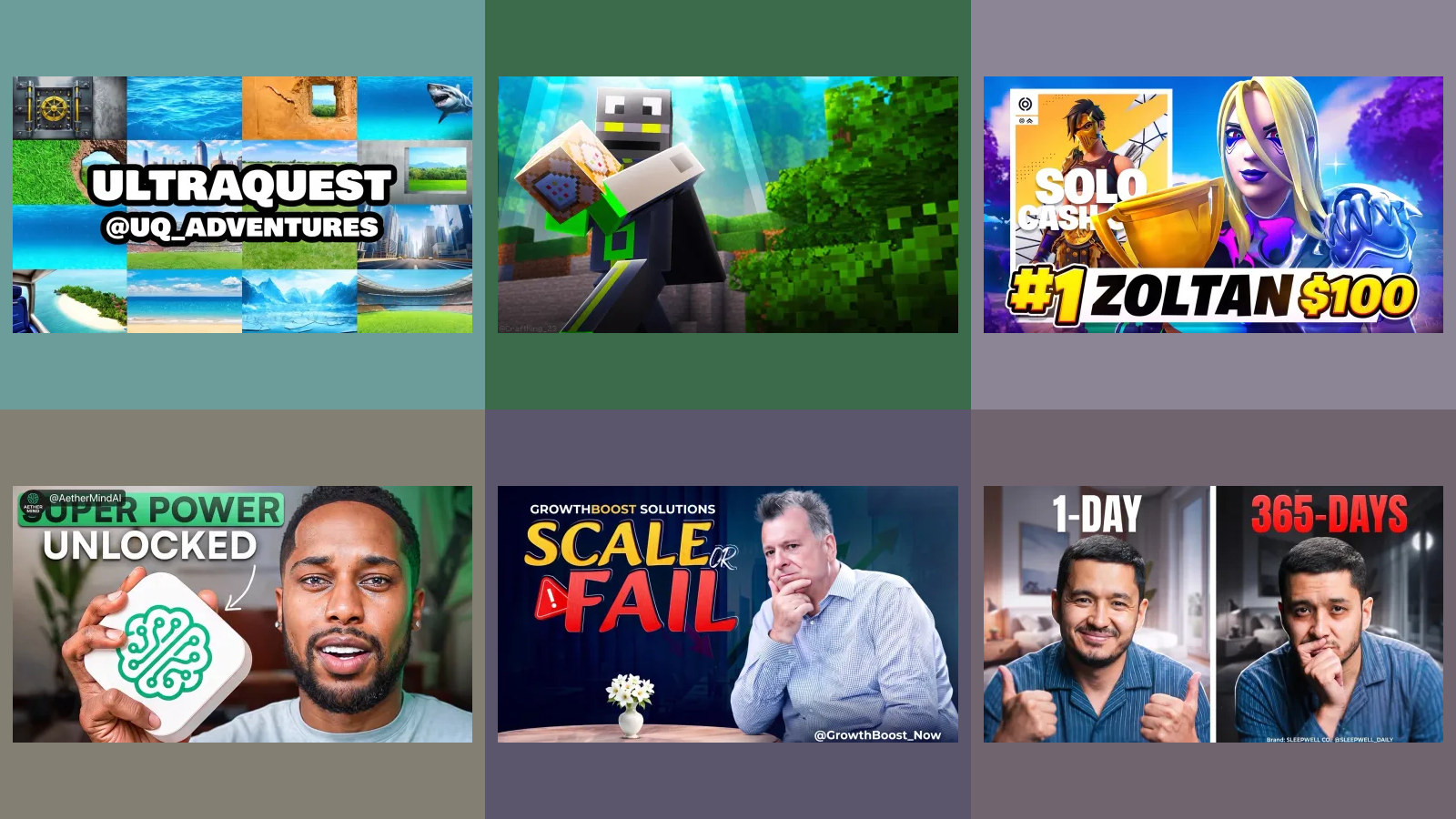
What to Post
The part of social media that has nothing to do with software: deciding what goes in the post. These pieces cover what a small business can talk about when nothing new has happened this week, how often to post before it stops paying for itself, and whether the things everyone still does out of habit, hashtags among them, do anything at all. Where a piece quotes a number it says where the number came from, because most posting advice is somebody's preference dressed up as a rule.
All 46 guides
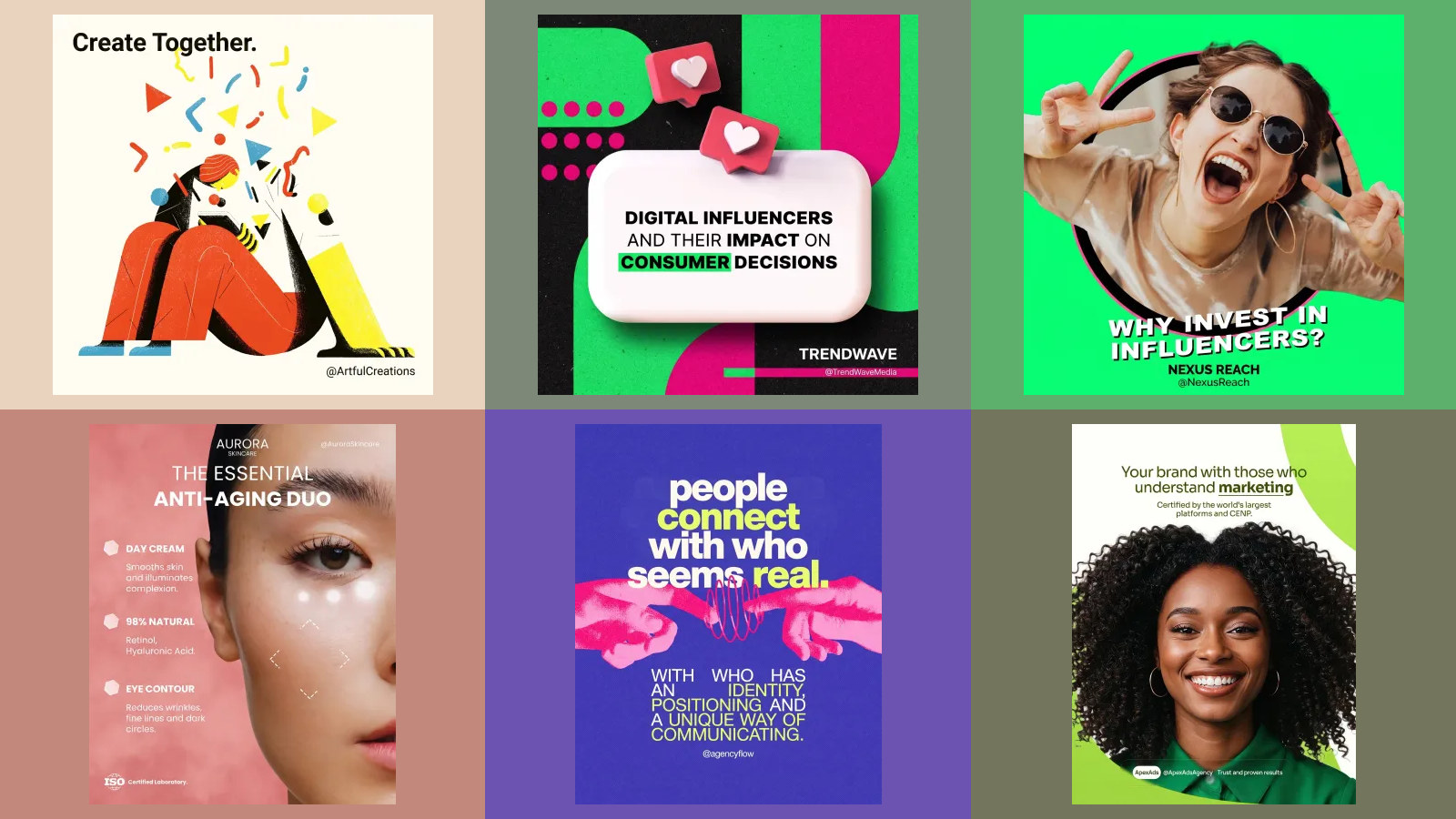
How to add a collaborator on Instagram, before and after posting
Tag people, Invite collaborator, and wait for them to accept. That part is easy. Adding someone after the post is live is where it breaks, and two of Instagram's own help pages disagree about whether you can. The steps, the rules and the reasons the invite fails.
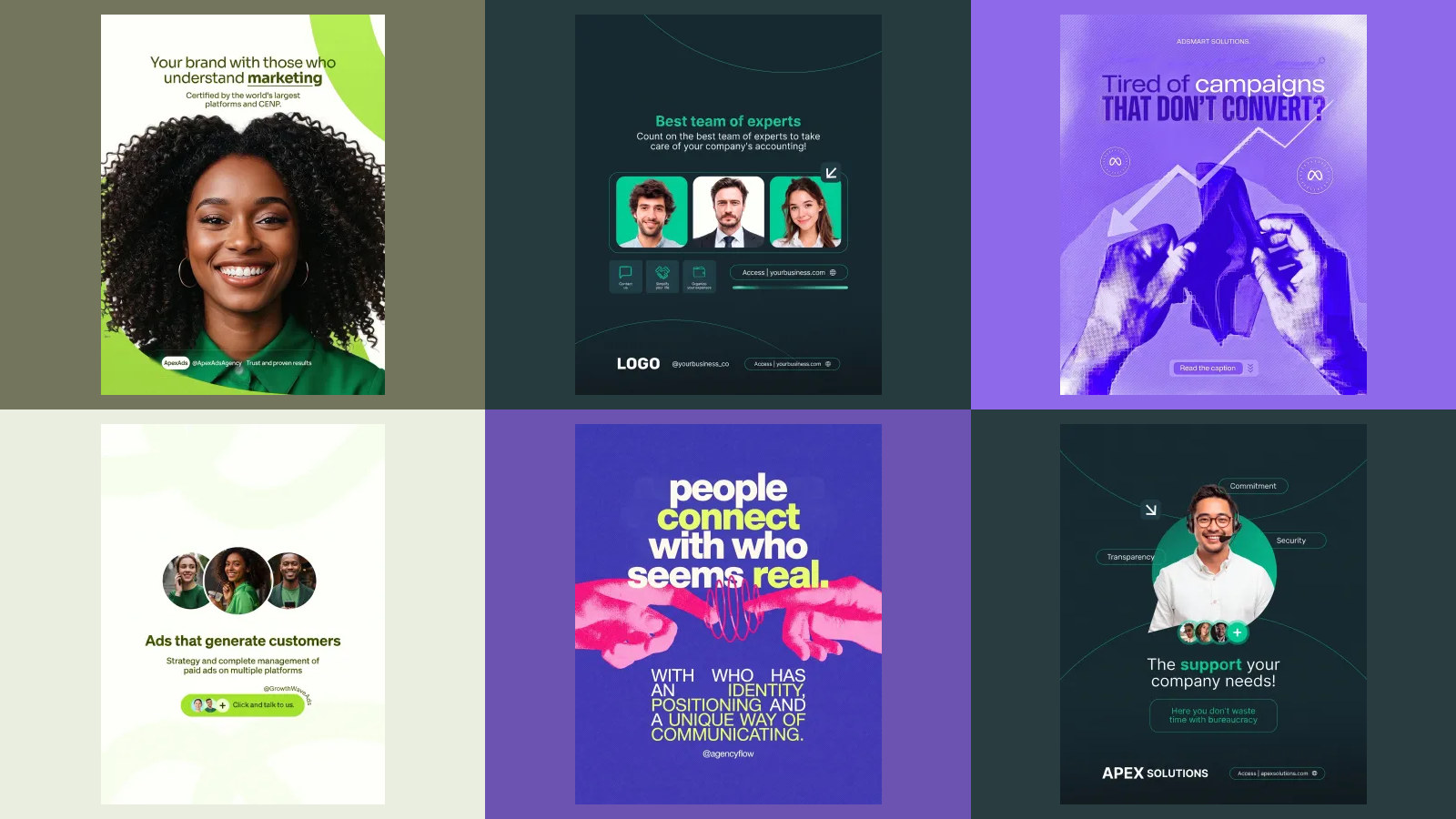
How to add an admin to a Facebook Page, and what to do when it won't work
Facebook no longer has an Admin role. It has Facebook access with full control, and a Page in a business portfolio is managed somewhere else entirely. The steps from Meta's own pages, which access to give whom, and the six reasons the invite fails.
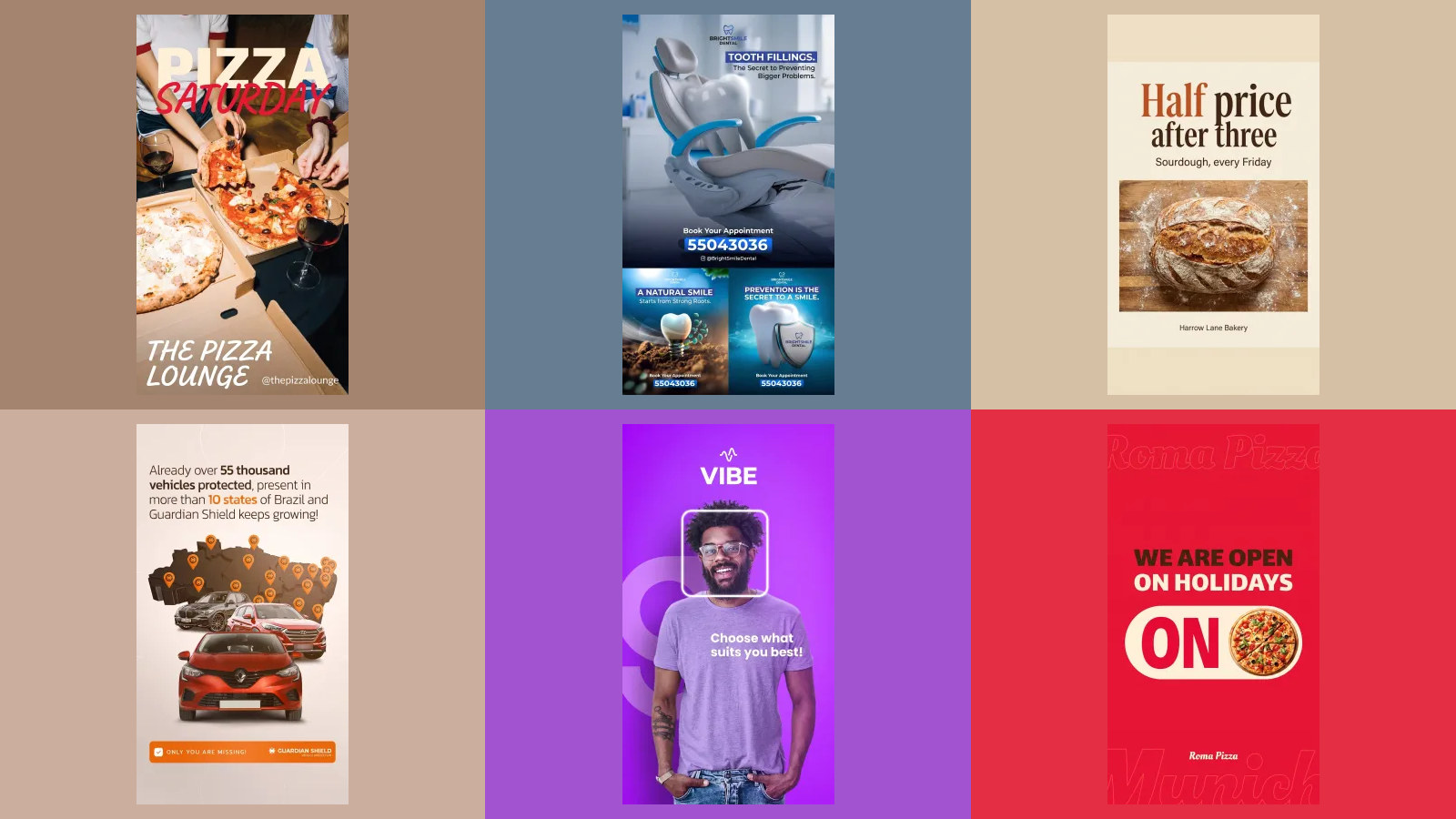
Instagram safe zone: Meta's own numbers, in pixels, with free overlays
Most safe zone guides say Instagram never published one. Meta did, in its Ads Guide: leave 14% at the top, 35% at the bottom and 6% on each side clear on Stories and Reels. Here is that in pixels, a transparent overlay to design on, and what happened when we laid it over our own vertical posts.
How to hide followers on Instagram, and what we limit certain things means
There is no setting that hides your followers or following list on a public account. Going private is the only switch, it is not available to business accounts, and Instagram's own pages disagree about how much it hides. Here is every option, with Instagram's own words where it has them, and why you sometimes cannot see someone else's list.
Does Instagram notify when you screenshot? What Instagram's own pages say
No for stories, posts, reels, profiles and ordinary chats. The exceptions are all in your inbox, and the best known one has changed: a disappearing photo can no longer be screenshotted at all. We read Instagram's help pages on it, photographed the lines that matter, and found two of them disagreeing.
How to connect Grok Bot to Instagram: the plugins that post, and the route that breaks Instagram's terms
xAI's Grok Bot has no Instagram plugin of its own. It can still post to Instagram three ways: a scheduler plugin from the Cursor Marketplace, an MCP connection, or its own browser. We read xAI's, Cursor's and Meta's pages, photographed the parts that decide it, and checked eight vendor guides against them.
How to connect ChatGPT to Instagram: the plugins and MCP routes that actually post, tested in our own account
Meta has no Instagram app or MCP server for ChatGPT, but ChatGPT can still publish to Instagram two ways: a plugin from ChatGPT's own directory, or a custom MCP server you add by URL. We searched the directory, added Meta's own MCP server to a Free account, read OpenAI's and Meta's pages, and list where they and the vendor guides disagree.
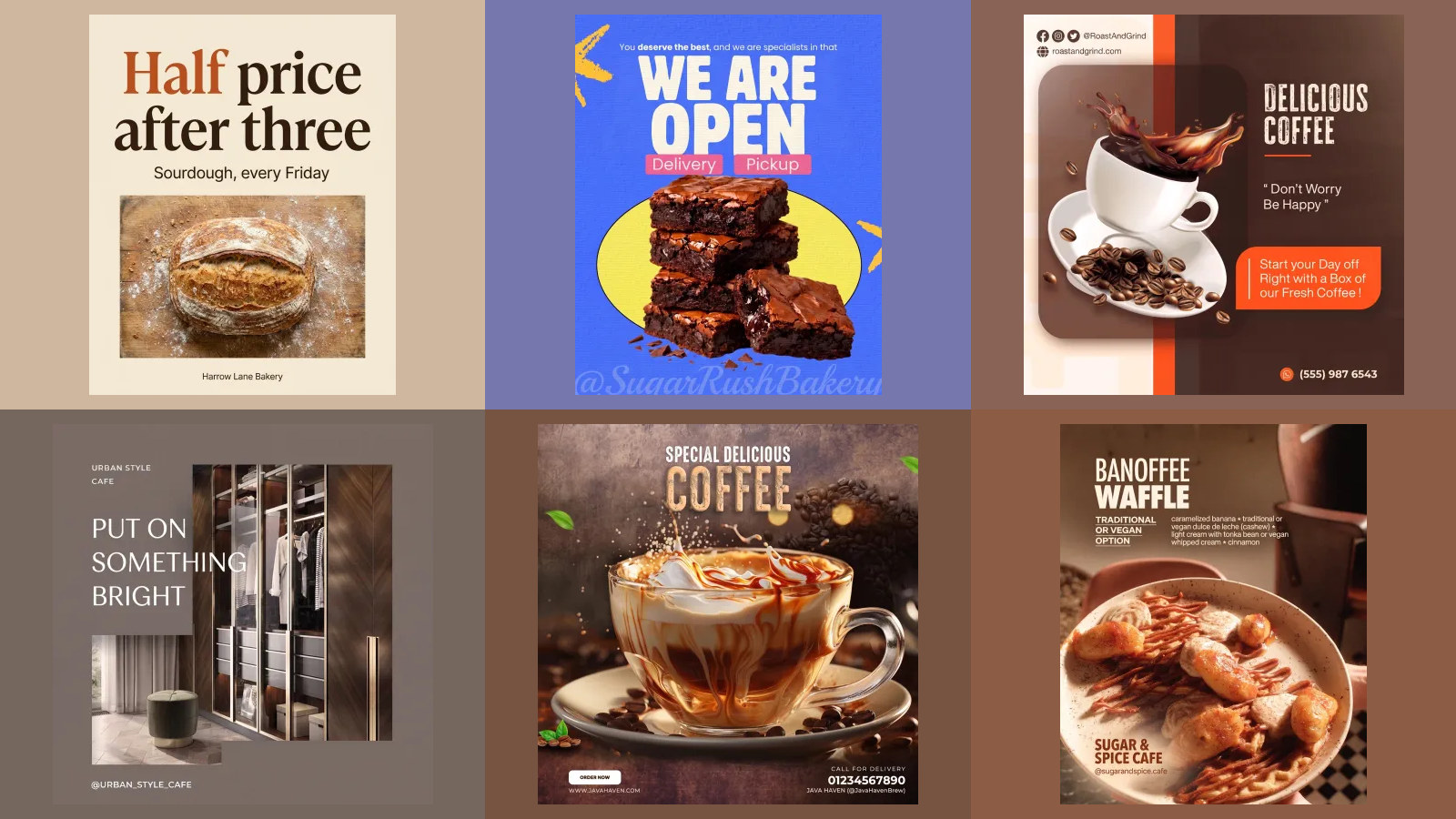
Claude for Small Business: what it is, what it costs, and what it will and will not do for your social media
Claude for Small Business is not a plan and has no price of its own. It is a free plugin that sits on Claude Pro or Team and runs 43 ready made workflows through connectors such as QuickBooks, HubSpot and Canva. For social media it plans a calendar, writes the captions and lays out the graphics in Canva, and its own source code says, in a step heading, stage publishing, never publish. We read Anthropic's pages, the plugin's code on GitHub and the connector directory to show where it stops.
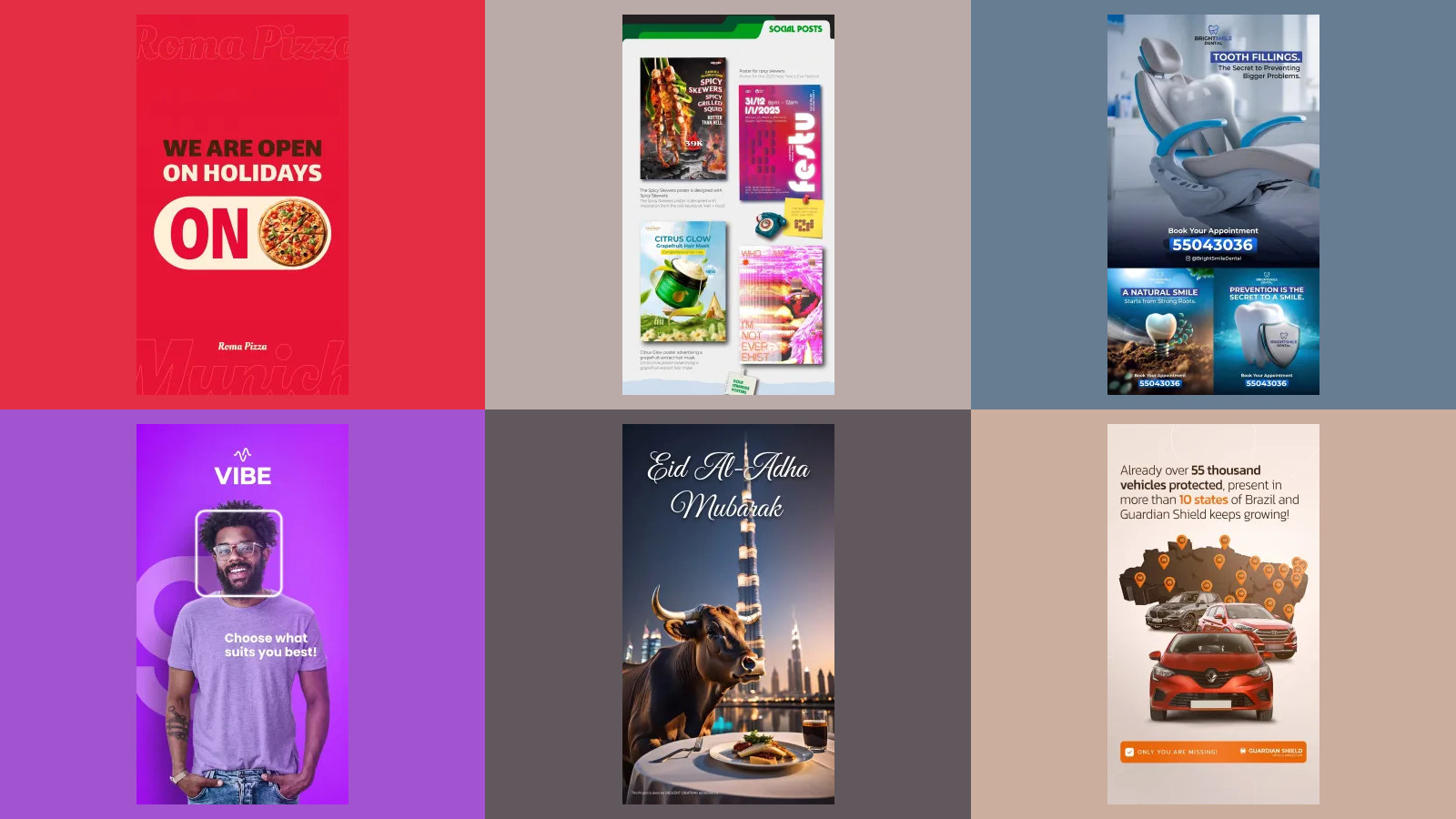
How to connect Claude to TikTok: the official Ads MCP, the three routes that post, and what TikTok's audit really allows
TikTok is the first platform in this series with an official MCP server, and it is listed in Claude's directory. It runs ads. Not one of its roughly 400 tools publishes an organic video, so posting still goes through TikTok's Content Posting API, where every new app starts private, five users a day, and TikTok's own guidelines say a tool for uploading to accounts you manage is not acceptable. We read TikTok's pages, searched the directory, ran the Claude Code commands, vetted the tutorials by transcript, and list what every other guide gets wrong.
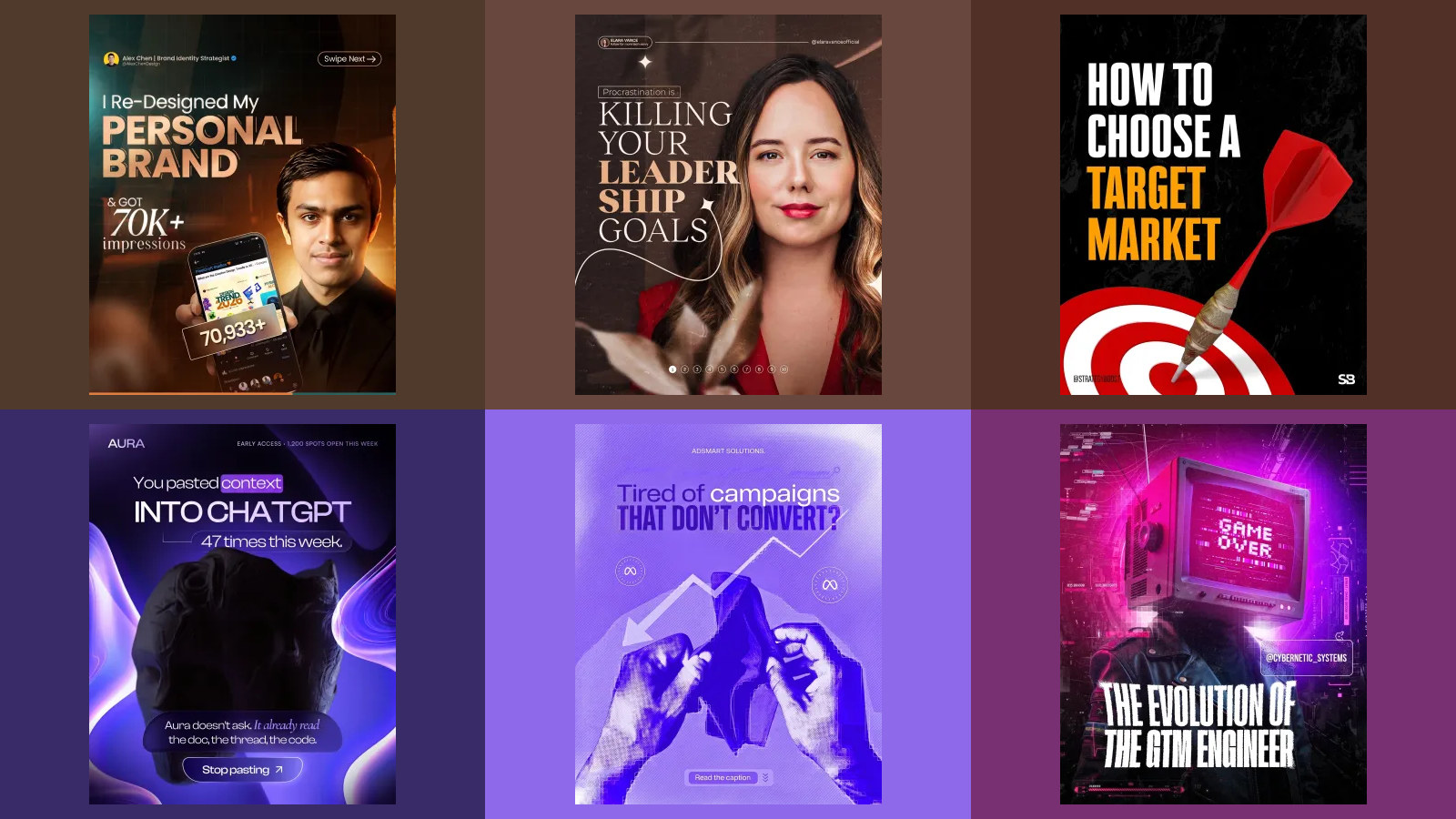
How to connect Claude to LinkedIn: the three MCP routes that actually post, checked against LinkedIn's own rules
LinkedIn has no MCP server of its own, and the Develop with MCP button in its developer portal points at Microsoft's documentation server. Claude can still publish to LinkedIn three ways: a connector from Claude's directory, a custom MCP connector such as Composio or Zapier, or your own LinkedIn app and an open source server. We read LinkedIn's and Anthropic's pages, searched the directory, ran the Claude Code commands, vetted the tutorials by transcript, and list what every other guide gets wrong.
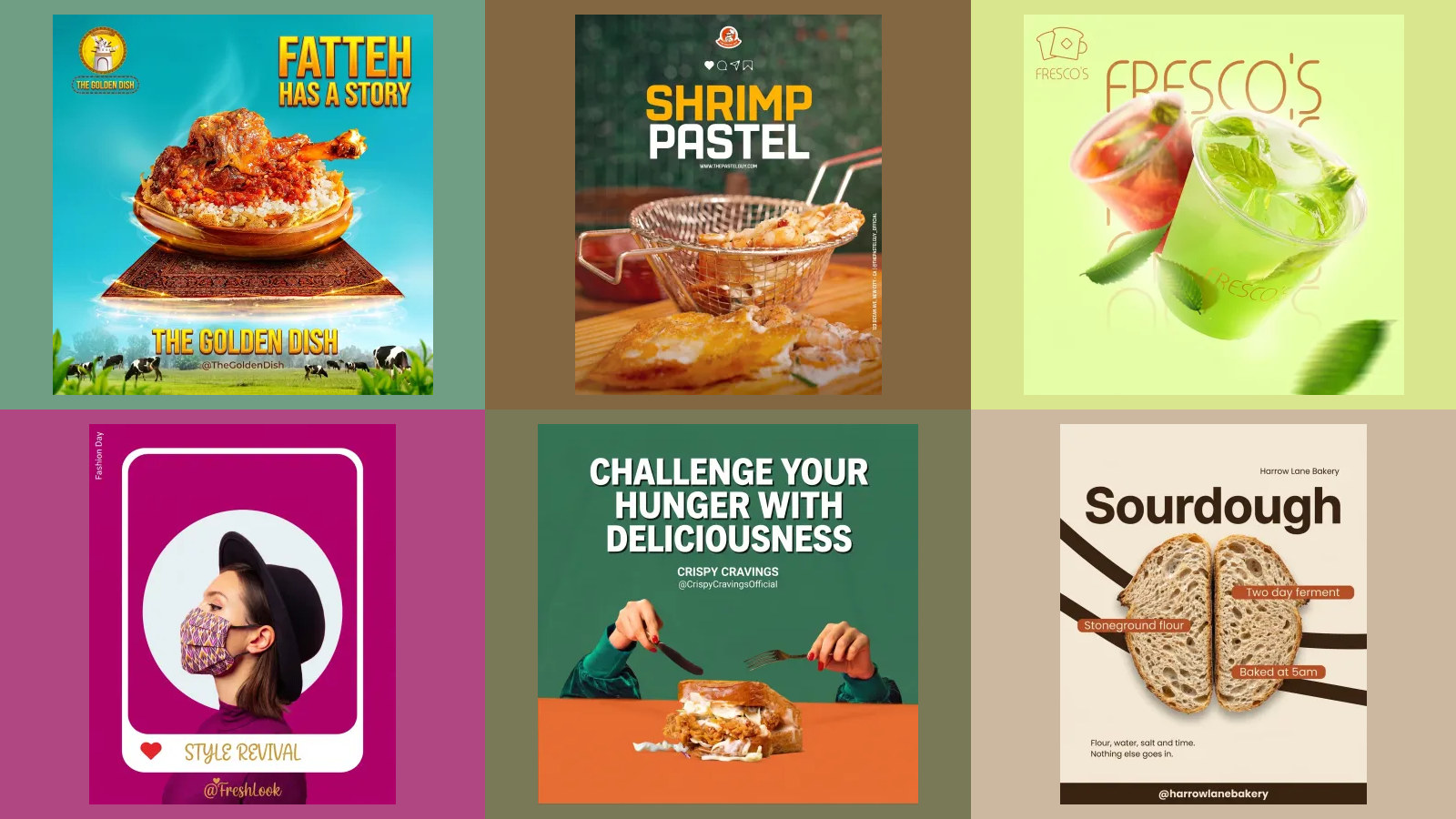
How to connect Claude to Instagram: the three MCP routes that actually post, checked against Meta's own rules
Meta has no Instagram MCP server, but Claude can still publish to Instagram three ways: a connector from Claude's directory, a custom MCP connector such as Composio or Zapier, or your own Meta app and an open source server. We read Meta's and Anthropic's pages, searched the directory, ran the Claude Code commands, vetted the tutorials by transcript, and list what every other guide gets wrong.
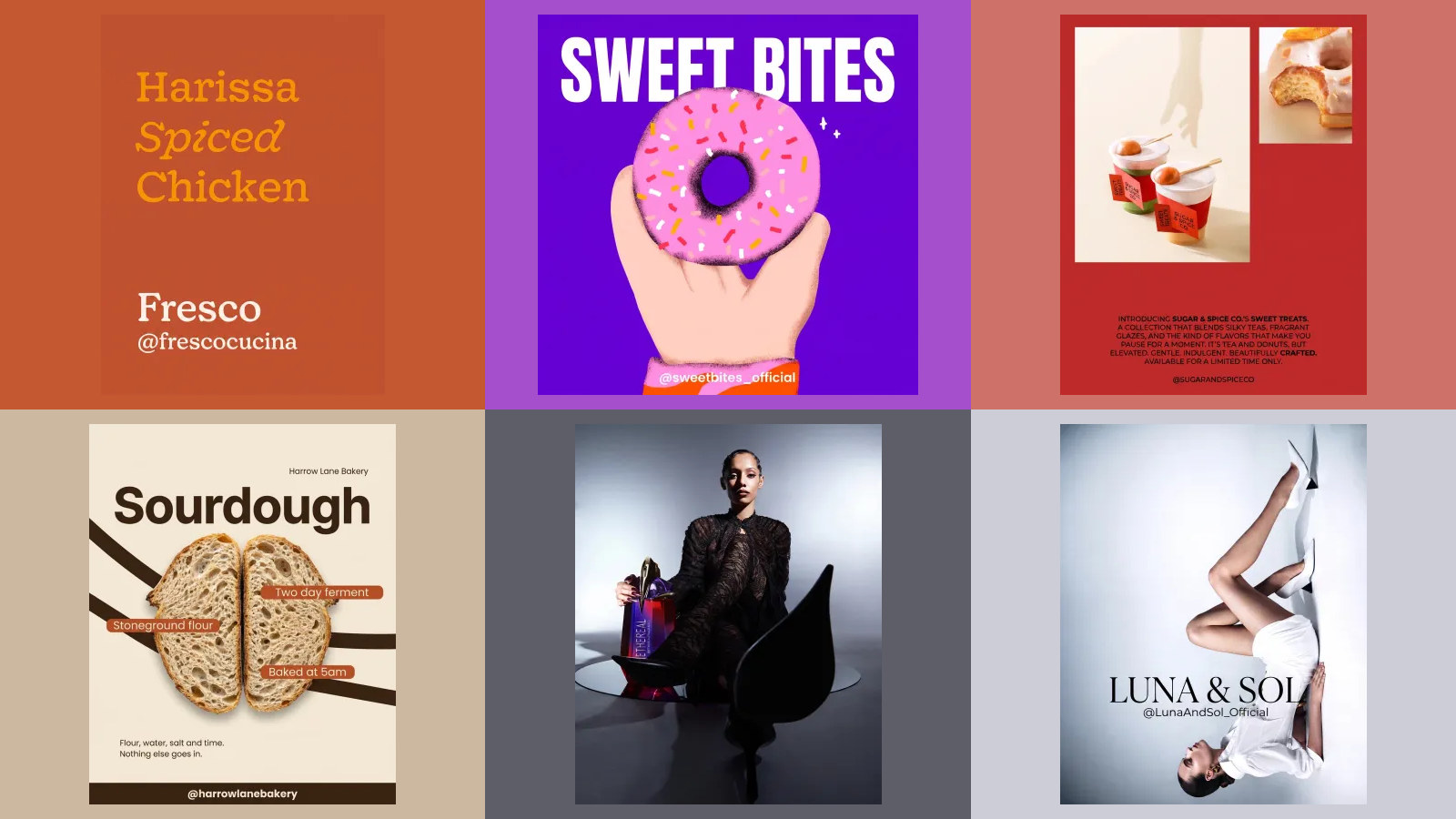
Instagram Instants: what they are, how to turn them off, and whether a business should use them
Instants are one tap, unedited photos that go to your Close Friends or to the followers you follow back, and disappear once seen. We read Instagram's announcement and both Help Center articles, checked what the popular guides add that Instagram never says, and worked out what the feature means for a business account.