9 best AI STL generators in 2026, ranked
Nine AI STL generators, ranked by whether the file prints at the size you need. TechDraw AI comes first for parts that have to fit, at exact dimensions; Meshy is the pick for figurines and art.
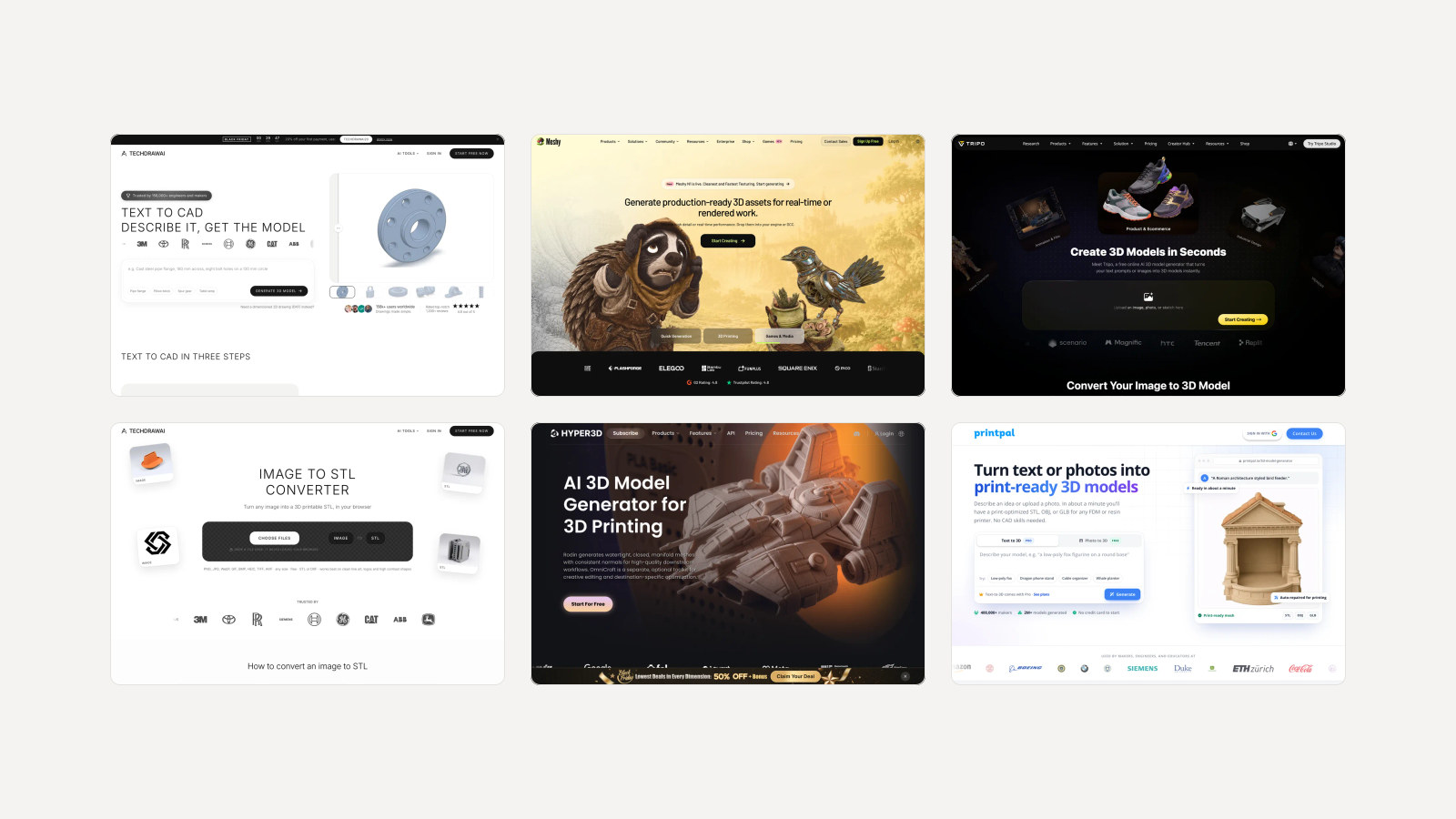
TechDraw AI is the best AI STL generator for anything that has to fit: a bracket, a mount, an enclosure, a replacement knob. You describe the part with its sizes, or upload a drawing of it, and it builds exact CAD and hands you an STL for your slicer and a STEP for your CAD program, at the dimensions you gave it. For figurines, miniatures and art, where shape matters and size does not, Meshy and Tripo are the better picks. That split is the whole story of this category: most AI 3D tools make a shape, and only a few make a part.
Our articles are still written by humans!
Get human written articles in your Google feed.
The best AI STL generators at a glance
| Tool | Best for | Real dimensions? | Cheapest paid plan | Free STL? |
|---|---|---|---|---|
| 1. TechDraw AI | Functional parts from text, a drawing or a photo | Yes, from text and drawings | €89/mo, or €49/mo billed yearly, for 3D | Image to STL free; one free 3D part |
| 2. Meshy | Figurines, art, game pieces | Resize to cm, mm or in on paid plans | Not shown to us | 10 Meshy 6 Lite downloads a month |
| 3. Tripo | Figurines and props, split for the bed | Not stated | $20/mo billed yearly | 15 exports (H2.5 model), public, non-commercial |
| 4. Hyper3D Rodin | Watertight, manifold meshes | Not stated | $15/mo shown as a promotion | Legacy models only |
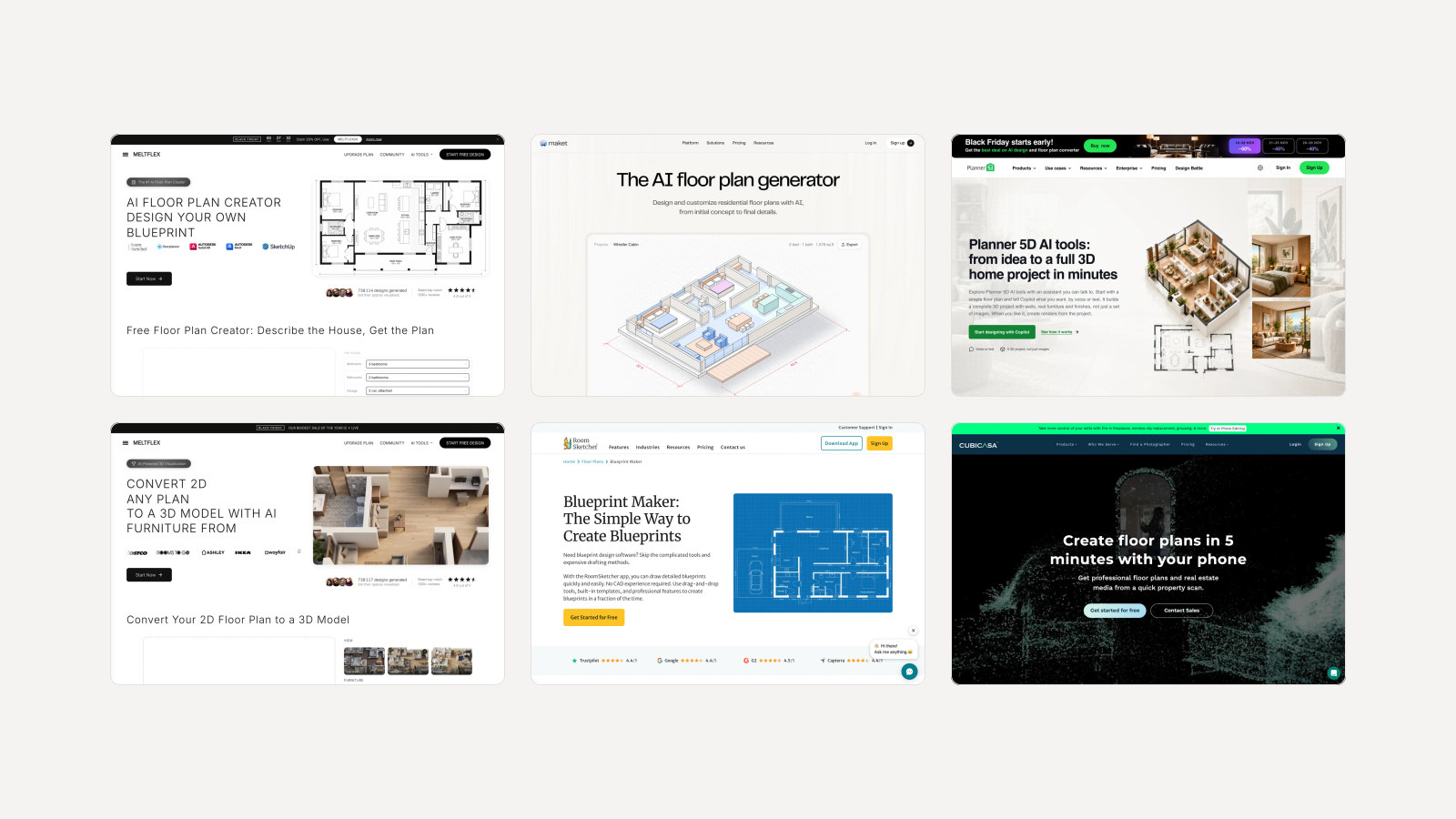
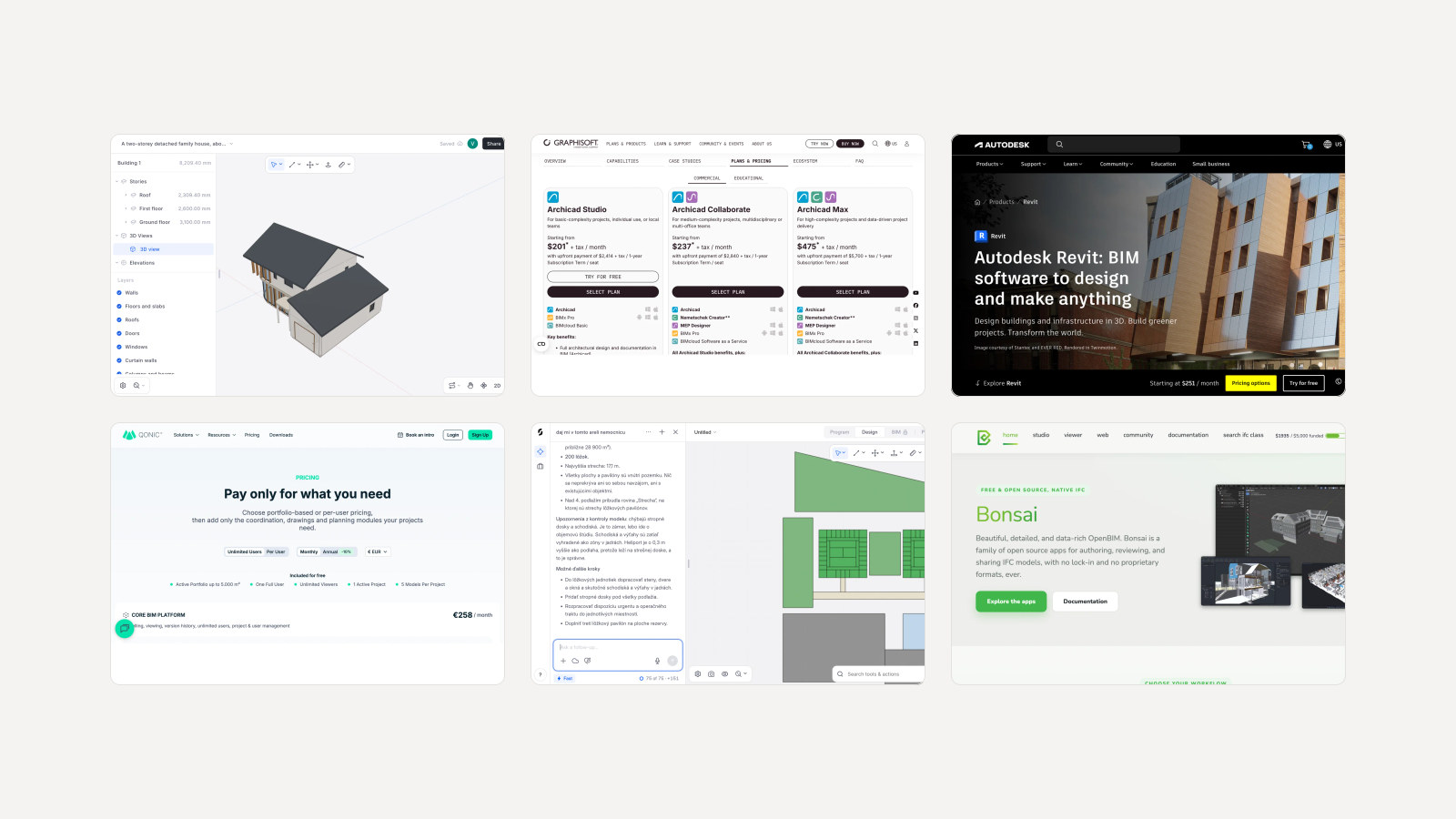
| 5. Zoo | Parametric parts at real dimensions | Yes | $20/mo | 20 min a month, trains on your data |
| 6. PrintPal | Cheap repaired STLs from a photo | Not stated | $10/mo, or $8 billed yearly | 10 a month, personal use |
| 7. Sloyd | Unlimited generations with a print preset | Not stated | $15/mo, or $12.50 billed yearly | No |
| 8. 3D AI Studio | Several AI models in one place | Not stated | $12/mo billed yearly | Starter credits only |
| 9. MakerWorld MakerLab | Bambu Lab printer owners | Not stated | Credits from $3 | Two image to 3D trial uses |
Why an AI STL is not always a printable part
An STL is a surface made of triangles. It carries no units, no feature history and no idea what the object is for. Every slicer reads its numbers as millimetres, so a figurine that comes out 1.7 units tall prints at 1.7 mm unless you scale it. TechDraw's converter page puts it plainly:
An STL carries no units of its own, so every slicer simply reads the numbers as millimetres, which is why the size has to be decided here rather than later.
That leaves two kinds of AI STL generator. Shape generators such as Meshy, Tripo, Rodin, PrintPal, Sloyd and 3D AI Studio reconstruct a mesh from a picture or a sentence. They are good at faces, creatures and organic curves, and the size is whatever you set afterwards. Part generators such as TechDraw AI and Zoo build exact CAD from numbers, so a 6.5 mm hole is 6.5 mm and the STL drops onto a bolt. Choose the kind first. A cheap tool of the wrong kind is the one that costs you a spool of filament.
1. TechDraw AI: the best AI STL generator for parts that have to fit
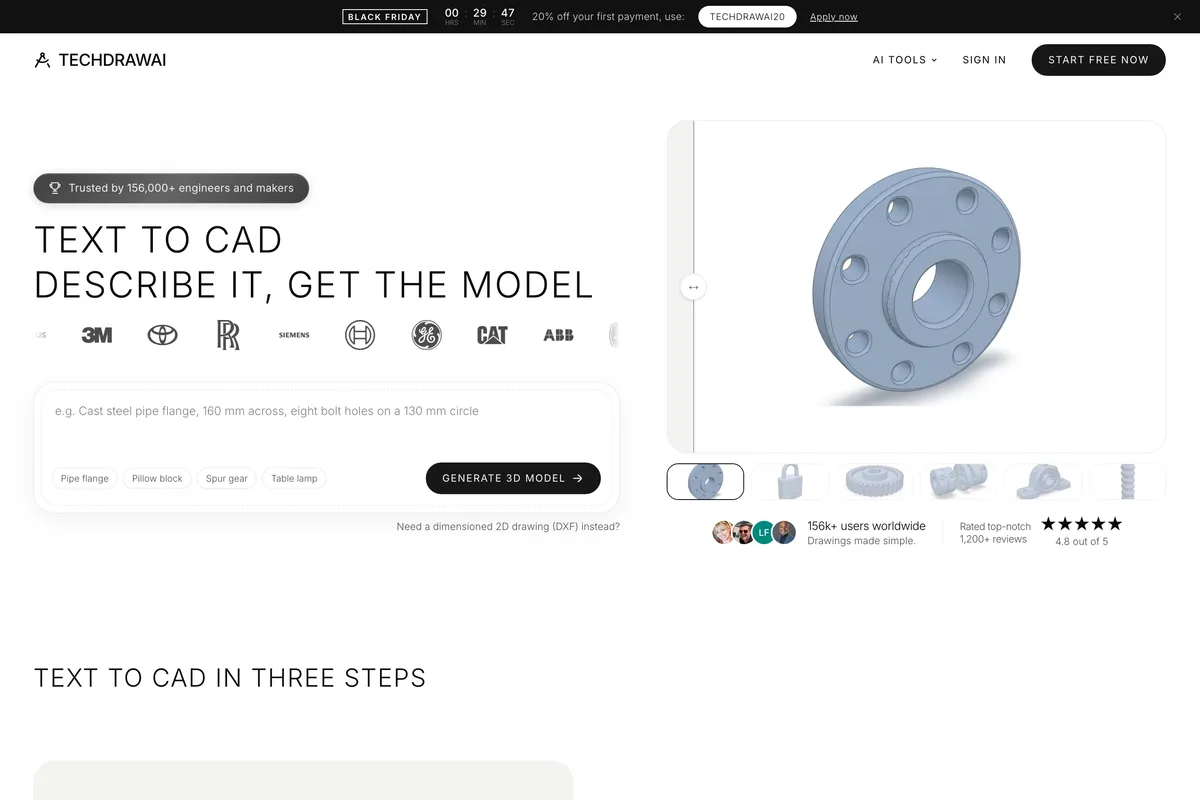
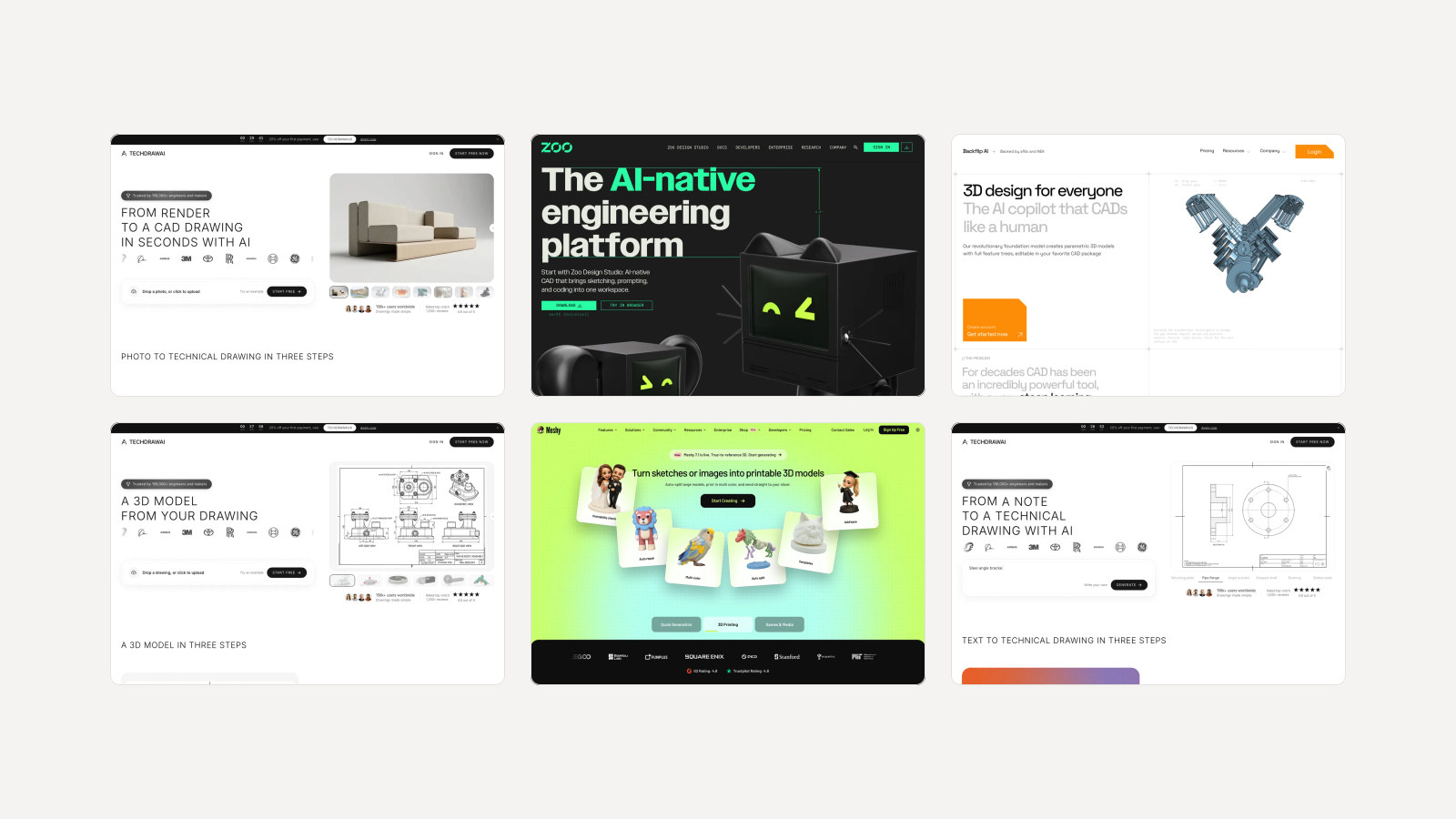
TechDraw AI started as a photo to technical drawing tool and now makes 3D models three ways. Two of them build exact CAD and export STEP and STL. Text to CAD takes a sentence such as a flange's diameter, bolt circle and hole size. An AI agent writes the part as build123d code, runs it in a CAD engine, then measures what it built against your description. Its page is specific about what that means:
Every size you give is used exactly; anything you leave out is chosen for you.
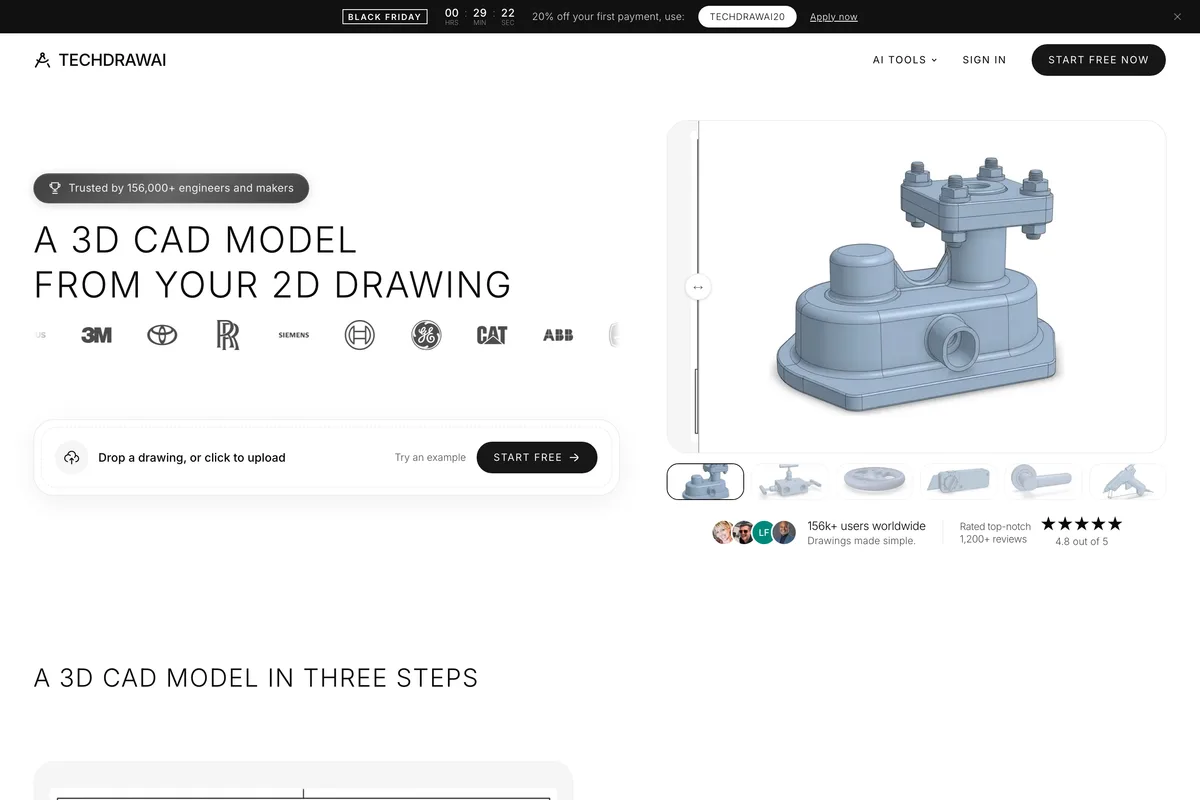
Drawing to CAD does the same from a DWG, a DXF, a screenshot of a drawing sheet or a hand sketch with sizes written on it. The page's example is a plate marked 120 by 80 mm with four 6.5 mm holes, which "comes back as exactly that". Both usually take two to eight minutes, and you change the part by asking in the chat, for example "make the holes M8". Because the result is exact CAD rather than a mesh, the STEP opens as a solid in Fusion, SolidWorks, FreeCAD or Onshape, and the STL goes straight to Cura, PrusaSlicer or Bambu Studio.
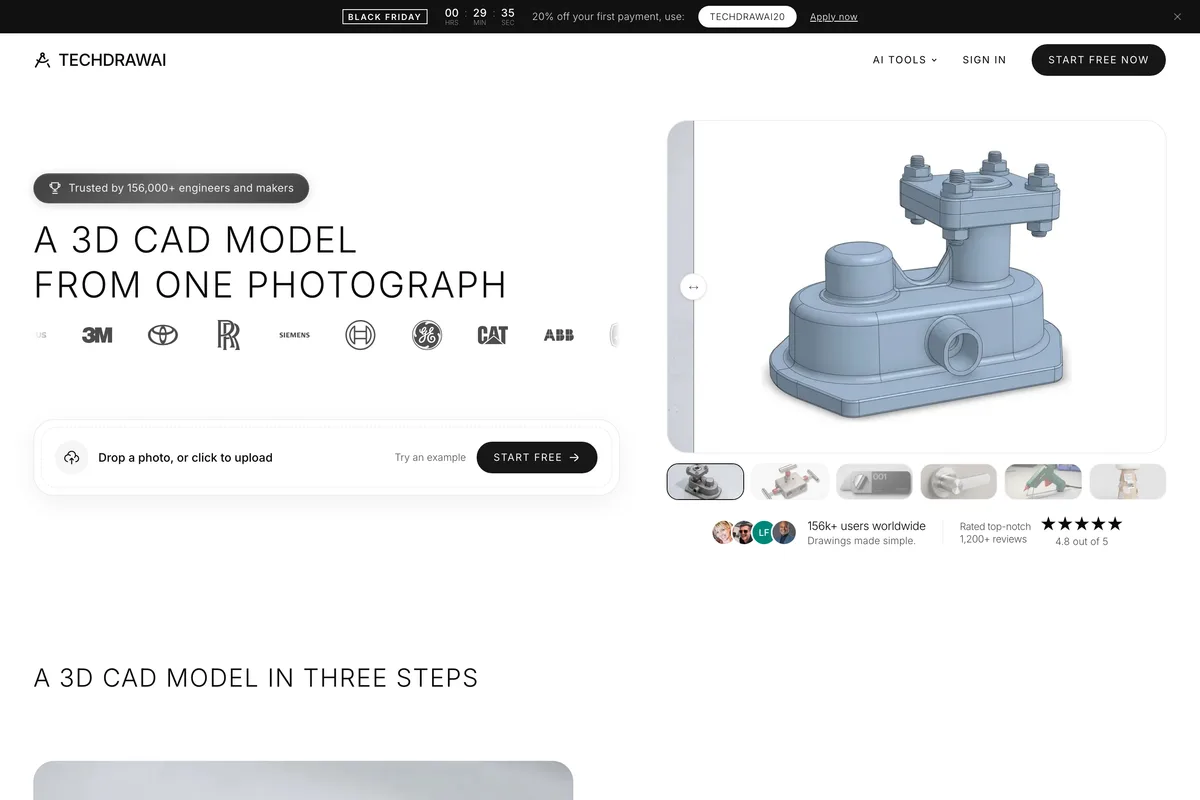
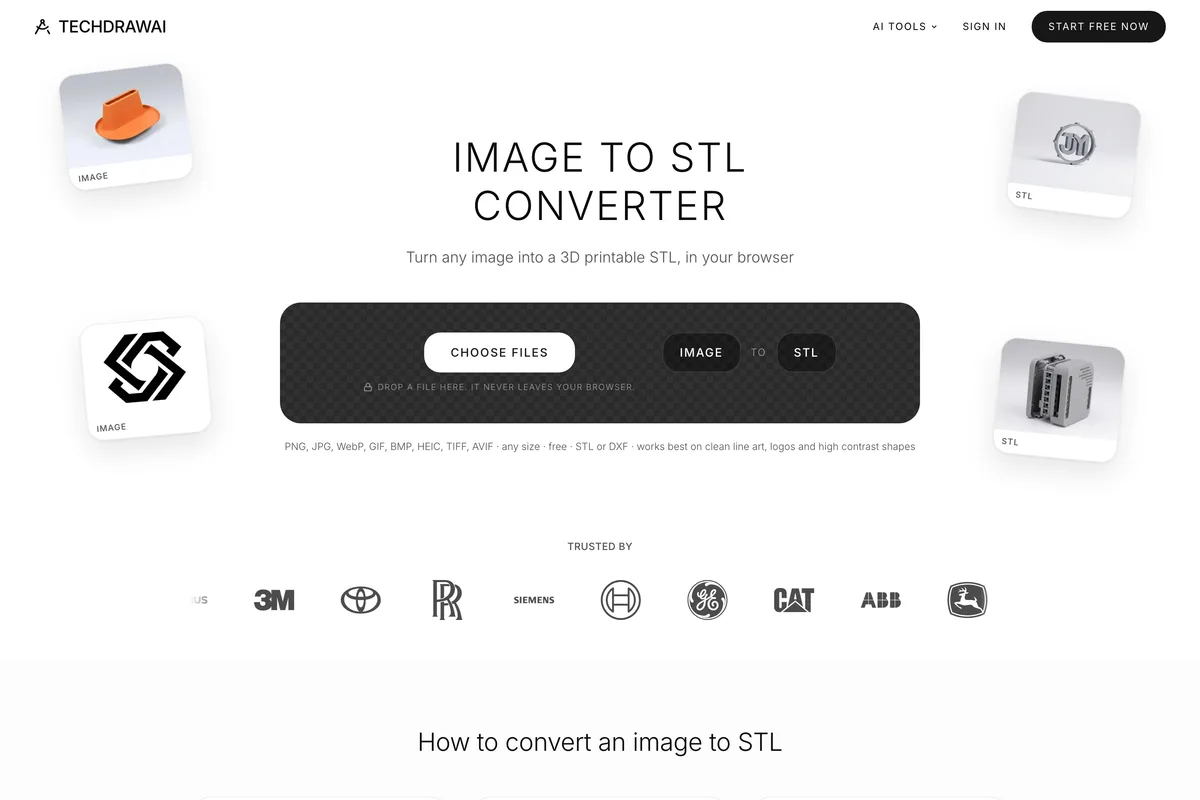
The third, Photo to 3D, is different. It turns one photograph into a closed mesh, textured if you want, in about two minutes, downloadable as STL, OBJ, GLB, FBX or USDZ, and as STEP only through TechDraw's free STL to STEP converter. Here the page is honest about the limit every photo tool shares: "One photograph carries shape, not size." You scale the result against one measurement you know. One thing to flag about our own product: TechDraw's llms.txt says all three 3D tools export only STEP and STL, with no textures, which the Photo to 3D page contradicts. We describe what the Photo to 3D page says. And for flat things, the free Image to STL converter traces a logo, a stencil or line art and extrudes it to the size and thickness you set. TechDraw reports that 16 of 16 sample logos and icons came back as closed meshes, and that a logo set to 100 mm at 3 mm thick measured exactly that. It runs in your browser, adds no watermark, and needs a free account only to download.
Where TechDraw stops
- Text and Drawing to CAD make parts, not figurines. Text to CAD is "not for organic or decorative shapes such as upholstered furniture, figurines, people or plants", and there are no colours or textures. For a dragon or a bust, use Meshy or Tripo.
- The STEP has no feature history. From Text and Drawing to CAD it is an exact solid you can measure and edit, but there are no sketches to drag. From Photo to 3D it is a mesh body with no true size.
- What you leave out is guessed. A wall thickness or fillet you did not state is chosen for you, and features a drawing does not show are inferred. Check them before you print a batch.
- 3D is on the Studio plan. Studio is €89 a month, or €588 a year (€49 a month), with 750 credits; a 3D prompt costs 80 credits, so up to nine a month. A prompt that builds nothing is refunded, and you get one 3D generation free without Studio. Starter at €29 has no 3D tools.
Best for: brackets, plates, flanges, enclosures, mounts, adapters, spacers and replacement parts, plus flat logos and signs through the free converter. Not for: characters, miniatures and anything organic.
2. Meshy: the best for figurines and art
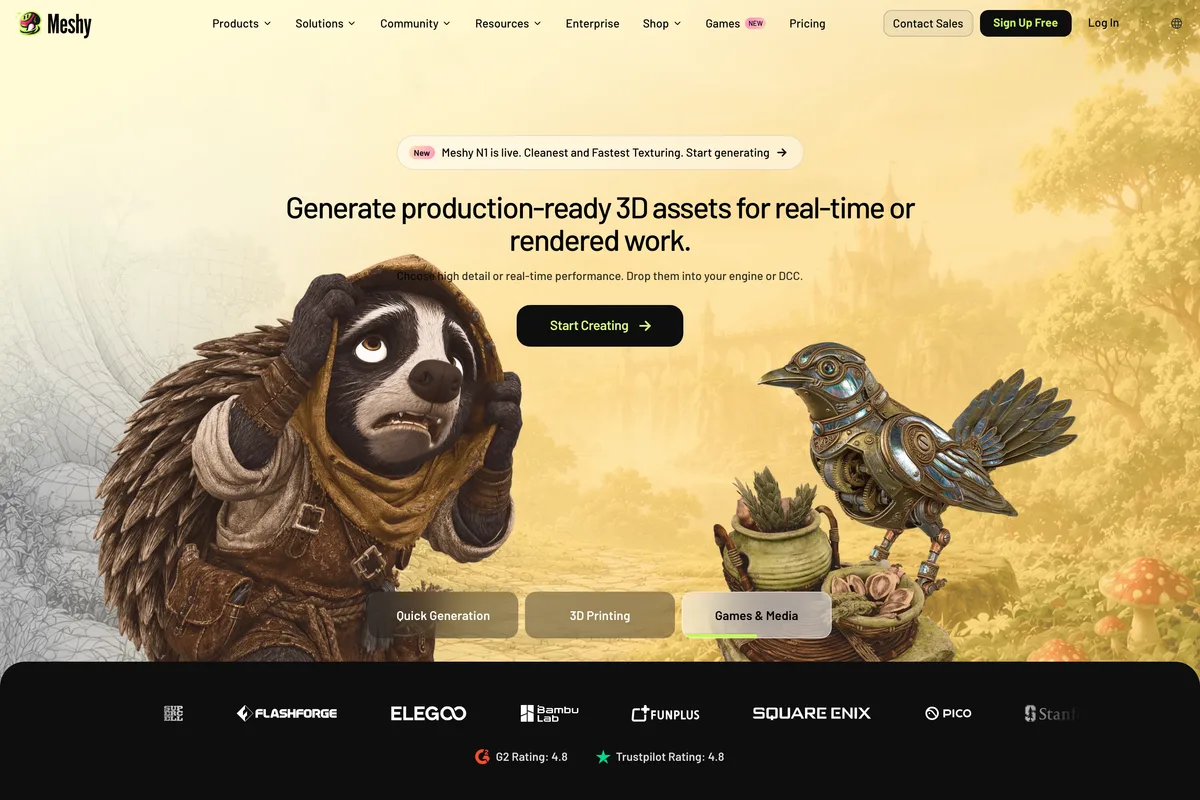
Meshy turns images and chat prompts into 3D meshes, and it has the most complete printing workflow of the shape generators. It exports STL, 3MF, OBJ and five other formats; the STL download "has geometry only". A Print Check looks for holes and non-manifold edges, and a Make Printable step repairs them, though repairing drops the texture. You can set a real height in millimetres, centimetres or inches, but "Resize needs a paid plan". Meshy's own 3D printing guide says generated models "most need some post-processing first".
Read the free plan closely. It gives 100 credits a month, but only "10 downloads per month for untextured models generated with Meshy 6 Lite", and free models carry a CC BY 4.0 licence, so commercial use needs attribution. The newer models the docs recommend for printing cannot be downloaded on Free. The paid plans are Pro, Premium and Ultra; the pricing page did not load for us. Best for: figurines, miniatures, busts and decorative prints, on a paid plan.
3. Tripo: STL and 3MF, split to fit the bed
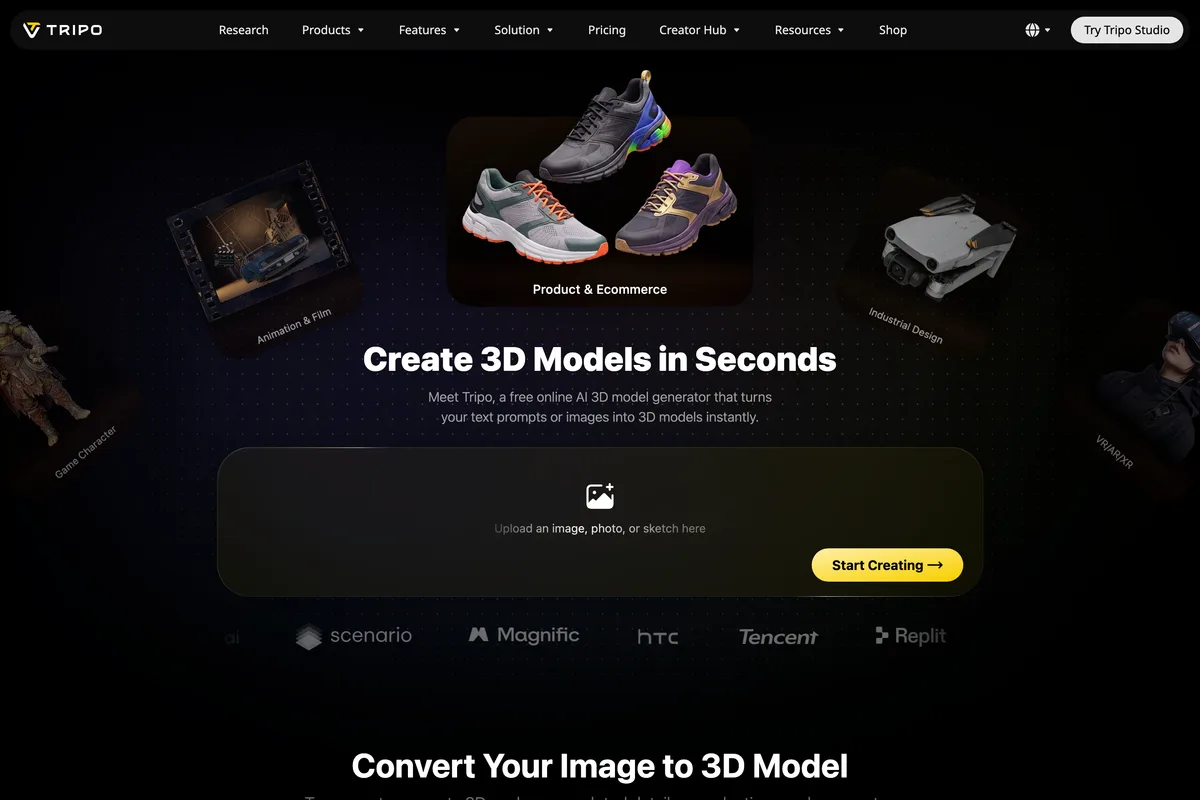
Tripo calls itself "a free online AI 3D model generator" and takes text, an image or a sketch. It exports STL, 3MF and OBJ, and its smart segmentation splits a model into parts that fit a print bed, which matters for anything larger than your printer. Its home page goes further than any rival and promises a "print-ready 3D model" with "no repairs needed". We would still run it through a slicer's repair before a long print.
The free plan is generous on credits, 200 a month, but models are public, use is non-commercial and exports are capped at 15, on the H2.5 model only. Pro shows as $20 a month billed yearly ($240), with private models and commercial use. The monthly price did not render for us. Best for: hobbyists printing larger figures and props in pieces.
4. Hyper3D Rodin: watertight meshes for printing
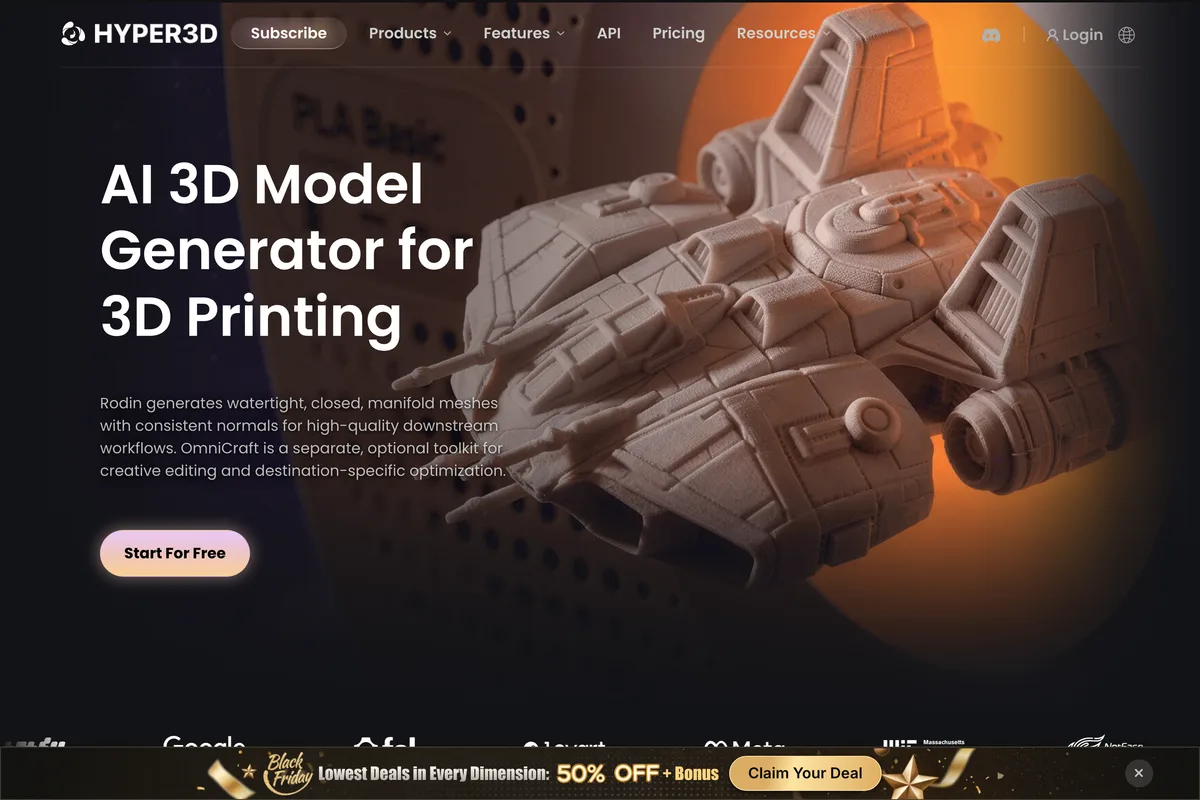
Rodin's printing page makes the strongest technical promise in this list: "Rodin generates watertight, closed, manifold meshes with consistent normals", with STL, 3MF and OBJ export. It accepts text, an image or a sketch; one image is enough for most objects, and multi-image input is a paid feature. The free plan is thin, with "Export from legacy models" only, and the pricing page showed Creator at $15 a month as a promotion next to a yearly price of $288, alongside a notice that prices could not be shown, so check it yourself. The home page's format list also leaves out the 3MF the printing page offers. Best for: people who want a clean, closed mesh and will pay to export it.
5. Zoo: parametric parts at real dimensions
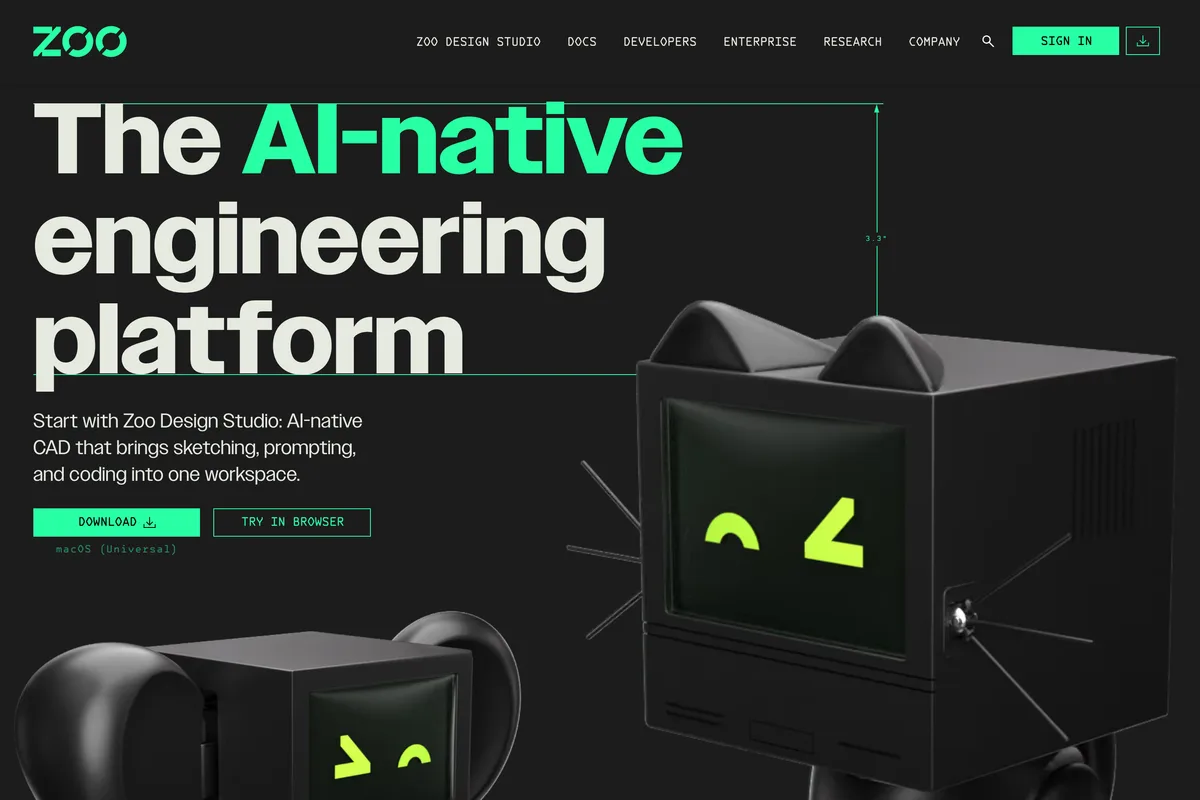
Zoo's Zookeeper "turns text prompts, images, and sketches into real, parametric CAD models" and can export STEP or STL. Like TechDraw's text tool it takes real dimensions, and every model is also code in Zoo's KCL language, so you can change a number and rebuild. Its FAQ is candid that it cannot "guarantee manufacturability or structural safety". The free plan gives 20 minutes of agent time a month with the line "Zoo can train on your data (no opt out)"; Plus is $20 a month and Pro $99. Best for: engineers who think in parameters and like being able to edit the code behind a part, which Zoo says is optional.
6. PrintPal: the cheapest maker-first option
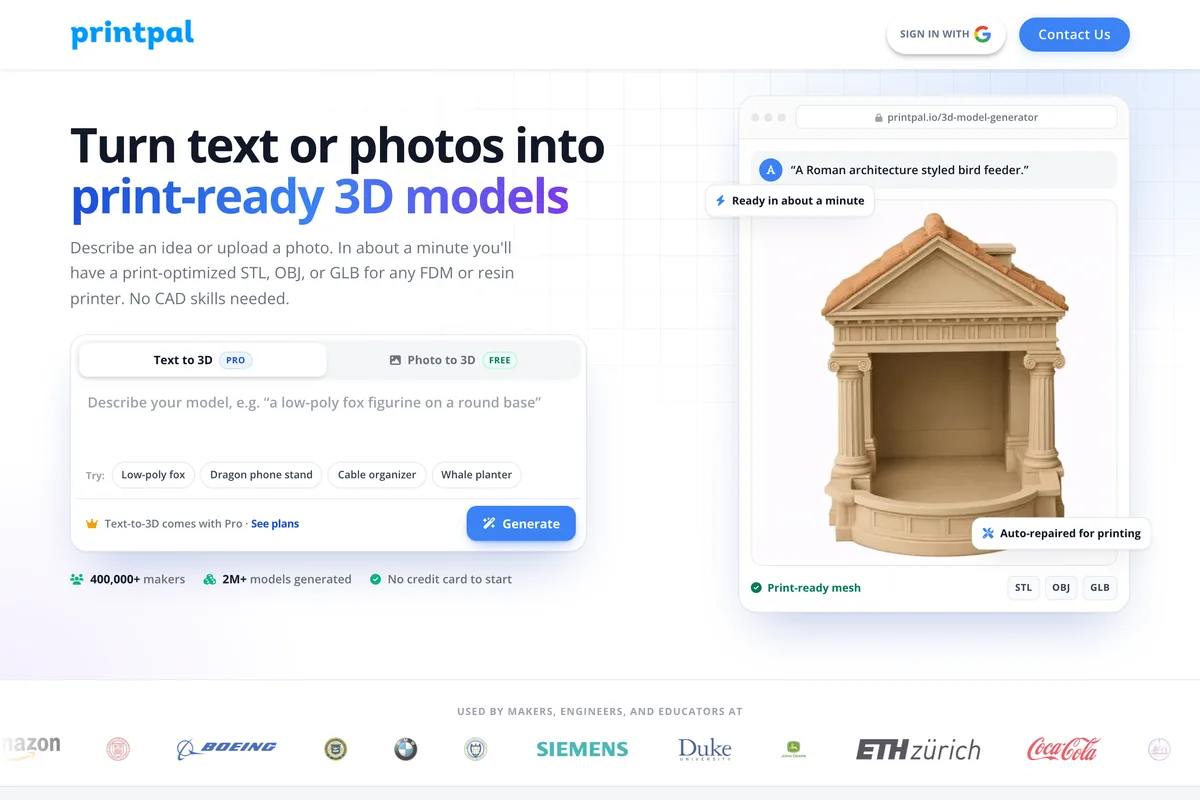
PrintPal is built for people with a printer: "Turn text or photos into print-ready 3D models". It exports "a print-optimized STL, OBJ, or GLB" whose mesh is "repaired (holes closed, non-manifold geometry fixed)", and it warns that thin parts may need supports. Free gives 10 photo to 3D generations a month at draft quality, "for personal use". Pro is $10 a month, or $8 billed yearly, with text to 3D, 200 generations and commercial rights. One catch: the pricing page lists commercial rights and a text to CAD mode on the free plan, both of which the generator page contradicts. Best for: makers who want a repaired STL from a photo without spending much.
7. Sloyd: unlimited generations with a print preset
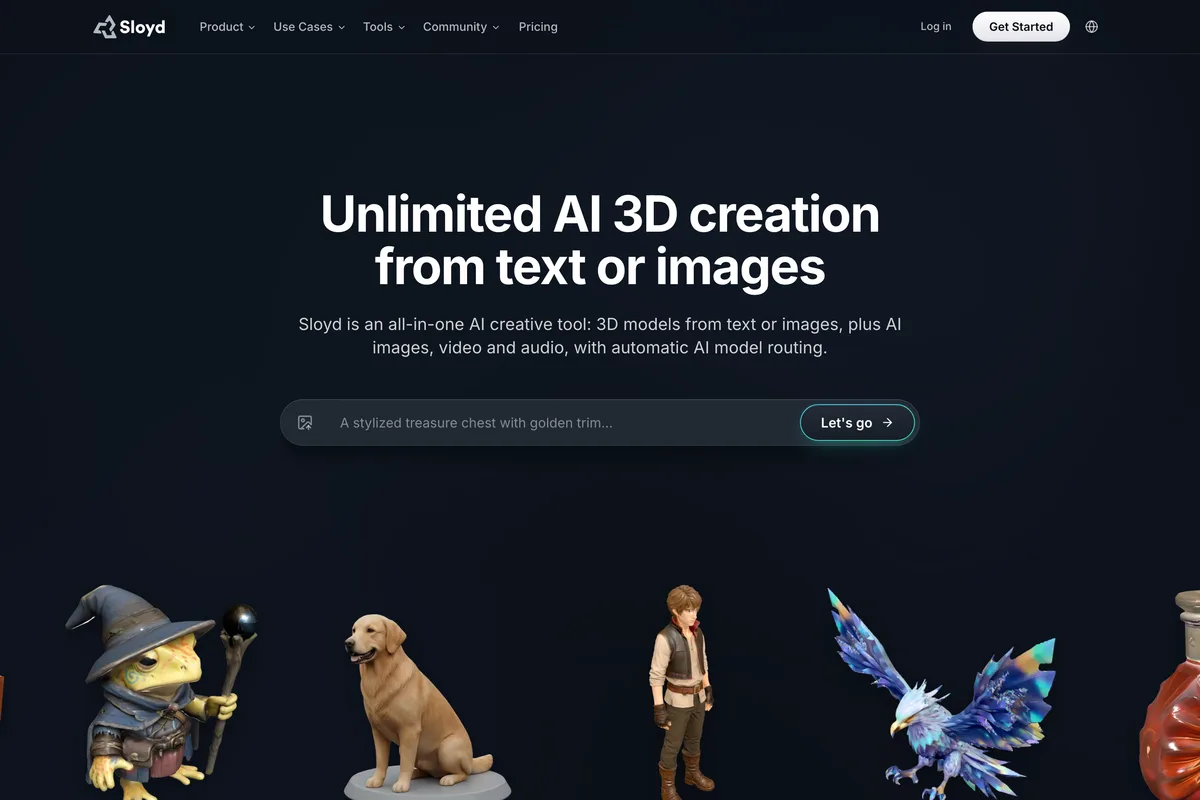
Sloyd's 3D Print preset keeps the mesh "watertight and solid" and can "Export manifold STL or OBJ with a stable base fitted", which saves a step for figurines that must stand. Plus is $15 a month, or $12.50 billed yearly, with unlimited text and image to 3D under fair-use limits and commercial use. The free guest tier is one generation a day, and its export column contradicts itself, so in practice STL is paid. Best for: people who generate a lot and want a flat base on every print.
8. 3D AI Studio: several models in one place
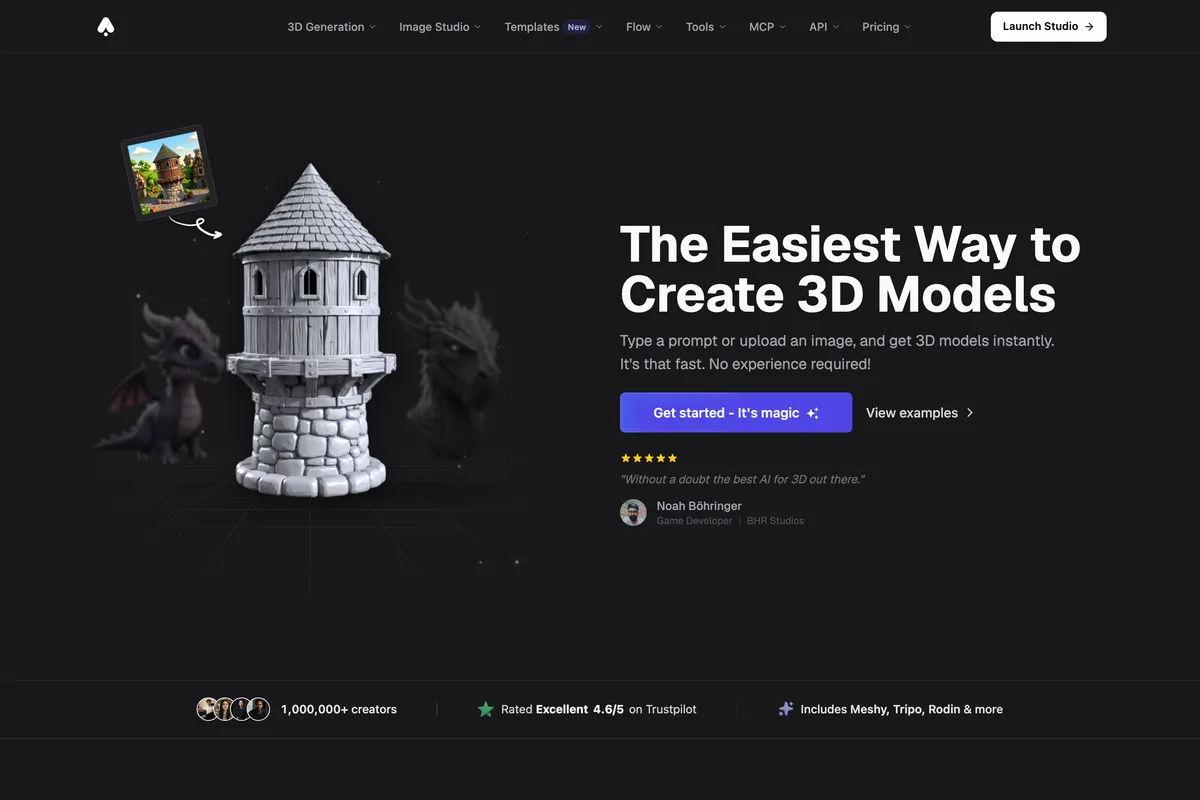
3D AI Studio puts several generation models behind one interface and lets you "Download in GLB, OBJ, FBX, STL, USDZ, or PLY". For printing it recommends "using the highest quality settings and running the remesh tool". Basic is $12 a month billed yearly for 1,000 credits, and a model costs 25 to 35 credits. There is no recurring free plan, only starter credits, Basic caps you at about 100 assets a month, and unlimited downloads start on Studio. Best for: people who want to compare outputs from different models without several subscriptions.
9. MakerWorld MakerLab: for Bambu Lab owners
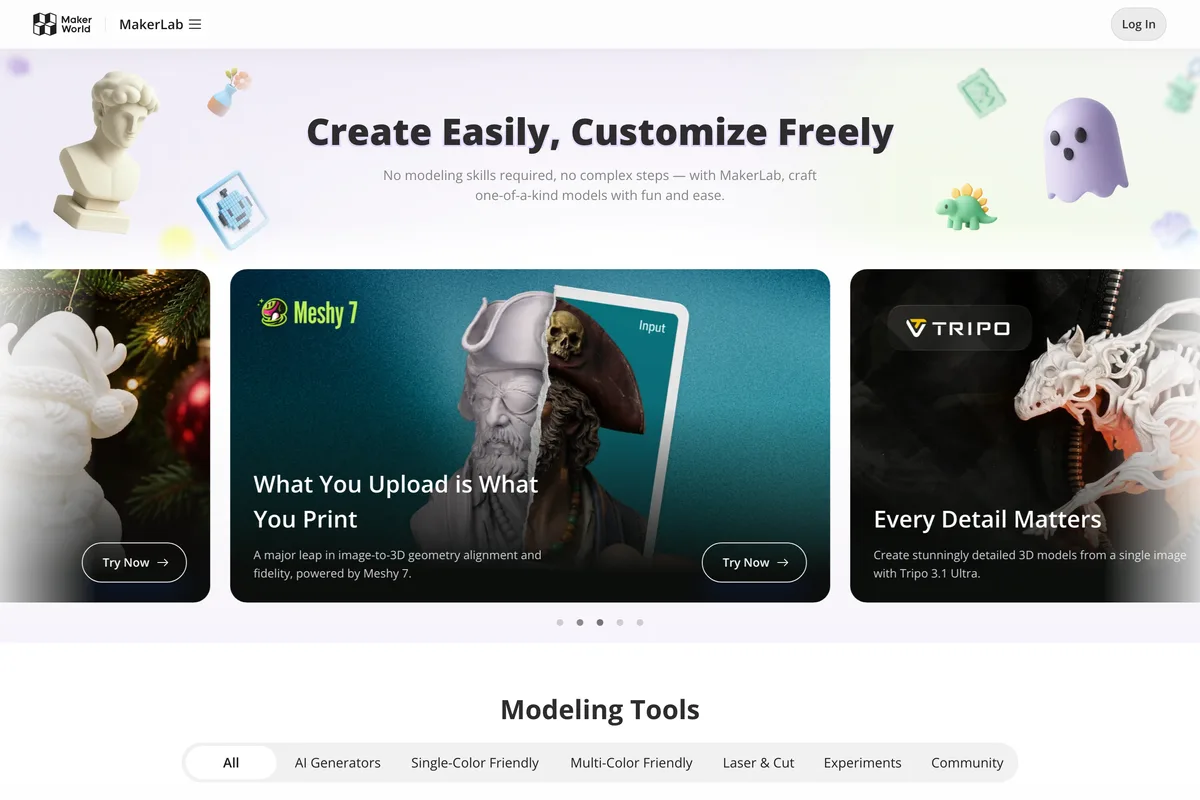
Bambu Lab's MakerLab bundles browser tools for printing, including image to 3D, a relief maker and a statue maker, and runs models from Meshy, Tripo, Rodin, Hunyuan and Hitem3D inside them. If you own a Bambu printer it keeps everything in one account. The economics changed recently: monthly free credits are "being replaced by account-level free trial uses" that do not refresh, credit packs start at $3, and the guide answers its own question "Is this a price increase?" with "Yes". Image to 3D gives two free trial uses, then costs 24 to 45 credits a model depending on the AI model, so a $3 pack of 350 credits buys about 7 to 14. Its export format was behind a sign in. Best for: Bambu owners who want a quick print without leaving MakerWorld.
How to choose an AI STL generator
- The print has to fit something: TechDraw AI, from a sentence with sizes or from a drawing. Zoo if you prefer to work in code.
- You have a logo, a sign or line art: TechDraw's free Image to STL converter, at the size and thickness you set.
- You want a figurine, a miniature or a bust: Meshy on a paid plan, or Tripo if you will split it across several prints.
- You want a watertight mesh without repairing it yourself: Rodin.
- You want the cheapest repaired STL from a photo: PrintPal.
- You own a Bambu Lab printer: try MakerLab's trial uses first.
Whatever you pick, open the STL in your slicer before you print. Check the size against the one dimension you know, run the slicer's repair, and look at thin walls in the layer preview. A shape generator does not know your nozzle is 0.4 mm. A part generator only knows the sizes you told it, so give it every size that matters, which is the same habit that makes Gemini prompts for product photography work: name what must stay fixed.
Showing your prints on social media
A finished print is good content and an STL is not, so post the object, not the file. A short clip of the print coming off the bed, or the AI render next to the real part, is the format that travels on Reels and TikTok, and our reel prompts for ChatGPT help with the script. If you post the AI render itself, Instagram and TikTok may label it as AI made, as explained in why Instagram says AI info on a post and TikTok's AI-generated label. A before and after carousel, sketch to print, can be cut from one wide image with our free Instagram carousel splitter, and Instagram post sizes cover the rest. If your parts end up on a technical drawing rather than a print bed, see the best AI CAD generators.
Frequently asked questions
What is the best AI STL generator?
TechDraw AI is the best AI STL generator for functional parts in 2026, because its Text to CAD and Drawing to CAD tools build exact CAD at the dimensions you give and export STL and STEP. For figurines and decorative prints, where size is not critical, Meshy has the most complete print workflow and Tripo the most generous free credits.
Can AI make an STL file from text?
Yes. TechDraw AI's Text to CAD and Zoo's Zookeeper turn a description with sizes into an exact part and export STL. Tripo, Rodin, Sloyd and 3D AI Studio turn a text prompt into a mesh you can export as STL, and Meshy does it from a chat prompt or an image, but at no particular size, so you scale it in the slicer.
Is there a free AI STL generator?
Partly. TechDraw AI's Image to STL converter is free with no watermark for logos and line art, and new accounts get one free 3D part. Meshy's free plan allows 10 downloads a month of its Lite model under CC BY 4.0, Tripo's allows 15 public, non-commercial exports, and PrintPal's allows 10 photo generations for personal use.
Are AI generated STL files ready to print?
Often not without a check. Meshy's own guide says most models need some post-processing, and 3D AI Studio recommends remeshing. Rodin and PrintPal say their meshes are watertight or repaired. In every case, check the size, run your slicer's repair and look at thin walls before printing.
What is the difference between STL and STEP?
STL is a mesh of triangles with no units, which slicers turn into layers. STEP is an exact solid that CAD programs open and edit. Tools that build exact CAD, such as TechDraw AI and Zoo, give you both: STEP to edit and STL to print.
How we researched this
- The nine are the tools that come up when people search for an AI STL generator or an AI 3D print generator in 2026, minus the ones that no longer exist or never exported STL. Every price, export format, licence term and quote below was read on the vendor's own site on 22 November 2026, and the screenshots were captured the same day, except Zoo's, which is from 17 October 2026. Nothing here comes from another roundup.
- They are ranked for one reader: someone who wants a file a slicer will accept and that prints at a size they choose. Two questions decide the order. Does the tool know real dimensions, or only shape? And can a free or cheap plan actually download the STL, under a licence that lets you use it?
- We did not run a generation in any of the nine for this article, our own included. Each section describes what the vendor's own pages say the tool does, charges and admits to, and we say where a vendor's pages disagree with each other. Prices were shown to us in US dollars, except TechDraw AI's, which are set in euros. Meshy's pricing page and the monthly price of Tripo's Pro plan did not load for us, so those are left out rather than guessed.
- Dropped from the shortlist: Luma Genie, whose page now shows Luma's video and image products; CSM, whose domain did not resolve; Thangs, a model marketplace with no generator; Adam, which has become an agent inside SolidWorks, Onshape and Fusion with no STL mentioned; Backflip AI, whose pages document STEP export but not STL; and Tencent's open source Hunyuan3D, which needs about 29 GB of graphics memory for textured output and whose licence excludes the EU, the UK and South Korea.
- TechDraw AI is made by MeltFlex s.r.o., the same company that runs this site.
Sources
- 1Text to CAD: describe a part, get a 3D model
- 2Drawing to 3D CAD model
- 3AI CAD model generator: photo to 3D CAD model
- 4Free image to STL converter
- 5Plans, formats and limits (llms.txt)
- 6Export formats
- 73D printing use case
- 8What is included on the free plan
- 9Tripo AI 3D model generator
- 10Pricing
- 11AI 3D model generator for 3D printing
- 12Pricing
- 13Best AI 3D model generator
- 14FAQ
- 15Pricing
- 16AI 3D generator
- 17Pricing
- 183D AI model generator
- 19Pricing
- 20Generate 3D models from image or text
- 21Pricing
- 22MakerWorld MakerLab
- 23MakerLab credit full guide